Launch Your Podcast
Podcast Equipment
Choosing Your Gear
You don't need a million-dollar studio to start a great podcast. In fact, the list of essential gear is surprisingly short. Good audio quality is non-negotiable for listeners, and getting it right boils down to a few key pieces of equipment: a microphone, headphones, an audio interface, and a couple of simple accessories.
Choosing the appropriate gear is essential for producing compelling material and high-quality audio in podcasting.
Let's break down what you need for each.
The Microphone
If you're going to splurge on one thing, make it your microphone. It has the single biggest impact on how you sound. When you start shopping, you'll see two main categories: USB and XLR.
| Type | How It Connects | Best For |
|---|---|---|
| USB | Directly into your computer's USB port. | Beginners, solo podcasters, simple setups. |
| XLR | Into an audio interface, which then connects to your computer. | Podcasters wanting more flexibility, better sound quality, and the ability to add multiple mics. |
A USB microphone is plug-and-play. It's simple, convenient, and perfect for getting started without a fuss. Many fantastic podcasts are recorded on USB mics.
An XLR microphone is the industry standard. It offers superior sound quality and flexibility but requires an extra piece of equipment called an audio interface to connect to your computer. If you plan on having co-hosts or guests recording in the same room, an XLR setup is the way to go.
For your first podcast, a quality USB microphone is a great starting point. You can always upgrade to an XLR setup later as your show grows.
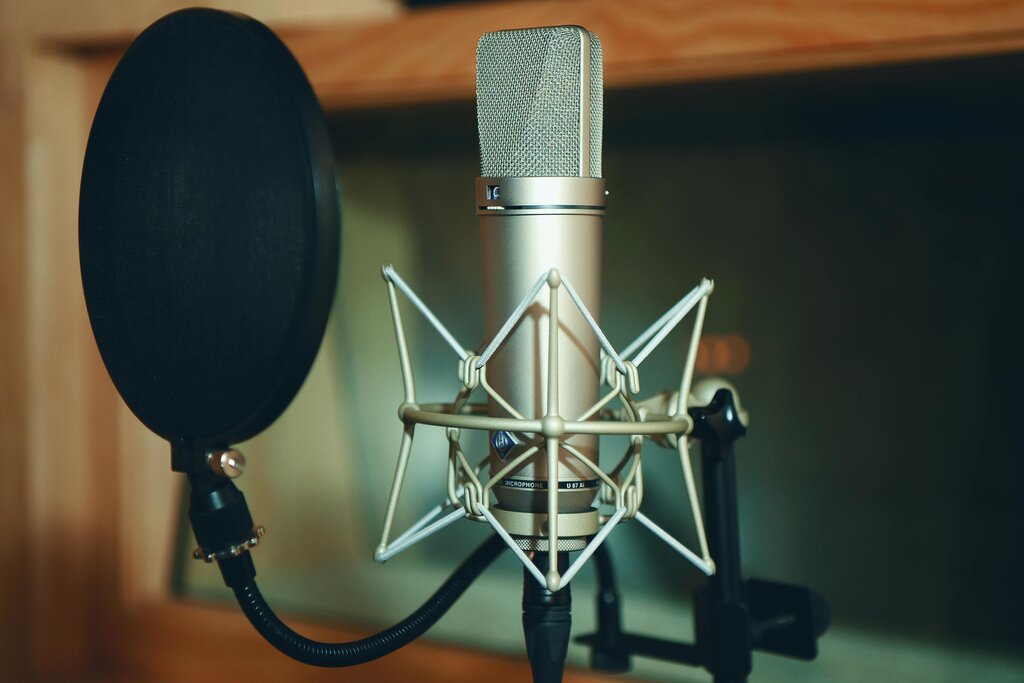
Headphones and Interfaces
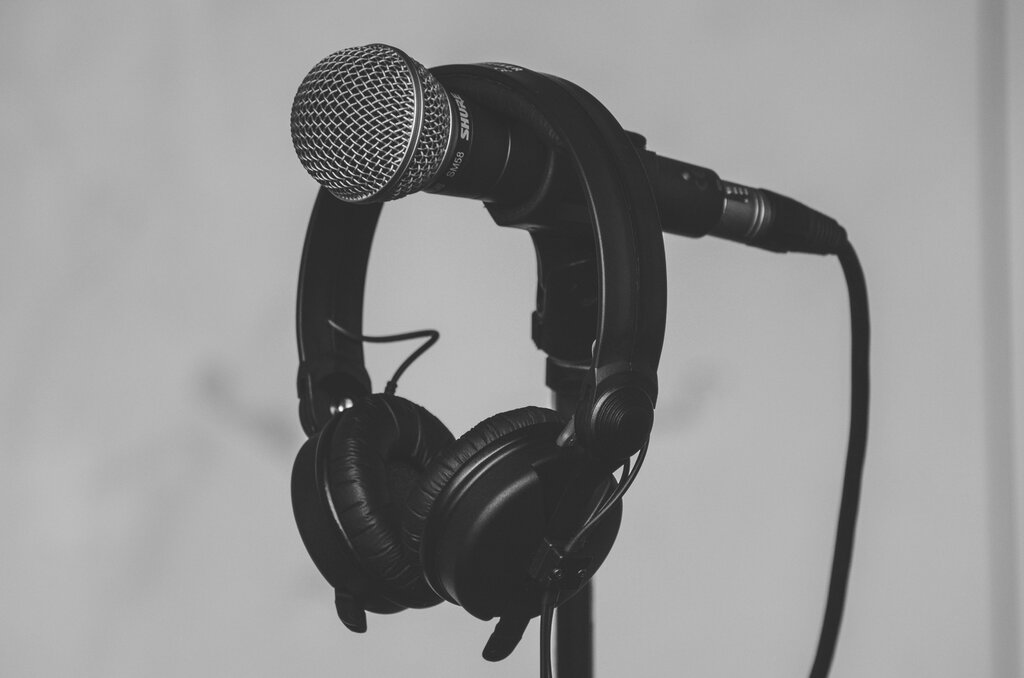
You might be tempted to use the earbuds you have lying around, but proper headphones are crucial for podcasting. They let you hear exactly what the microphone is picking up, helping you catch distracting background noises, hums, or plosives in real-time.
You'll want a pair of closed-back headphones. Unlike open-back models that let sound leak out, closed-back headphones create a seal around your ears. This prevents the sound from your headphones from bleeding into your microphone, which would create an echo.
If you choose an XLR microphone, you'll also need an audio interface. This is a small box that acts as a bridge, converting the analog signal from your XLR mic into a digital signal your computer can understand. It also provides power to the microphone and has knobs to control the recording volume, or 'gain'.
When selecting an interface, the main thing to consider is the number of inputs. If you're a solo podcaster, a single-input interface is all you need. If you plan to have a guest in the studio with you, you'll need an interface with at least two XLR inputs.
Essential Accessories
Finally, two small accessories will dramatically improve your recording quality for very little cost: a pop filter and a stand.
A pop filter is a mesh screen that sits between you and the microphone. Its job is to block 'plosives'—the harsh puff of air that hits the mic when you say words with 'p' or 'b' sounds. It's a simple tool that makes your audio much more pleasant to listen to.
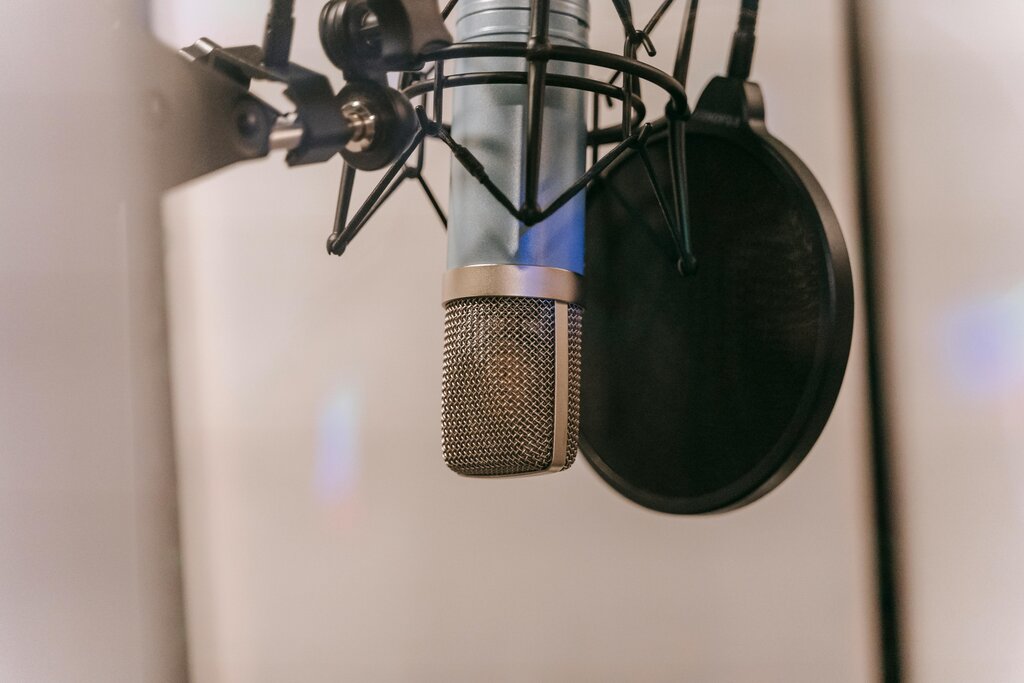
A microphone stand is just as important. Holding the mic in your hand can create rustling noises and inconsistent volume as you move it around. A stand holds the microphone steady, ensuring a consistent distance between you and the mic for smooth, even audio. Stands come in desktop versions or larger boom arms that clamp to your desk.
According to the provided text, if you can only splurge on one piece of equipment for your podcast, which should it be?
You are starting a solo podcast and want the simplest, most convenient setup. Which type of microphone is the best choice?
With these key pieces of gear, you have everything you need to record professional-sounding audio for your new podcast.