K-12 Edtech UI/UX Design
Introduction to UI/UX Design
What Are UI and UX?
Think about your favorite app. Why do you like it so much? It probably works well, is easy to figure out, and maybe it just looks good. The reason you enjoy using it comes down to two connected ideas: User Experience (UX) and User Interface (UI).
Though often used together, UI and UX are two different things. UX is the overall feeling you get when using a product, while UI is the specific look and layout you interact with.
Imagine a house. The UX is the architectural plan. How many rooms are there? Do they flow logically from one to the next? Is it easy to live in? It’s about the fundamental structure and how it serves the people inside.
The UI is the interior design. It’s the color of the paint, the style of the furniture, the type of light fixtures, and where the light switches are placed. It’s everything you see and touch.
User Experience (UX)
noun
The overall experience a person has when using a product or service, especially in terms of how easy or pleasing it is to use.
User Interface (UI)
noun
The visual elements of a program or device that a user interacts with, such as screens, pages, buttons, and icons.
A product can have a beautiful UI but terrible UX. Think of a stunningly designed teapot with the handle and spout on the same side. It looks great, but it’s impossible to use without burning yourself. Conversely, a product can have great UX but a weak UI. It might be perfectly functional and solve a user's problem, but its outdated or confusing look could turn people away.
UI vs. UX: A Closer Look
To create successful digital products, you need both disciplines working together. UX designers figure out the user's journey, while UI designers create the visual path for that journey. UX is the skeleton, and UI is the skin.
| User Experience (UX) | User Interface (UI) |
|---|---|
| Focuses on the user's journey and goals | Focuses on visual elements and interactivity |
| Answers: How does it work? How does it feel? | Answers: How does it look? |
| Involves research, testing, and analysis | Involves graphic design, color theory, and layout |
| Creates wireframes and prototypes | Creates mockups and visual style guides |
| The overall strategy and structure | The detailed visual presentation |
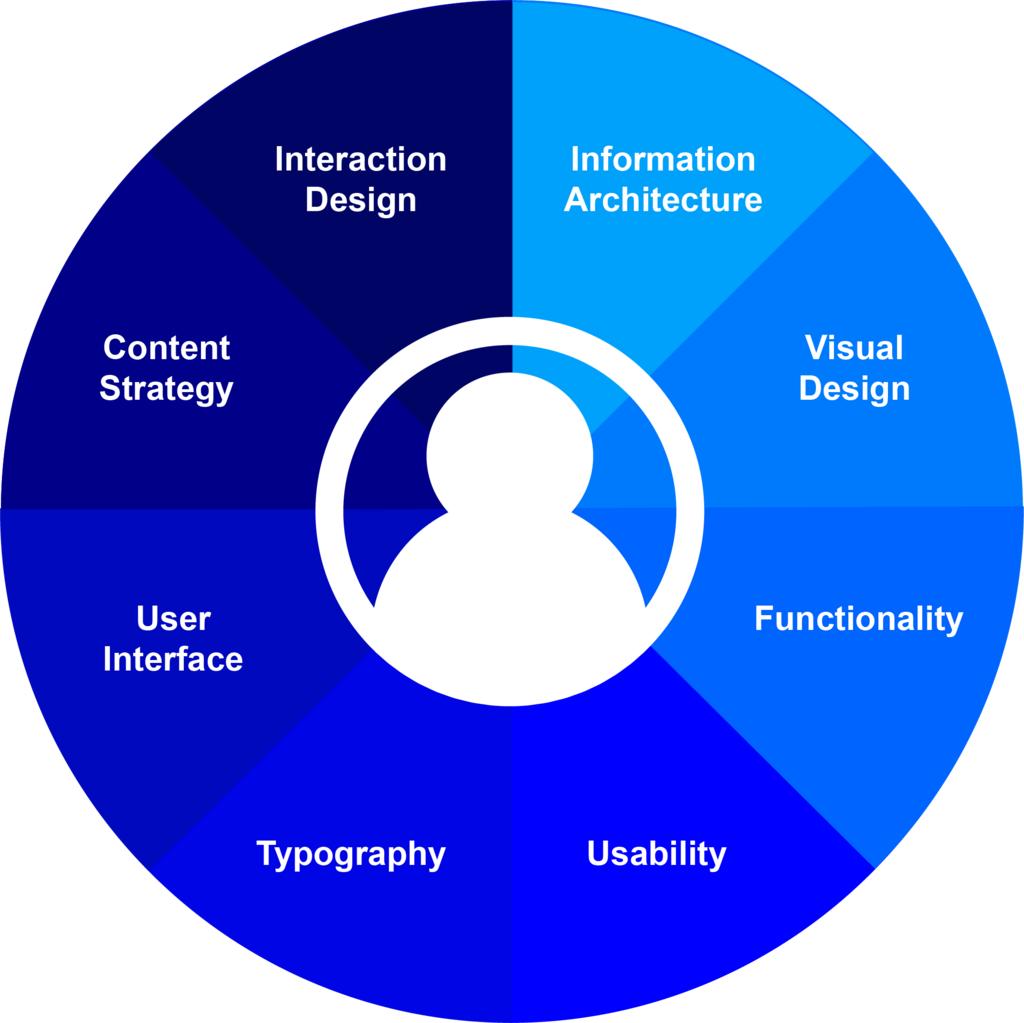
UX is a broad field that actually includes UI design as one of its components. A good user experience depends on a clear and functional user interface, but it also includes many other things, like how the product is structured and whether it actually solves the user's problem.
The Design Process
Creating a great digital product doesn't happen by accident. It follows a structured process that puts the user at the center of every decision. While the exact steps can vary, the process generally moves from understanding the problem to building and refining the solution.
The goal is to solve the right problem in the right way. This means a lot of research and testing happens before a single pixel of the final design is created.
This isn’t a one-and-done process. The “Iterate” arrow is key. Based on feedback and data after launch, designers constantly return to earlier stages to refine and improve the product. Good design is a continuous cycle of learning and enhancement.
By taking the time to understand the users they are designing for, UI designers will create interfaces that are more likely to suit users’ needs, both visually and functionally.
The end result is a product that doesn't just look good but also feels good to use. It guides users effortlessly, helps them achieve their goals, and builds trust. This positive experience makes users want to come back again and again, which is the ultimate measure of success.