JavaScript Fundamentals
Introduction to JavaScript
What is JavaScript?
Think of a website as a house. HTML is the foundation and the wooden frame. It gives the house its structure. CSS is the paint, the furniture, and the decorations. It makes the house look good.
But what about the electricity, the plumbing, and the doorbell? What makes the house do things? That's JavaScript. It's the language that brings a website to life, making it interactive and dynamic. When you click a button, see a pop-up, or watch an animation, you're seeing JavaScript in action.

JavaScript runs directly in your web browser, which means you don't need any complex compilers or special software to get started. It works hand-in-hand with HTML and CSS to build the modern web experiences we use every day.
Setting Up Your Workspace
To start writing JavaScript, you only need two things: a text editor to write your code and a web browser to run it.
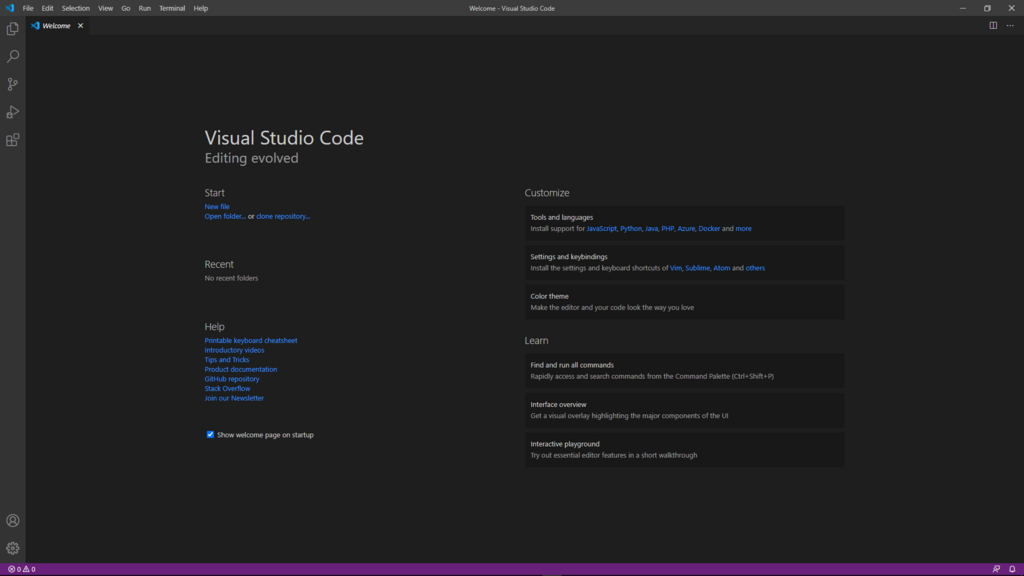
For a text editor, we recommend Visual Studio Code (VS Code). It's a free, popular tool with helpful features like syntax highlighting, which colors your code to make it easier to read, and code completion, which suggests code as you type.
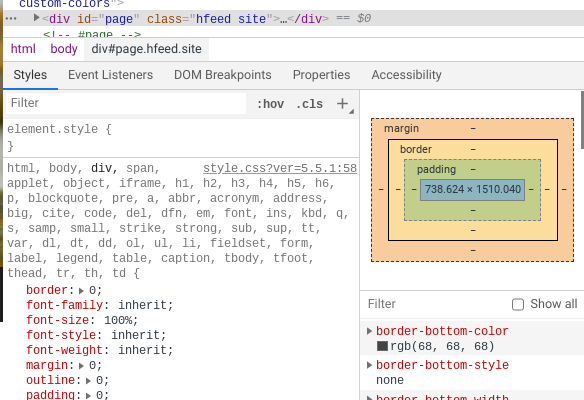
Your web browser (like Chrome, Firefox, or Edge) is where you'll see your code come to life. All modern browsers come with built-in 'Developer Tools' that are essential for programmers. These tools let you inspect the HTML and CSS of a page, and most importantly for us, they include a JavaScript console. The console is where we can run JavaScript commands and see output from our scripts, like messages or error alerts.
Your First Line of Code
It's a tradition in programming to start by making the computer say "Hello, World!". Let's do that with JavaScript. First, we need a basic HTML file to hold our script. Create a new file in VS Code and name it index.html.
<!DOCTYPE html>
<html>
<head>
  <title>My First JS</title>
</head>
<body>

  <!-- Our JavaScript will go here -->

</body>
</html>
Now, let's add the JavaScript. We use the <script> tag to tell the browser that we're writing JavaScript. Inside this tag, we'll use a function called console.log(). This function prints a message to the browser's developer console.
<!DOCTYPE html>
<html>
<head>
  <title>My First JS</title>
</head>
<body>

  <script>
    console.log('Hello, World!');
  </script>

</body>
</html>
Save the file. To see it work, find the index.html file on your computer and open it with your web browser. You'll see a blank white page. This is expected! Our code told the browser to print a message to the console, not on the page itself.
To see the message, open the developer tools. You can usually do this by right-clicking on the page and selecting "Inspect," or by pressing F12. Click on the "Console" tab, and you should see your message: Hello, World!
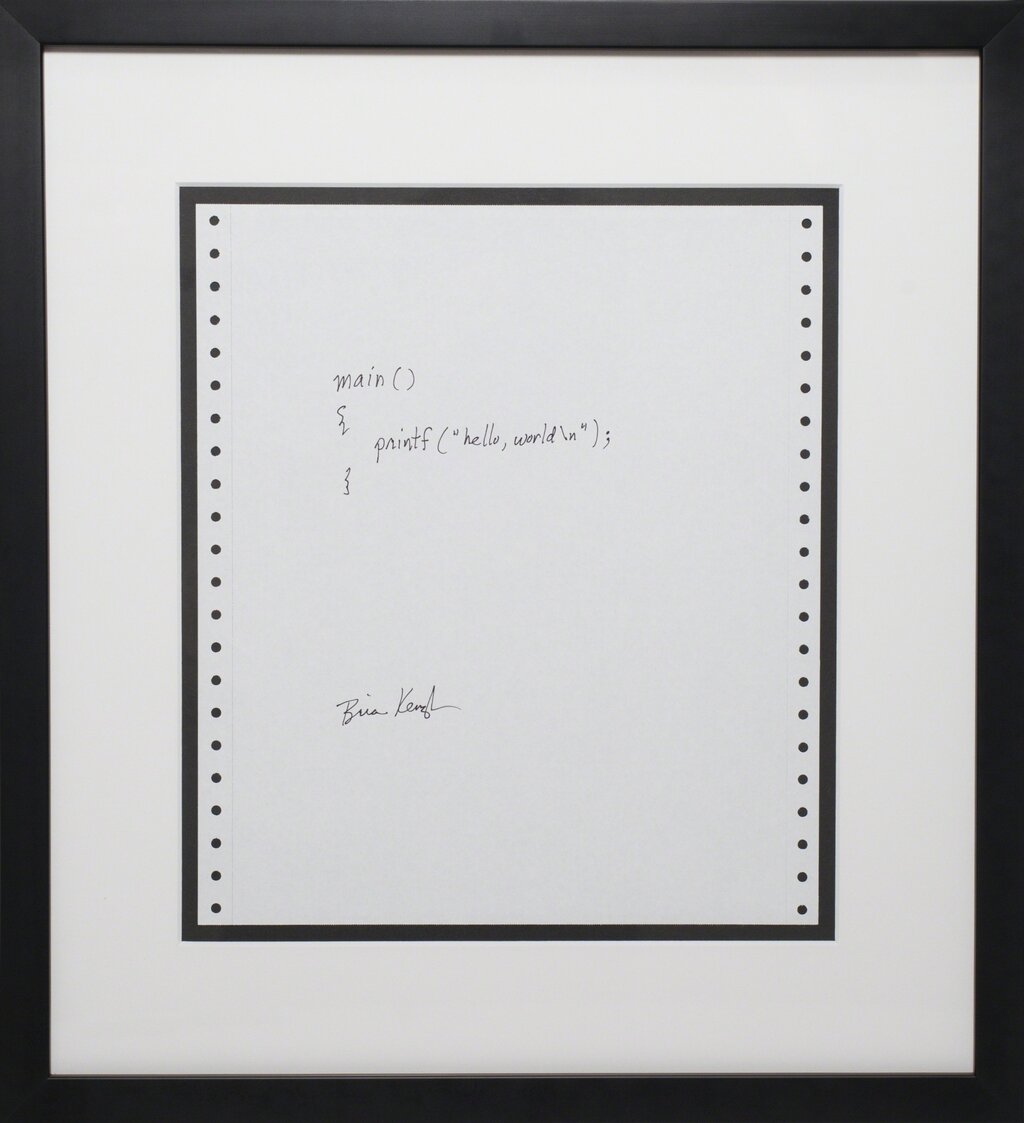
Congratulations! You've just written and executed your first piece of JavaScript. You've taken the first step into making web pages interactive.
In the analogy of a website being a house, what part represents JavaScript?
Which two essential tools do you need to start writing and running JavaScript for a website?
That's the basic setup. With a simple text editor and a browser, you have everything you need to start building with JavaScript.