JavaScript Fundamentals from Scratch
Introduction to JavaScript
What is JavaScript?
Think of a website as a house. HTML is the frame and the walls, the basic structure. CSS is the paint, the furniture, and the decorations that give it style. But what makes it a home you can live in? The electricity, the plumbing, the ability to open a window or turn on a light. That’s JavaScript.
JavaScript (often shortened to JS) is the programming language that brings websites to life. While HTML provides the content and CSS handles the styling, JavaScript makes things happen. It creates a dynamic experience, allowing users to interact with the page without needing it to reload every time.
From updating content on the fly to creating animations and handling user clicks, JavaScript is the engine of the modern, interactive web.

Adding JavaScript to a Page
To add JavaScript to an HTML document, you use the <script> tag. This tag tells the browser, "Hey, everything inside here is JavaScript code. Run it!"
You have two main options for where to place your code: directly inside the HTML file or in a separate file.
Placing the script just before the closing
</body>tag is a common practice. It ensures that all the HTML content has been loaded and is ready to be manipulated by your script.
<!DOCTYPE html>
<html>
<head>
  <title>My First JS Page</title>
</head>
<body>

  <h1>Welcome!</h1>

  <script>
    // This is JavaScript code
    alert('Hello, World!');
  </script>

</body>
</html>
For more complex scripts, it's better to keep your JavaScript in its own file. This keeps your project organized. You create a file with a .js extension (like myscript.js) and link to it from your HTML.
<!-- In your HTML file -->
<script src="myscript.js"></script>
Your Development Toolkit
You don't need fancy software to write JavaScript. At its core, you just need a simple text editor and a web browser. Any browser—Chrome, Firefox, Safari, Edge—will work.
Every modern browser comes with a powerful set of built-in "Developer Tools." These tools are essential for testing and debugging your code. You can usually open them by right-clicking on a webpage and selecting "Inspect," or by pressing a keyboard shortcut (like F12 or Cmd+Option+I).
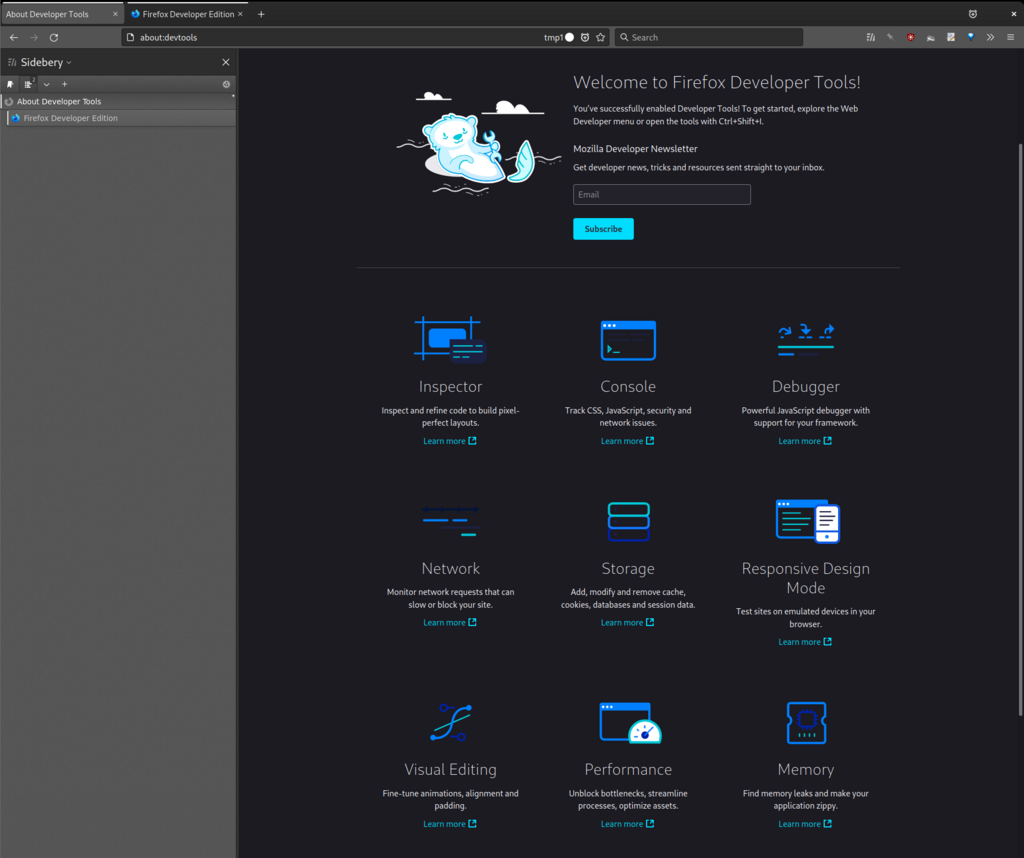
One of the most important parts of these tools is the Console. The console lets you see error messages and print your own messages to help you understand what your code is doing. The console.log() command is a programmer's best friend; it prints whatever you put inside the parentheses to the console.
// This will print the message in the browser's developer console
console.log('My script is running!');
As an alternative to setting up files locally, you can use online code editors like CodePen, JSFiddle, or Replit. These platforms provide a ready-to-use environment right in your browser. They are fantastic for experimenting, sharing code, and quickly building small projects without any setup.
Now, let's test your understanding of these initial concepts.
Using the 'house' analogy where HTML is the structure and CSS is the decoration, what does JavaScript represent?
Which HTML tag is used to add JavaScript to a web page?
That covers the basics of what JavaScript is and how to get started. You're now ready to start writing code that makes web pages interactive.