JavaScript Fundamentals
Introduction to JavaScript
Meet JavaScript
If HTML is the skeleton of a webpage and CSS is its skin and clothes, then JavaScript is the nervous system. It’s the programming language that brings websites to life, making them interactive and dynamic. Without it, the web would be a static collection of documents. With it, we get applications that respond to our clicks, update information in real-time, and create engaging experiences.

JavaScript was born in 1995 at Netscape, the company behind one of the first popular web browsers. A developer named Brendan Eich created it in just ten days. It was originally called Mocha, then LiveScript, before being renamed JavaScript. The name was a marketing move to align it with the popular Java language, but the two are completely different.
Despite its rushed beginning, JavaScript quickly became the standard for client-side scripting, meaning it runs directly in the user's web browser. Today, it's one of the most popular programming languages in the world.
Your First Lines of Code
You don't need any special software to start writing JavaScript. You already have everything you need: a web browser and a simple text editor. The easiest place to run a quick line of JavaScript is right in your browser's developer console.
In most browsers like Chrome or Firefox, you can open the console by right-clicking anywhere on a webpage and selecting "Inspect," then clicking on the "Console" tab. Let's try it.
// This command tells the browser to log, or print, a message to the console.
console.log("Hello, World!");
Type that line into the console and press Enter. You should see the message "Hello, World!" appear right below. The console.log() command is a fundamental tool for developers to check values and see what their code is doing behind the scenes.
While the console is great for testing, JavaScript is usually included directly in an HTML file. You can do this by placing your code between <script> and </script> tags.
<!DOCTYPE html>
<html>
<head>
  <title>My First JS Page</title>
</head>
<body>

  <h1>Welcome to my page!</h1>

  <script>
    // This will create a pop-up box in the browser.
    alert("This is an alert from JavaScript!");
  </script>

</body>
</html>
If you save this code in a file named index.html and open it with your browser, you'll see a small pop-up window appear with a message. The alert() function is a simple way to display information to the user. This demonstrates how JavaScript integrates directly with your webpage to create an interactive effect.
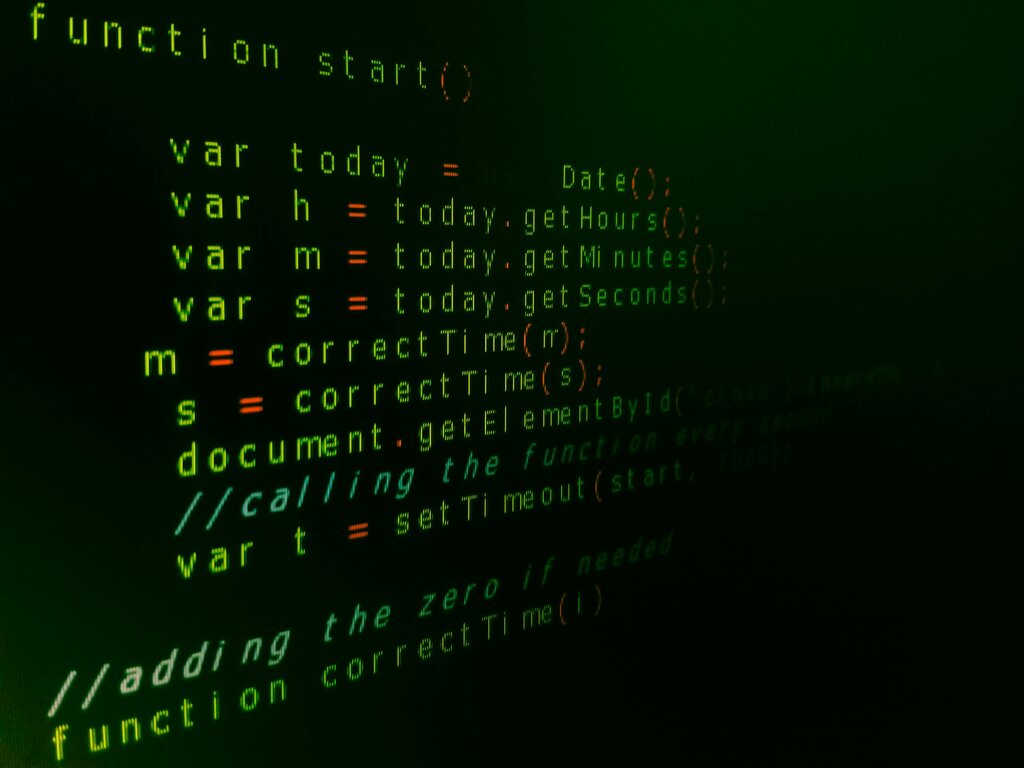
This is just the beginning. From here, you can learn to manipulate HTML elements, respond to user actions like clicks and key presses, and fetch data from servers to build complex web applications.
If HTML is the skeleton and CSS is the skin of a webpage, what is JavaScript?
What company was JavaScript originally created at in 1995?