Javascript Forms in Integrify v7
Introduction to Integrify v7
Automating Your Work with Integrify
Imagine your team’s most common tasks. Things like requesting time off, onboarding a new employee, or submitting an expense report. These are all processes, or workflows, that involve a series of steps, approvals, and data exchanges. Handling them manually with emails and spreadsheets can be slow and prone to error. This is where workflow automation comes in.
Integrify is a platform designed to automate these business processes. Think of it as a digital assembly line for your company's tasks. It allows you to build, run, and manage workflows without needing to write a lot of code. This is why it's called a “low-code” platform—it uses a visual interface with drag-and-drop tools, making it accessible even if you're not a software developer.
What Can Integrify Do?
Integrify is built around a few core capabilities that work together to bring your processes to life.
At its heart, the platform gives you the power to design how work gets done, track its progress, and see the results.
Key features include:
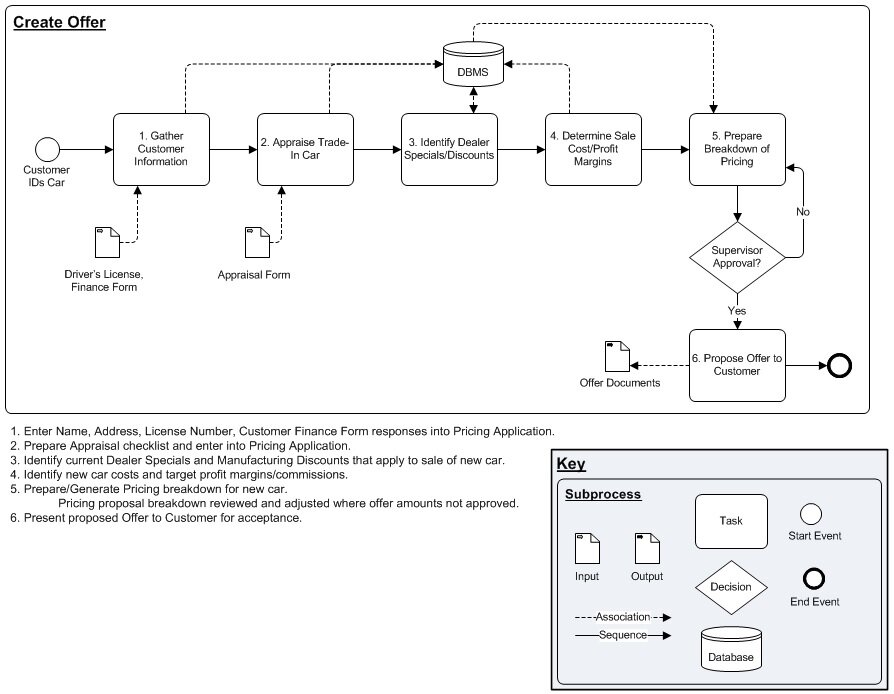
- Process Builder: This is a visual, drag-and-drop tool for mapping out the steps of your workflow. You can define tasks, set rules for decisions (like routing a request over $500 to a senior manager), and establish deadlines.
- Form Designer: This lets you create custom forms to collect information at the start of a workflow. You can build anything from a simple contact form to a complex multi-page application.
- Reporting and Dashboards: Integrify tracks everything happening in your workflows. You can create reports and dashboards to monitor performance, identify bottlenecks, and see how long processes take to complete.
- Integration with Other Systems: Workflows rarely exist in a vacuum. Integrify can connect with other software your company uses, like databases or cloud services, to push or pull data automatically.
The Starting Point is a Form
Nearly every automated workflow begins with someone needing to enter information. In Integrify, this is done through forms. A form is the gateway to a process. It’s the user-facing part of the workflow that captures all the necessary data to get things started.
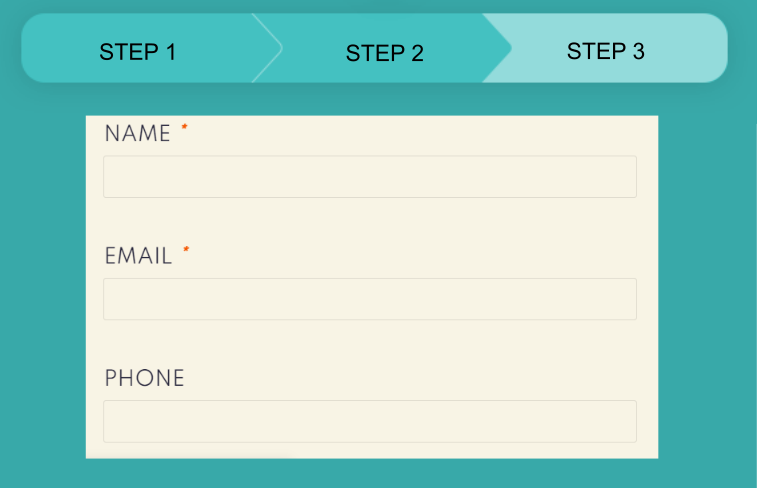
For example, to request a new laptop, you might fill out a form with your name, department, the type of laptop you need, and a business justification. When you hit “Submit,” you’re not just sending an email—you’re kicking off an entire automated process.
That form submission triggers the workflow you designed. The request might automatically go to your manager for approval. Once approved, it might be sent to the IT department to fulfill the order, and then to finance to record the purchase. The form is the critical first step that feeds the entire automated engine.
Ready to check your understanding?
What is the primary problem that workflow automation platforms like Integrify are designed to solve?
Integrify is described as a 'low-code' platform. This means it allows users to build workflows primarily through...
Now you have a foundational understanding of what Integrify is and how it uses forms to kickstart powerful automated workflows.