JavaScript for SaaS Fashion Widgets
Introduction to JavaScript
What is JavaScript?
JavaScript is the programming language that brings websites to life. If HTML is the skeleton of a webpage and CSS is its clothing, then JavaScript is the nervous system. It makes things happen. It handles everything from simple animations to complex features like interactive maps and online games.
It runs directly in your web browser, which means you don't need any special software to get started. When a webpage loads, the browser's JavaScript engine executes the code, allowing the page to respond to your actions, like clicks and key presses, without having to reload.
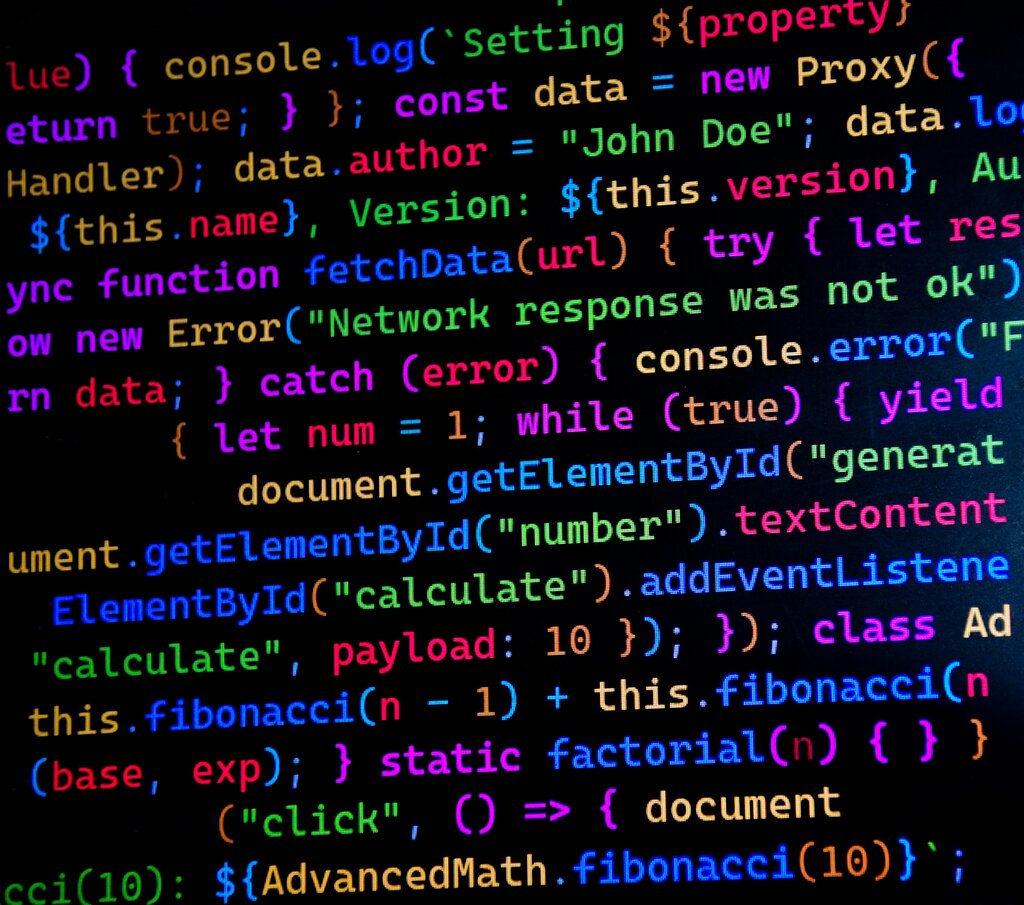
JavaScript, HTML, and CSS are the three core technologies of the World Wide Web. While HTML and CSS give web pages structure and style, JavaScript adds interactivity.
Setting Up Your Workspace
Getting started with JavaScript is surprisingly simple. You already have the most important tool: a web browser. Modern browsers like Chrome, Firefox, and Edge come with powerful built-in developer tools, including a JavaScript console where you can run code and see output.
You'll also need a text editor to write your code. While you could use a basic program like Notepad, a code editor offers helpful features like syntax highlighting, which colors your code to make it easier to read. Popular choices include Visual Studio Code, Sublime Text, and Atom. They are all free to download.
Your First JavaScript Script
Let's write a classic "Hello, World!" script. The easiest way to run JavaScript is by embedding it directly into an HTML file using the <script> tag.
Create a new file named index.html and open it in your code editor. Add the following code:
<!DOCTYPE html>
<html>
<head>
  <title>My First JS Script</title>
</head>
<body>

  <h1>Welcome to JavaScript</h1>

  <script>
    // This line tells the browser to log a message to the console.
    console.log("Hello, World!");
  </script>

</body>
</html>
Save the file and open it in your web browser. You won't see "Hello, World!" on the page itself. That's because console.log() prints messages to the developer console, a tool used for debugging.
To see your message:
- Right-click anywhere on the page and select "Inspect" or "Inspect Element."
- In the panel that appears, click on the "Console" tab.
You should see your message printed there. The console is an essential tool for any JavaScript developer.
Basic Syntax
JavaScript code is made of statements. Each statement is an instruction for the computer to perform an action. In our example, console.log("Hello, World!"); is a single statement.
Semicolons (;) are used to separate statements in JavaScript. While they are sometimes optional, it's a best practice to use them to avoid potential bugs.
You can also leave notes in your code called comments. The browser's JavaScript engine ignores them, so they're just for you and other developers. There are two types of comments:
// This is a single-line comment.

/*
  This is a
  multi-line comment.
*/
Comments are useful for explaining what your code does, making it easier to understand when you come back to it later.
If HTML is the skeleton of a webpage and CSS is its clothing, what is JavaScript often described as?
What is the primary purpose of the console.log() command in JavaScript?