Java Fundamentals
Java Basics
Setting Up Your Workspace
Before you can write Java code, you need two things: a set of tools and a place to work. The tools are called the Java Development Kit (JDK), and the workspace is an Integrated Development Environment (IDE).
Think of the JDK as your toolbox. It contains the essential equipment for building Java applications, like the compiler, which translates your code into a language the computer can understand. You'll need to download and install the JDK for your specific operating system (Windows, macOS, or Linux).
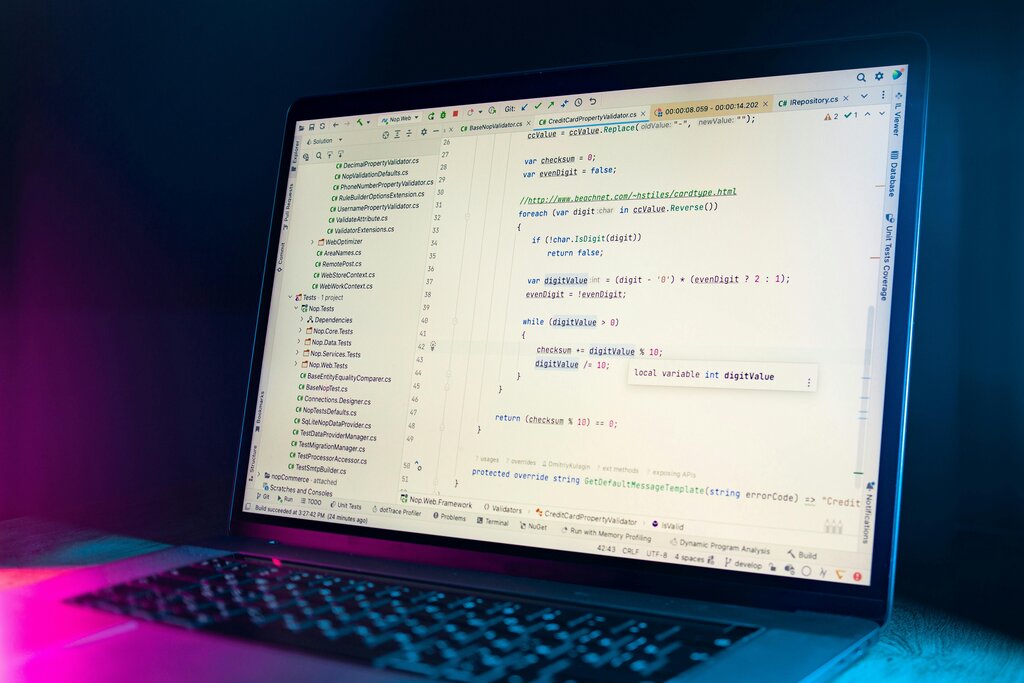
An IDE is like a specialized workbench that makes programming much easier. It's a text editor with superpowers, providing features like code completion, syntax highlighting, and debugging tools. Popular choices include IntelliJ IDEA, Eclipse, and Visual Studio Code with Java extensions. For our examples, we'll assume an IDE is being used.
The Java Virtual Machine
One of Java's most powerful features is its "write once, run anywhere" philosophy. This is made possible by the Java Virtual Machine (JVM).
The JVM acts as a universal translator. When you compile your Java code, it isn't turned into instructions for a specific computer like a Mac or a PC. Instead, it's converted into an intermediate language called bytecode. The JVM on any machine can then take this bytecode and translate it into the native instructions for that specific computer's processor.
This means you can write and compile your program on a Windows laptop, and the exact same compiled file can run on a Mac or a Linux server, as long as they have the JVM installed.
Your First Program
Let's write a classic "Hello, World!" program. This simple task is a great way to verify that your JDK and IDE are set up correctly.
public class HelloWorld {
    public static void main(String[] args) {
        // This line prints text to the console
        System.out.println("Hello, World!");
    }
}
Let's break this down. public class HelloWorld { ... } creates a container, called a class, for our code. The name of the class, HelloWorld, must match the name of the file (HelloWorld.java).
Inside the class, we have public static void main(String[] args) { ... }. This is the main method, the entry point of any Java application. When you run your program, the JVM looks for this exact method and starts executing the code inside it.
The line System.out.println("Hello, World!"); is the instruction that does the work. It tells the system to print the text inside the parentheses to the console. Notice the semicolon ; at the end. In Java, semicolons are used to mark the end of a statement, much like a period ends a sentence.
Variables and Data Types
Programs need to store and manage information. We do this using variables. A variable is a container in memory that holds a value. To create a variable, you must declare its type and give it a name.
The data type tells Java what kind of information the variable can hold. Here are some of the most common primitive types:
| Data Type | Description | Example |
|---|---|---|
int | Whole numbers | int score = 100; |
double | Numbers with decimals | double price = 19.99; |
boolean | True or false values | boolean isActive = true; |
char | A single character | char grade = 'A'; |
There's also a very important non-primitive type called String which is used to store sequences of characters, like text.
// Storing a person's name
String playerName = "Alice";

// Storing their age
int playerAge = 28;

// Are they a new player?
boolean isNewPlayer = false;
Once you've stored data in a variable, you can use it in your program. For example, you can print it to the console.
public class PlayerInfo {
    public static void main(String[] args) {
        String playerName = "Alice";
        int score = 1500;

        System.out.println("Player:");
        System.out.println(playerName);
        System.out.println("Score:");
        System.out.println(score);
    }
}
When you run this code, it will print the name and score stored in the variables. This is the foundation of how programs handle dynamic information.
Time to check your understanding of these core concepts.
What is the primary role of the Java Development Kit (JDK)?
The Java Virtual Machine (JVM) enables Java's "write once, run anywhere" capability by executing an intermediate language called ______.
With these fundamentals, you're ready to start building more complex logic and exploring the full power of Java.