Java Data Structures and Algorithms Mastery
Introduction to Java
Getting Started with Java
Java is a popular and powerful programming language known for its philosophy of "write once, run anywhere." This means a program written on one machine can run on almost any other machine without needing to be rewritten. This is possible because Java code is compiled into a special format called bytecode, which can then be run by a Java Virtual Machine (JVM) on any platform.
At its core, Java is an object-oriented programming (OOP) language. This is a way of thinking about programming that organizes code around data, or "objects," rather than just functions and logic.
Syntax and Structure
Every programming language has its own rules, or syntax. Let's start with the classic "Hello, World!" program to see what Java code looks like.
public class HelloWorld {
    public static void main(String[] args) {
        // This line prints "Hello, World!" to the console.
        System.out.println("Hello, World!");
    }
}
Let's break this down:
public class HelloWorld: Every Java program must have at least one class. A class is a container for your program. We've named oursHelloWorld.public static void main(String[] args): This is the main method. It's the entry point of your program—where the JVM starts running your code.System.out.println("Hello, World!"): This is a statement that prints the text inside the parentheses to the console. Notice that it ends with a semicolon (;). Most statements in Java do.
Like all languages, Java uses variables to store information. Variables must have a specific data type.
| Data Type | Description | Example |
|---|---|---|
int | Stores whole numbers | int age = 30; |
double | Stores decimal numbers | double price = 19.99; |
boolean | Stores true or false values | boolean isOpen = true; |
String | Stores sequences of characters | String name = "Alex"; |
Object-Oriented Principles
Object-oriented programming helps organize complex programs by modeling real-world things as objects. Think of a class as a blueprint and an object as the actual thing built from that blueprint.
Class
noun
A blueprint for creating objects. It defines a set of properties (variables) and methods (functions) that the created objects will have.
For example, you could create a Car class. This blueprint would specify that every car has a color and a speed, and that every car can accelerate or brake.
public class Car {
    // Properties (or fields)
    String color;
    int speed;

    // Method
    void accelerate() {
        speed = speed + 10;
    }
}
From this Car class, you can create individual Car objects, each with its own state. One car might be red and moving at 25 mph, while another is blue and parked (0 mph).
// Create two different Car objects
Car myCar = new Car();
myCar.color = "Red";

Car friendsCar = new Car();
friendsCar.color = "Blue";
This approach is built on a few key principles:
- Encapsulation: Bundling data (like
color) and the methods that operate on that data (likeaccelerate) within one unit, the class. - Inheritance: Creating a new class based on an existing one. For example, a
RaceCarclass could inherit properties from theCarclass but add new ones, like aturbofeature. - Polymorphism: Allowing an object to take on many forms. For example, a method could work with a
Carobject, but it could also work with aRaceCarobject because aRaceCaris a type ofCar.
The Java Standard Library
You don't have to build everything from scratch in Java. The language comes with a vast Standard Library, which is a collection of pre-written, reusable code. This library provides tools for common programming tasks.
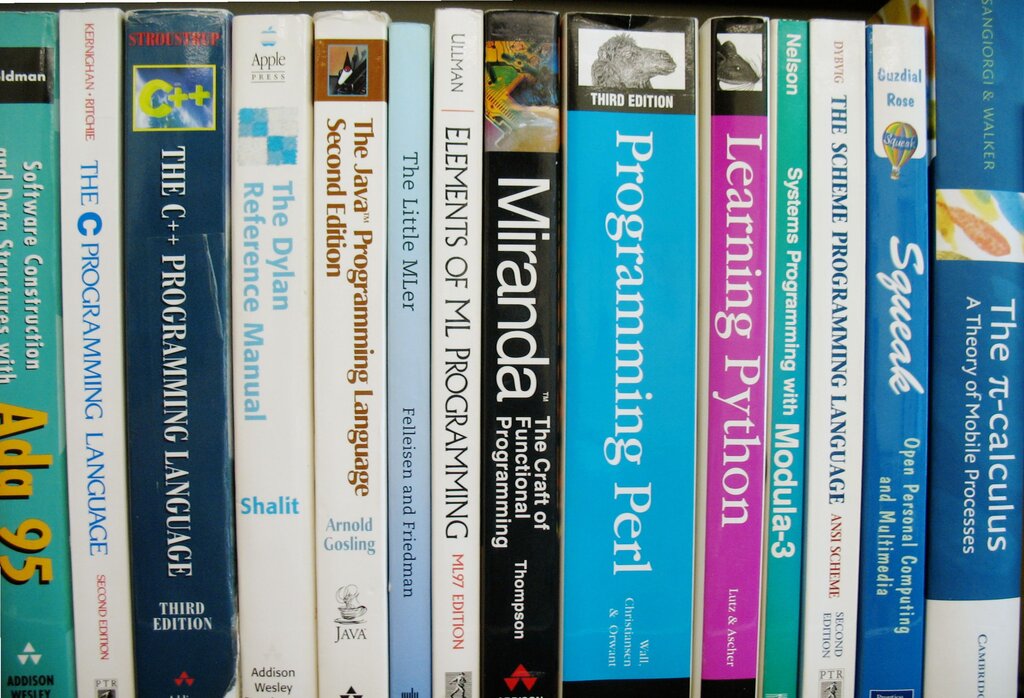
One of the most important parts of the library is the Collections Framework. It provides ready-to-use data structures for storing and organizing groups of objects.
- An
ArrayListis like a resizable array. You can add or remove elements, and it grows or shrinks as needed. - A
HashMapstores key-value pairs. You can quickly find a value if you know its unique key, much like looking up a word in a dictionary.
import java.util.ArrayList;
import java.util.HashMap;

// Using an ArrayList to store a list of names
ArrayList<String> names = new ArrayList<>();
names.add("Alice");
names.add("Bob");

// Using a HashMap to store ages
HashMap<String, Integer> ages = new HashMap<>();
ages.put("Alice", 28);
ages.put("Bob", 32);
The library also includes tools for reading and writing files, working with networks, accessing databases, and much more. Becoming familiar with the Standard Library is a key part of becoming a proficient Java programmer.
What key technology enables Java's "write once, run anywhere" philosophy?
In object-oriented programming, if a class is a blueprint, then an object is...