IT Support Fundamentals
Introduction to Computer Hardware
Inside the Box
Computer hardware refers to the physical parts of a computer you can actually touch. Think of it like a team where each member has a specific job. For the computer to work, all these parts need to be connected and communicating with each other. Let's open up the case and see who the key players are.
The Brain and Its Memory
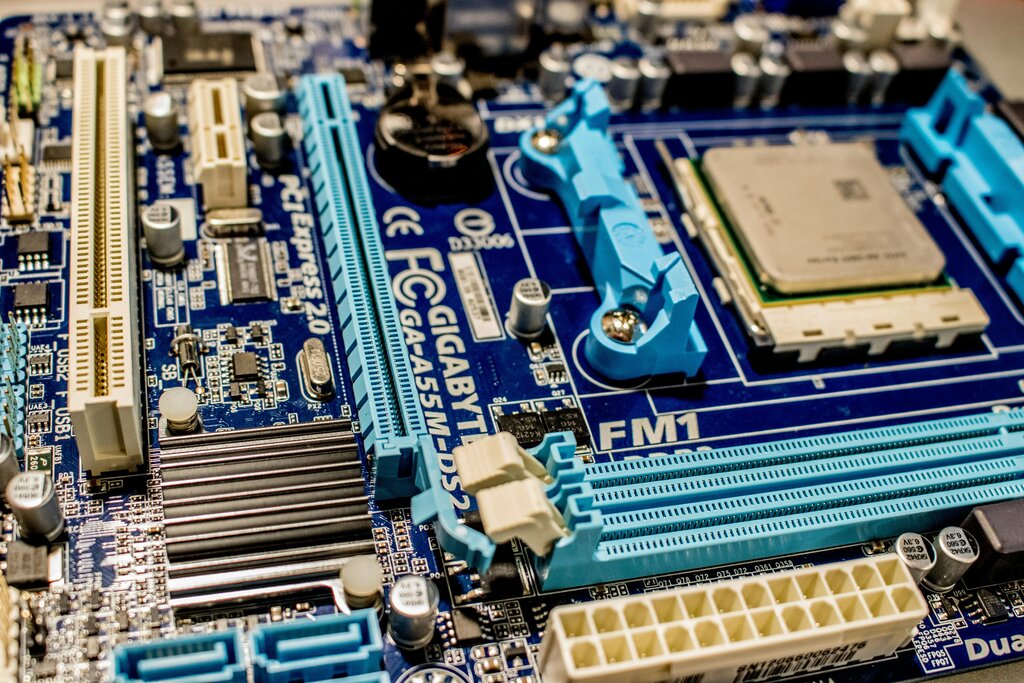
At the heart of every computer is the Central Processing Unit, or CPU. It's the brain of the operation, responsible for executing commands and running the calculations that make your software work. It follows instructions from programs, much like a chef follows a recipe to cook a meal. The faster the CPU, the more instructions it can handle per second.
CPU
noun
The Central Processing Unit. The primary component of a computer that processes instructions. It runs the operating system and applications, constantly receiving input from the user or active software programs.
But a brain is useless without memory. That's where Random Access Memory, or RAM, comes in. RAM is the computer's short-term memory. It holds the data for the applications that are currently running. Think of it as your desk space. When you're working on a project, you pull out the necessary tools and papers and keep them on your desk for easy access. RAM is that desk.
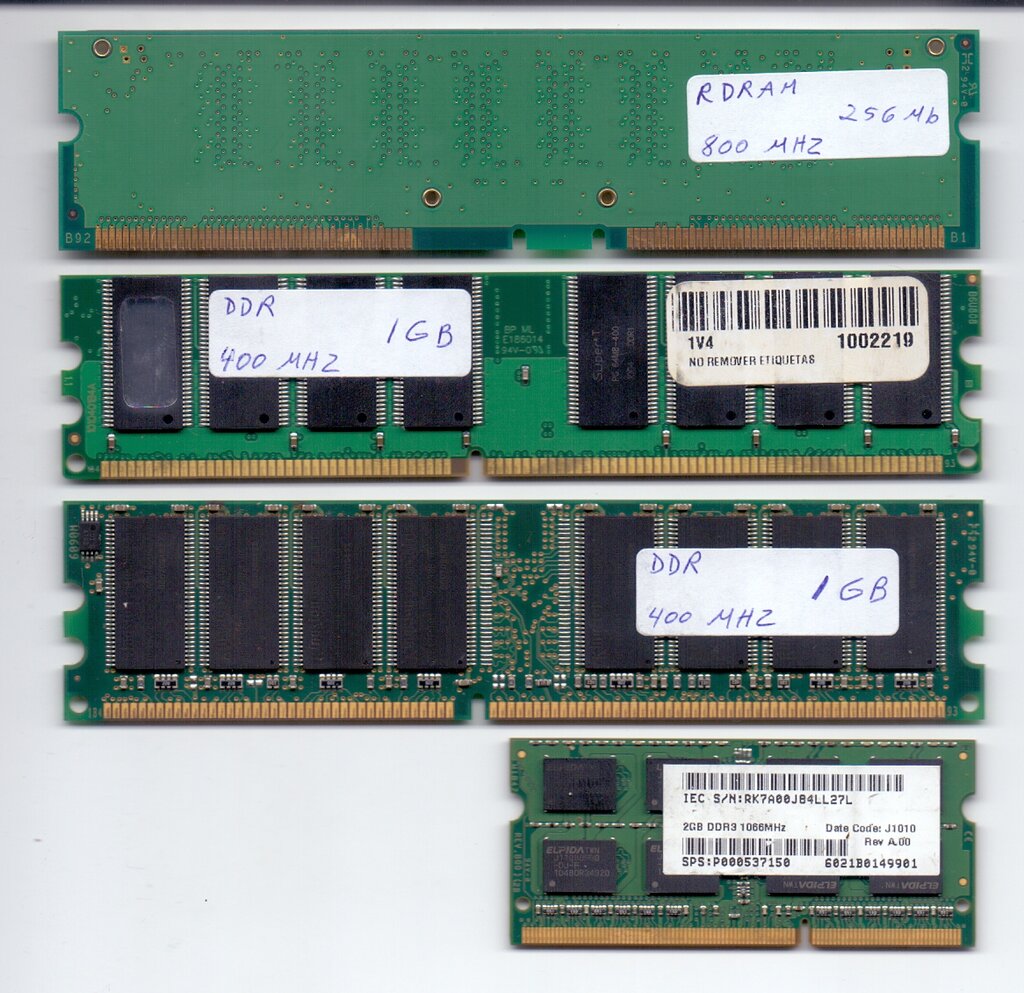
RAM is volatile, which means it forgets everything when the computer is turned off. It’s only for temporary storage while the power is on.
Storage and Connections
Since RAM is temporary, you need a place to store files and programs permanently. That’s the job of storage devices. They act as the computer's filing cabinet. The two main types are Hard Disk Drives (HDDs) and Solid-State Drives (SSDs).
| Feature | Hard Disk Drive (HDD) | Solid-State Drive (SSD) |
|---|---|---|
| Technology | Uses spinning magnetic platters | Uses flash memory chips |
| Speed | Slower | Much faster |
| Cost | Less expensive per gigabyte | More expensive per gigabyte |
| Durability | More fragile due to moving parts | More durable, no moving parts |
All of these components need a way to talk to each other. The motherboard is the main circuit board that connects everything. It's the central hub or nervous system, allowing the CPU, RAM, and storage to communicate. It also holds the ports you use to connect external devices.
None of this would work without electricity. The Power Supply Unit (PSU) takes the high-voltage alternating current (AC) from your wall outlet and converts it into the low-voltage direct current (DC) that computer components need to operate. A reliable power supply is crucial for a stable system.
Interacting with the Machine
The parts inside the case are the core of the computer, but you interact with it through peripheral devices. These are the external components you connect to the computer.
- Input Devices: These let you give the computer information. The most common are the keyboard and mouse.
- Output Devices: These let the computer give you information. The primary output device is the monitor, which displays the visual interface.
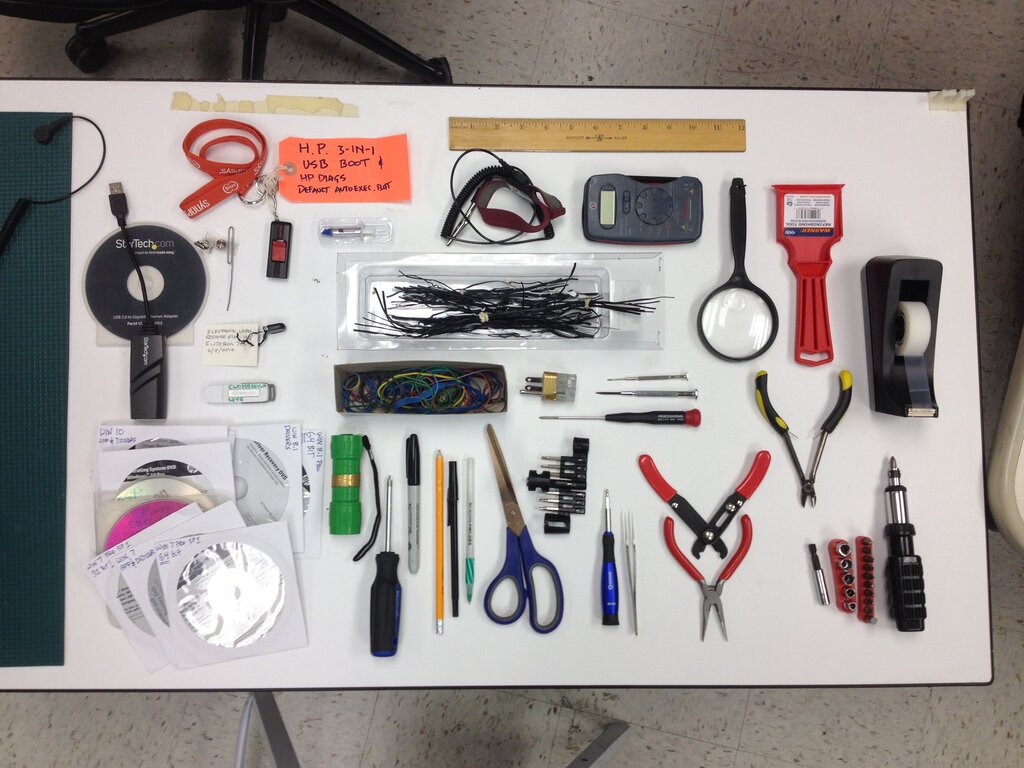
When a computer isn't working right, the problem often lies with one of these hardware components. A basic troubleshooting step is to check the connections. Is everything plugged in securely? A loose cable is a common and easily fixed issue.
Another technique is the process of elimination. If you suspect a peripheral is faulty, try unplugging it or swapping it with a known good one. If the problem disappears, you've found the culprit. This simple logic is the foundation of hardware diagnosis.
Which component is often called the "brain" of the computer, responsible for executing commands and running calculations?
What is the primary difference between RAM and a storage device like an SSD?
Understanding these basic parts is the first step toward diagnosing and solving any computer hardware problem.