iPhone 16 Photography Essentials
iPhone 16 Camera Features
The 48MP Fusion Camera
The main camera on the iPhone 16 is a big step up, centered around a 48-megapixel sensor. By default, it doesn't shoot 48-megapixel photos. Instead, it uses a process called pixel binning to combine four pixels into one larger “quad-pixel.” This creates a super-detailed 12-megapixel image.
The main benefit is much better performance in low light. These larger, combined pixels can capture more light, which means your photos in dimly lit restaurants or at sunset will look brighter and have less noise or graininess. You still have the option to shoot in the full 48-megapixel resolution when you need maximum detail, like for a large print.
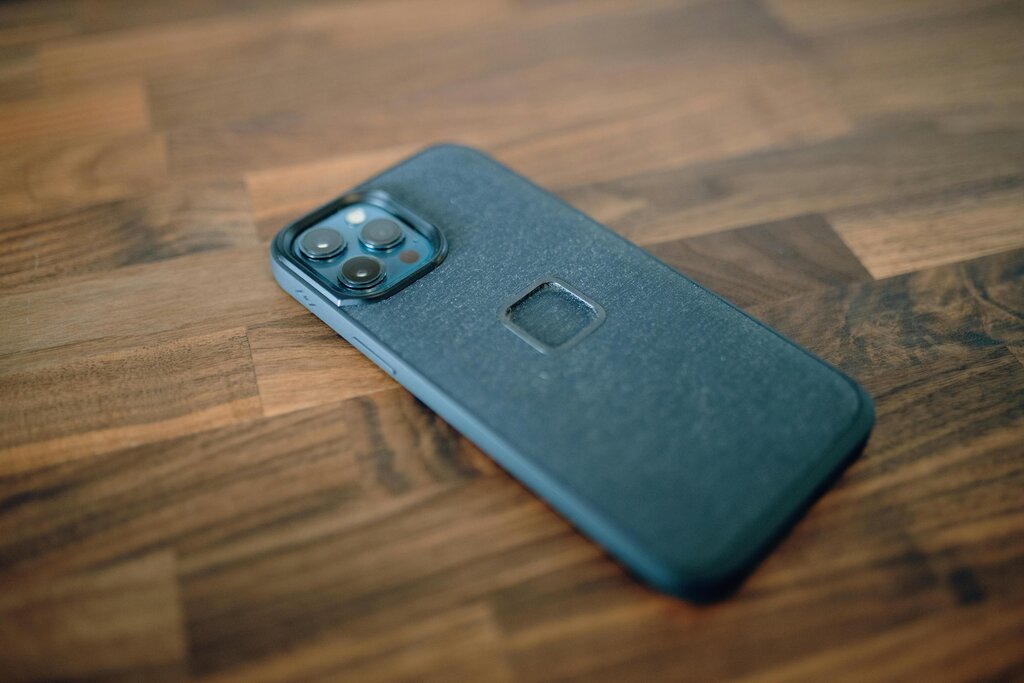
This system is what Apple calls its Fusion camera. It intelligently merges the best data from multiple image exposures to optimize texture, detail, and color in your final shot. It all happens instantly behind the scenes when you press the shutter button.
Think of the Fusion camera as having a smart assistant that perfects your photo's light and detail before you even see it.
A Wider Perspective
Alongside the main camera is an improved ultra-wide lens. This lens is perfect for capturing expansive landscapes, large group photos, or creative shots with dramatic perspectives. It lets you fit more into the frame without having to step back.
The iPhone 16's ultra-wide lens also handles macro photography, allowing you to get incredibly close to your subject for detailed close-up shots. You can capture the intricate patterns on a leaf or the texture of a piece of fabric. The camera automatically switches to macro mode when you get close to an object, making it easy to use.
New Ways to Control Your Shot
A brand-new feature is the Camera Control button, a dedicated physical button for photography. It's designed to mimic the feel of a traditional camera.
A light press of the button locks the focus and exposure on your subject. A full press takes the photo. This gives you more precise control and stability, reducing the chance of a shaky or blurry shot from tapping the screen. You can also hold the button to start recording a video instantly.
The Camera Control button provides a tactile experience, making it easier to focus and shoot without looking away from your subject.
Another software feature is Photographic Styles. These aren't just filters. Instead of applying a uniform look over the entire image, Styles intelligently apply adjustments to the right areas. For example, it can boost color and contrast in the scenery without affecting skin tones, creating a more natural and personalized look.
You can choose from presets like Rich Contrast, Vibrant, Warm, or Cool, and even tweak them to create your own signature style that's applied every time you take a photo.
Smarter Audio for Video
When recording video, the new Audio Mix feature gives you more control over what you hear. It uses machine learning to identify and isolate the dominant voice in a noisy environment, like a busy street or a crowded party. This makes your subject's voice clearer and more prominent in the final video.
Essentially, it helps you focus the sound just like you focus the picture, ensuring your videos sound as good as they look.
Ready to test your knowledge?
What is the primary benefit of the iPhone 16's main camera using pixel binning by default?
The new Camera Control button allows users to lock focus and exposure with a light press, and take a photo with a full press.