iOS Filesystem Forensics HFS Plus vs APFS
HFS Plus Overview
The Mac Workhorse
Before the modern Apple File System (APFS), there was HFS Plus, or HFS+. For nearly two decades, from 1998 until 2017, it was the primary file system for all Mac computers and even early iPhones. It was a reliable system that managed all the files and folders on your hard drive, keeping everything organized and accessible.
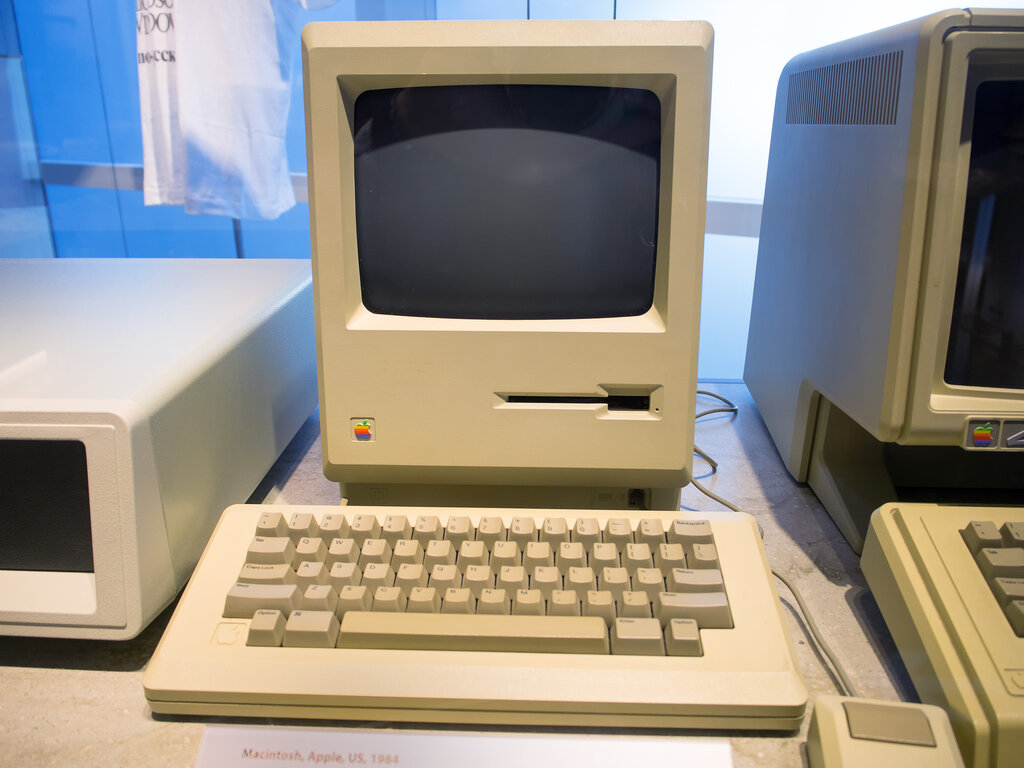
Think of it as a highly organized librarian for your computer's storage. It knew where every piece of data was located, how much space it took up, and how all the files and folders were related to each other. To do this, HFS+ divided the storage volume into logical blocks and used several key files to manage the entire structure.
Finding Files Fast with B-Trees
One of the most important jobs of a file system is to find files quickly. Imagine trying to find a specific book in a massive library with no catalog system. It would take forever. HFS+ solved this problem using a special data structure called a B-tree for its Catalog File.
A B-tree is a self-balancing tree data structure that keeps data sorted and allows for fast searches, insertions, and deletions.
Instead of looking through every single file and folder one by one, the system could navigate the B-tree. It starts at the root, makes a few comparisons to decide which branch to follow, and quickly narrows down the search until it finds the exact location of the file you need. This method is incredibly efficient, especially on drives with millions of files.
Another forward-thinking feature of HFS+ was its early support for Unicode (specifically, UTF-16). This allowed filenames to use a vast range of characters from different languages, not just the basic Latin alphabet. It was a significant improvement that made the Mac a more global platform.
Preventing Data Disasters
Sudden power outages or system crashes can be disastrous for a file system. If the computer shuts down while it's in the middle of writing a file, the entire volume structure can become corrupted, leading to lost data.
HFS+ introduced a feature called journaling to prevent this. Before the file system makes any changes to its critical data structures, it first writes down what it's about to do in a special log, or journal. It’s like a to-do list.
If a crash occurs, the system can simply read the journal upon rebooting. It checks the log to see which tasks were in progress and completes them, restoring the file system to a consistent, healthy state.
This process is much faster than scanning the entire drive for errors and significantly reduces the risk of data corruption from unexpected shutdowns.
Signs of Age
Despite its strengths, HFS+ was designed in the era of spinning hard disk drives (HDDs). As technology evolved, its limitations became more apparent.
One issue was its handling of timestamps. HFS+ could only record time to the nearest second. In an age of high-speed computing, where many operations can happen within a single second, this lack of precision became a problem.
It also wasn't optimized for the solid-state drives (SSDs) that became standard in modern computers. SSDs work very differently from HDDs, and HFS+ couldn't take full advantage of their speed and architecture. Furthermore, it lacked modern features like snapshots, space sharing, and strong native encryption that users came to expect. These shortcomings ultimately led Apple to develop APFS as its replacement.
What was the primary file system used by Mac computers for nearly two decades, from 1998 until the introduction of APFS in 2017?
To prevent data corruption from sudden power outages or system crashes, HFS+ implemented a feature that records intended changes in a log before they are actually made. What is this feature called?
HFS+ served the Apple ecosystem well for many years. It laid a stable foundation, but the demands of new hardware and software eventually called for a more modern approach.