Introduction to Web Design
Introduction to Web Design
What Makes a Website Work?
Great web design is about more than just looking good. A beautiful website that’s confusing to use is like a sports car with no engine. It might be nice to look at, but it won't get you anywhere. The best websites blend a clean look with effortless functionality.
The secret is focusing on the user. Before thinking about colors or fonts, you have to think about the person who will be visiting your site. What are they trying to accomplish? What information do they need? Answering these questions is the first step in creating a website that not only works, but works well for the people using it.
The most important rule of web design is simple: Don't make the user think.
Designing for People
This approach is called user-centered design. It means putting the needs and goals of your audience at the heart of every decision you make. Imagine building a house. You wouldn’t design the kitchen without knowing if the owner is a professional chef who needs six burners or someone who just uses a microwave.
Similarly, you need to understand your website's visitors. Are they looking for quick facts, in-depth articles, or a way to buy something? A site for teenagers will look and feel very different from a site for retired investors. By understanding your user, you can create a clear path for them to follow.
A successful designer will think carefully about these rhetorical purposes and use basic design principles to engage the audience’s attention, to draw their eyes to certain parts of the page, and to create a sense of order and direction that helps the reader process the information and follow the steps you’ve outlined for them.
This user-focused thinking leads directly to one of the most crucial parts of web design: organizing your content.
Organizing Your Content
How you structure your website’s content is called its information architecture. Think of it as the blueprint for your site. It’s the practice of organizing and labeling content in a way that helps users find information and complete tasks.
Information Architecture
noun
The structural design of shared information environments; the art and science of organizing and labeling websites, intranets, online communities and software to support usability and findability.
A well-organized grocery store is a great example of information architecture in the real world. You know you’ll find milk in the dairy section and bread in the bakery aisle. You don't have to wander around guessing. A website should be just as logical.
A clear structure makes it easy to build intuitive navigation. Navigation refers to the menus, links, and buttons that people use to move around your site. Good navigation is consistent and predictable. It acts as the signage in your digital grocery store, guiding people exactly where they need to go.
The Look and Feel
Once your site has a solid structure, you can think about its visual aesthetics. This is where graphic design principles come into play. These principles help create a look that is not only pleasing but also helps communicate your message and guide the user's eye.
Key principles include:
-
Color: Colors can evoke emotions and create a mood. A consistent color palette makes a site feel cohesive and professional. You can also use color to draw attention to important elements, like a 'Sign Up' button.
-
Typography: This is the art of arranging type. The fonts you choose should be easy to read on a screen. Good typography creates a clear hierarchy, helping users distinguish between headings and body text at a glance.
-
Layout and White Space: The way you arrange elements on a page is its layout. Leaving empty areas, known as white space, is just as important as the content itself. It prevents a design from feeling cluttered and helps users focus on what's important.
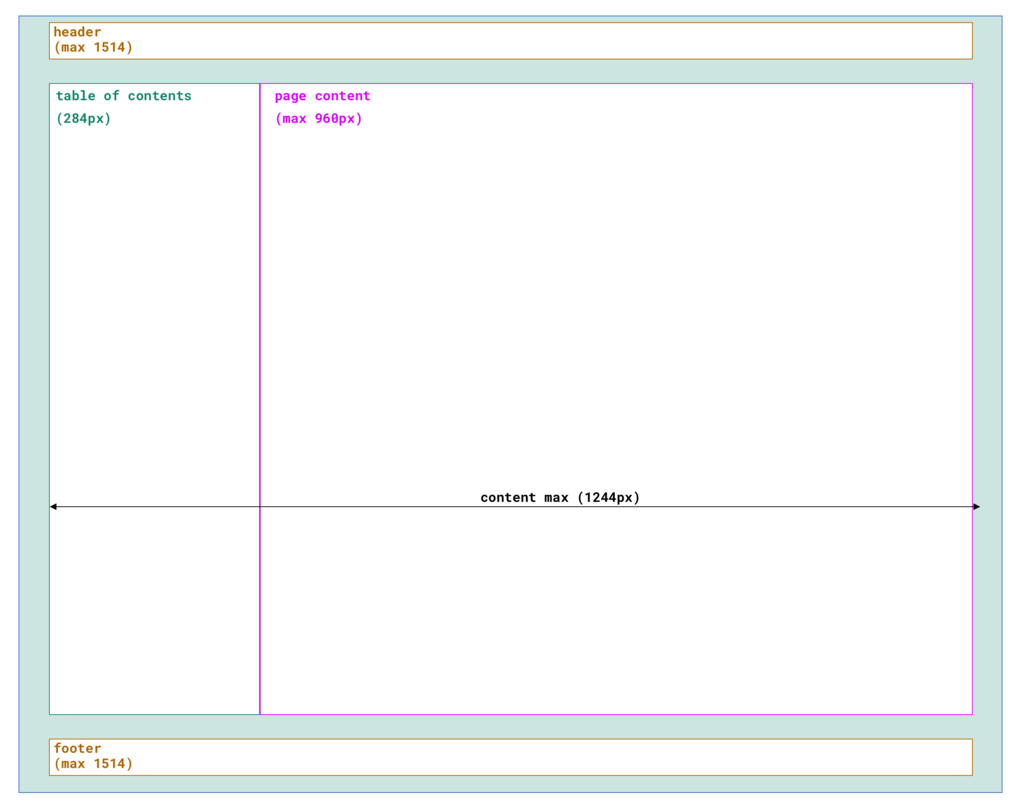
These visual elements work together with the site's structure to create a seamless user experience. When done right, good design feels effortless. It guides you through the site without you even noticing the careful choices that made it possible.
Ready to check your understanding? Let's see what you've learned about the foundations of web design.
What is the primary goal of user-centered design in web development?
The practice of organizing and labeling a website's content to help users find information is known as ________.
By focusing on the user, organizing content logically, and applying basic visual principles, you can create websites that are both functional and enjoyable to use. These are the building blocks for any great online experience.