Introduction to Video Editing
Introduction to Video Editing
The Editor's Role
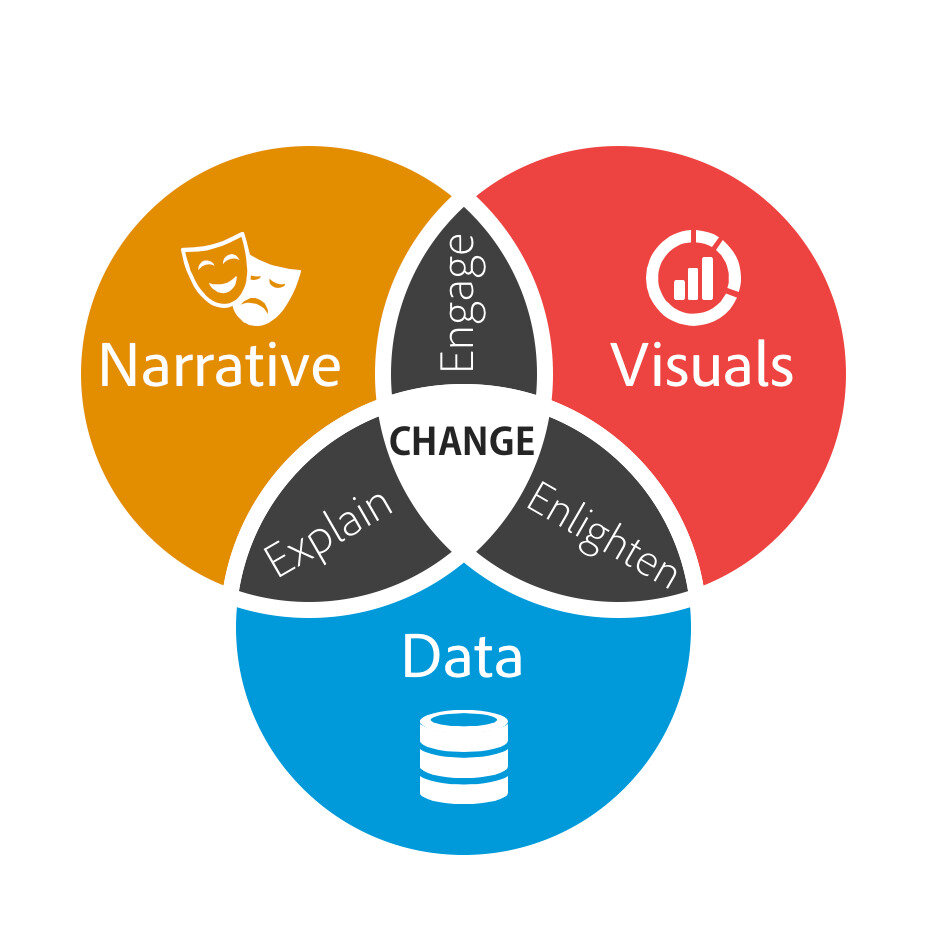
A video editor is a storyteller. Think of raw footage as a collection of ingredients. The editor is the chef who selects the best pieces, combines them in a specific order, and seasons them to create a delicious, coherent meal. Without the editor, you just have a pile of uncooked vegetables.
The core job is to assemble and refine video clips. This involves cutting out mistakes, arranging shots to form a narrative, and ensuring the final product flows smoothly. Every choice an editor makes, from which take to use to how long a shot stays on screen, shapes the viewer's experience.
Editing is just storytelling with clips.
Pacing and Emotion
Storytelling in video isn't just about the order of events. It's about rhythm and feeling. This is where pacing comes in. Pacing is the speed at which the story unfolds, and it's controlled by how long each shot is held and how quickly you cut from one shot to the next.
Quick, rapid-fire cuts can build excitement and tension, perfect for an action scene. In contrast, long, lingering shots can create a sense of calm, drama, or intimacy, allowing the viewer to absorb the emotion of the moment. A good editor understands how to manipulate time to guide the audience's feelings.
The rhythm of your edits dictates the emotional heartbeat of your video.
Choosing Your Tools
To start editing, you need software. While there are dozens of options, three programs dominate the professional landscape: Adobe Premiere Pro, Final Cut Pro, and DaVinci Resolve. They all accomplish the same fundamental task, but each has its own strengths.
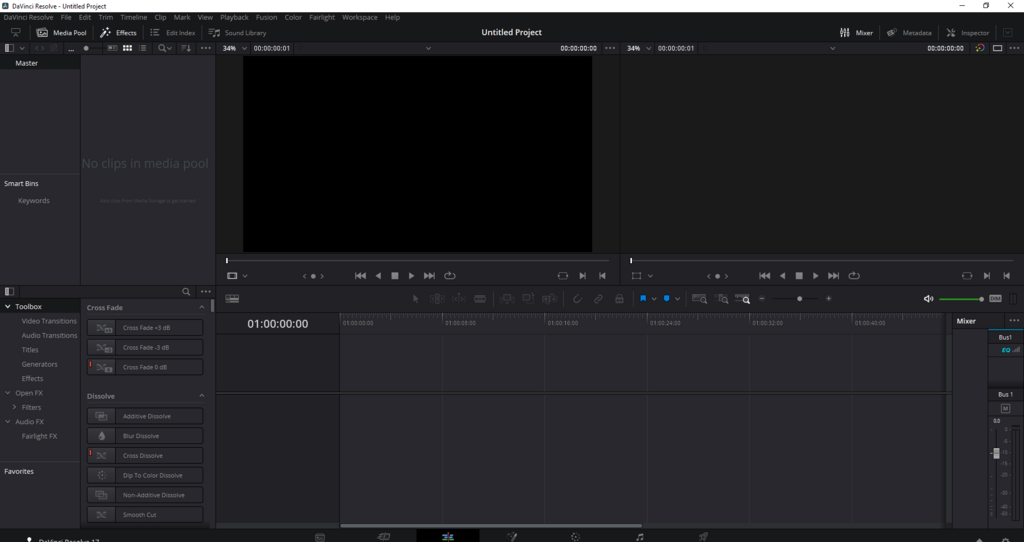
Choosing the right software often comes down to your operating system, budget, and specific needs. Premiere Pro is known for its integration with other Adobe apps, Final Cut Pro is praised for its speed on Apple hardware, and DaVinci Resolve is famous for its world-class color grading tools.
| Software | Pricing Model | Key Strength | Best For |
|---|---|---|---|
| Adobe Premiere Pro | Subscription | Integration with Adobe Suite | Professionals using multiple Adobe apps |
| Final Cut Pro | One-time Purchase | Speed & Performance on Mac | Mac users looking for a fast workflow |
| DaVinci Resolve | Free & Paid versions | Color Grading & Audio | Editors focused on high-end color and sound |
There's no single "best" choice. Many editors are proficient in more than one. The key is to pick one, learn its fundamentals, and focus on the craft of storytelling, not just the technical features.
Now, let's test what you've learned about the fundamentals of video editing.
The provided text compares a video editor to a chef. What does this metaphor primarily emphasize about the editor's role?
An editor wants to create a feeling of tension and high-energy excitement during an action sequence. Which pacing technique should they use?
Understanding these core principles is the first step. The real learning happens when you start arranging clips and telling a story of your own.