Introduction to UI Design
Introduction to UI Design
What is UI Design?
User Interface (UI) design is about the look and feel of a digital product. It’s everything you see and interact with on a screen, from the buttons you click to the way menus slide out. Think of it as the bridge between you and the technology. A well-designed bridge is sturdy, clear, and easy to cross. A poorly designed one is confusing, frustrating, and might make you turn back.
Good UI design makes technology feel intuitive. It guides you without getting in your way. When it's done well, you barely notice it. You can just focus on what you want to accomplish, whether that's ordering a coffee, booking a flight, or reading an article. The goal is to create a seamless experience where the interface doesn't feel like a barrier, but a helpful guide.
One of the key objectives of a user interface with the aim of providing a good experience is to make the lives of users easy, less frustrating, and simple.
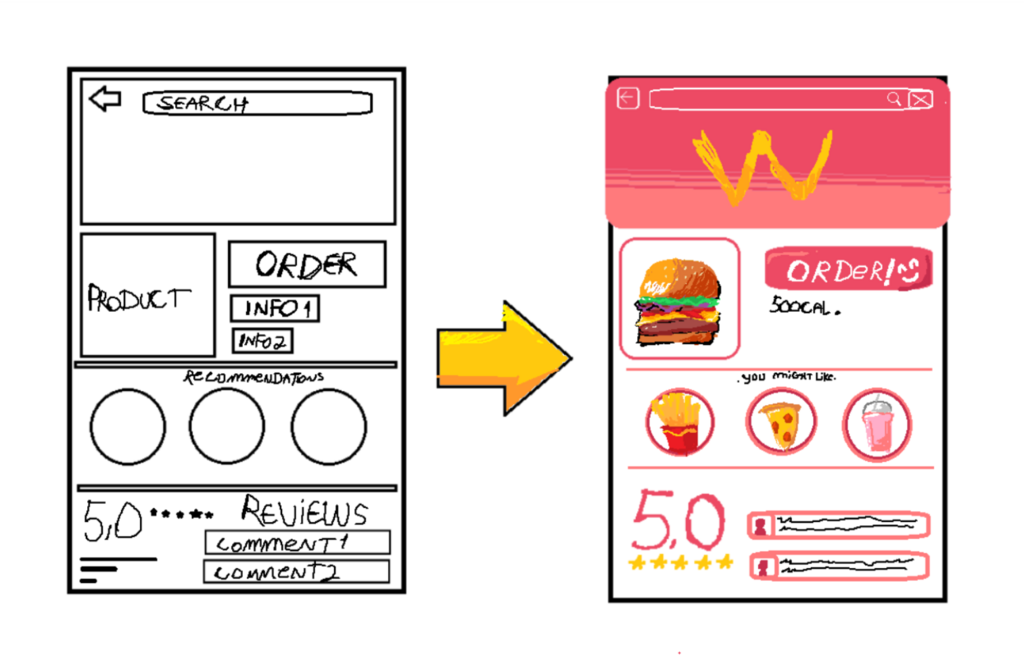
The process often starts with simple sketches, called wireframes, to map out the structure. These evolve into more detailed, polished designs that define the final product.
Clarity and Simplicity
Two of the most important principles in UI design are clarity and simplicity. Clarity means the user immediately understands what they're looking at and what they can do. There should be no guesswork. A clear interface communicates information effectively and provides obvious feedback for any action a user takes.
Simplicity is about removing anything that isn’t necessary. Every button, image, and line of text should serve a purpose. Clutter is the enemy of a good user interface because it overwhelms the user with too many choices and too much information. By keeping things simple, you make the important actions stand out.
Think of a remote control. A simple one has a few buttons for the most common functions: power, volume, and channels. A confusing one has fifty tiny buttons, most of which you'll never use. Good UI design aims for the former.
Consistency Creates Confidence
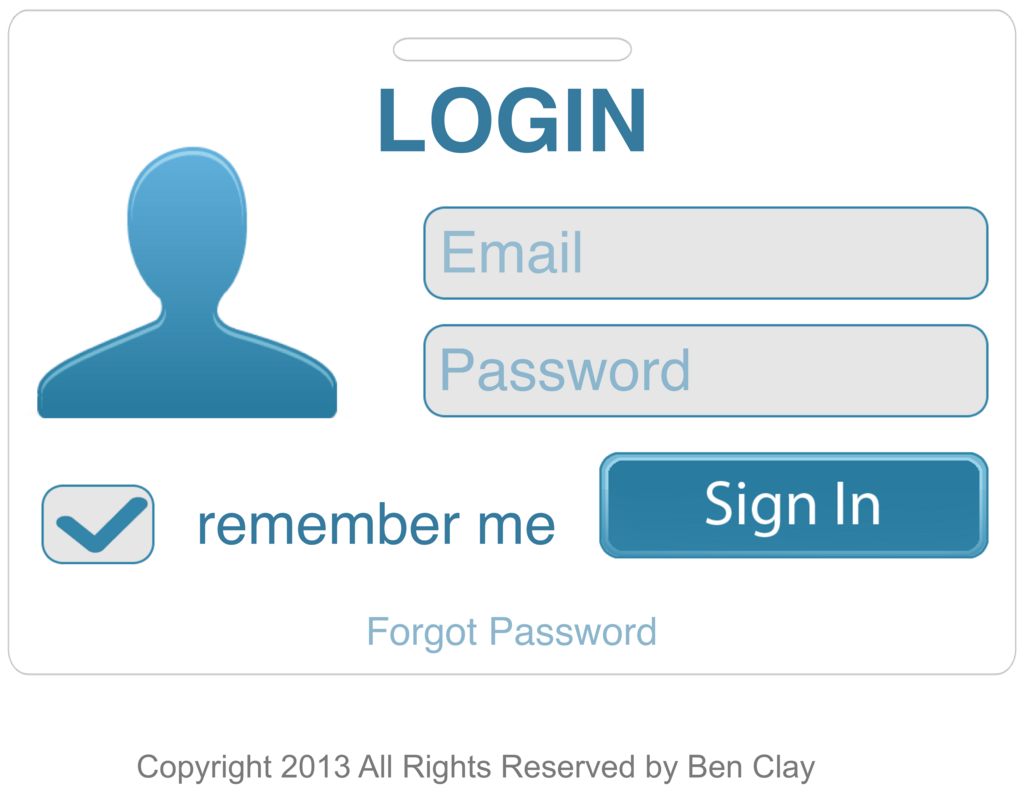
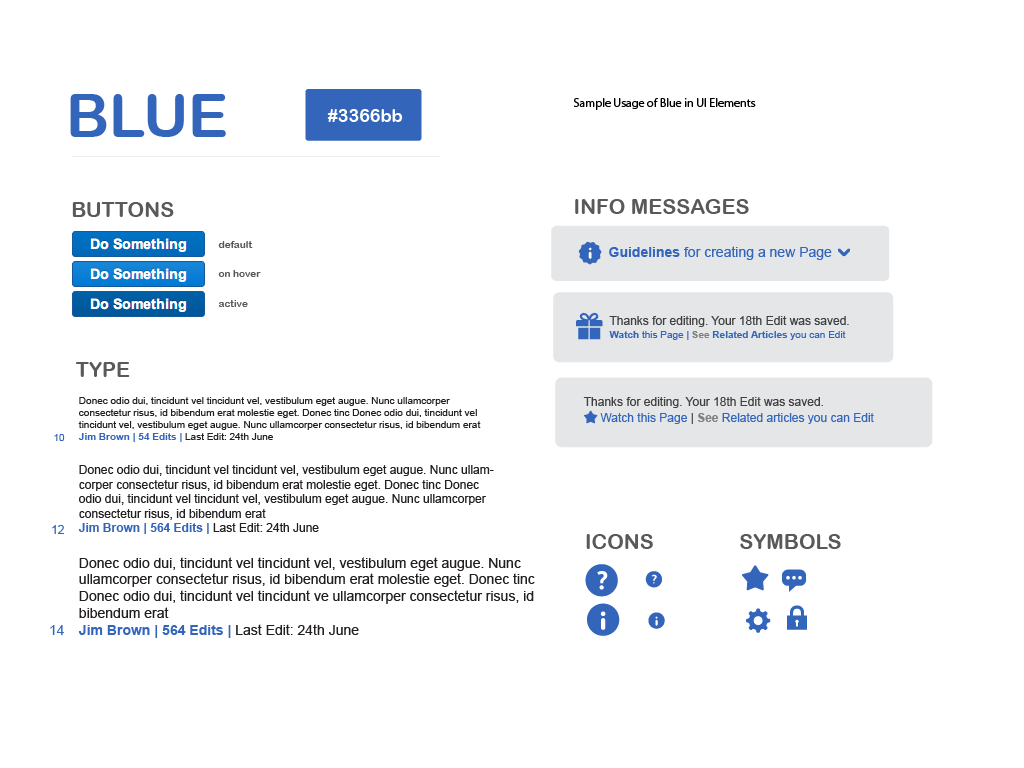
Consistency is what makes a user interface feel familiar and predictable. It means that similar elements look and behave in similar ways throughout the application. For example, all primary action buttons should have the same color and shape. Navigation menus should always appear in the same spot on every screen.
When an interface is consistent, users can learn how to use it quickly. They can apply knowledge from one part of the product to another without having to stop and think. This builds confidence and trust, making the experience smoother and more enjoyable. Inconsistency, on the other hand, forces the user to constantly re-learn the interface, which leads to frustration.
Design for the User
The most effective approach to UI design is to be user-centered. This means putting the needs, preferences, and goals of the user at the heart of every design decision. Instead of designing what you think is best, you design what is best for the people who will actually use the product.
A user-centered approach involves research to understand the target audience. Who are they? What are they trying to achieve? What are their pain points with current solutions? Answering these questions helps designers create interfaces that are not just visually appealing, but genuinely useful and solve real problems.

User-centered design (UCD) is a modern, widely practiced design philosophy rooted in the idea that users must take center-stage in the design of any computer system.
This focus on the user ensures the final product is intuitive, accessible, and provides a positive experience, which is the ultimate goal of UI design.
What is the primary goal of good User Interface (UI) design?
A 'user-centered' approach to design means putting the needs and goals of the user at the heart of every decision.