Introduction to Typst
Introduction to Typst
A Modern Take on Typesetting
For decades, if you wanted to create a professional-looking document—like an academic paper, a resume, or a technical manual—the go-to tool was LaTeX. It’s powerful, but it can also be complex and unforgiving. Meet Typst, a modern alternative designed to make high-quality typesetting faster, easier, and more intuitive.
Typst is a markup-based typesetting system, just like LaTeX. That means you write your document in plain text, using special commands to format it. But Typst reimagines the experience from the ground up, focusing on simplicity and speed without sacrificing power.
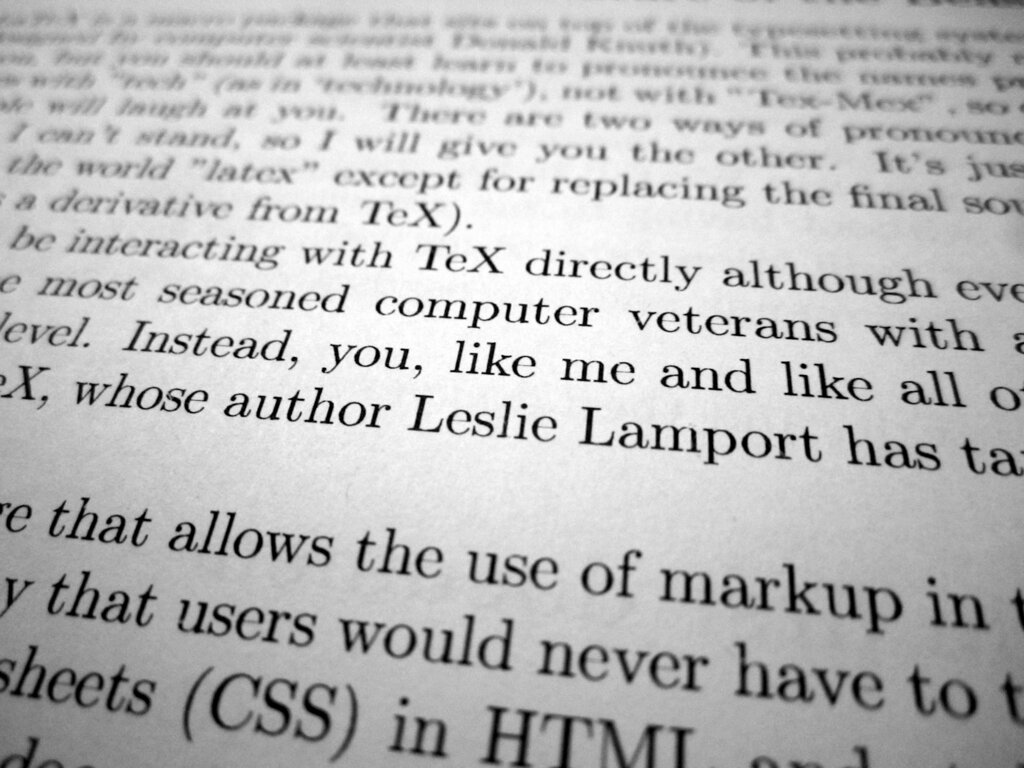
Why Not Just Use LaTeX?
LaTeX is a titan in the world of academic and scientific publishing for a reason. It produces beautiful documents and handles complex equations and references flawlessly. However, its age shows. The syntax can be verbose, compiling a large document can be slow, and deciphering error messages often feels like solving a cryptic puzzle.
Typst addresses these pain points directly. Its syntax is cleaner and more consistent. It compiles incredibly fast, often updating your preview in real-time as you type. And when you make a mistake, Typst gives you clear, helpful feedback so you can fix it and move on.
Think of it this way: If LaTeX is a manual transmission car—powerful but requiring skill to operate smoothly—Typst is a modern automatic. It handles the complex mechanics for you, so you can focus on driving.
A Quick Comparison
The best way to see the difference is to compare the syntax for common tasks. Notice how Typst often requires less code to achieve the same result.
| Task | LaTeX | Typst |
|---|---|---|
| Emphasis | \textit{italic}, \textbf{bold} | _italic_, *bold* |
| Heading | \section{My Heading} | = My Heading |
| Bulleted List | \begin{itemize} \item First \item Second \end{itemize} | - First \n- Second |
| Numbered List | \begin{enumerate} \item First \item Second \end{enumerate} | + First \n+ Second |
The differences are clear. Typst adopts conventions from modern markup languages like Markdown, making it feel familiar and easy to pick up.
Understanding the Markup
Typst's markup language is designed to be lean. Content is just text, while formatting and logic are handled by functions and rules that start with a # symbol. For example, to create a title and author block, you don't need a complex preamble. You just use the title and author functions.
// Set document properties
#set document(title: "My First Document", author: "Jane Doe")

// A top-level heading
= Introduction

This is my first document using Typst. It's easy to make text *bold* or _italic_.

// A second-level heading
== Key Features

Here are some of the things I like:

+ Simple syntax
+ Fast compilation
+ Helpful errors
This simple block of code produces a clean, well-formatted document with a title, author, and structured headings. Everything is readable and straightforward.
While we're focusing on the basics, it's worth knowing that this simplicity doesn't limit you. Typst also includes a powerful scripting language that lets you automate complex layouts and create custom functions, making it just as capable as its predecessors for demanding projects.
What is Typst primarily designed to be?
In Typst's syntax, which symbol is used to initiate formatting and logic commands?
Typst offers a fresh, modern approach to creating documents, blending the power of traditional systems with the simplicity of modern tools.