Introduction to SuperCollider
Introduction to SuperCollider
What is SuperCollider?
SuperCollider is a platform for creating sound. Instead of using a traditional instrument or a graphical interface, you write code to generate and manipulate audio in real time. It's a favorite tool for electronic musicians, artists creating interactive installations, and researchers exploring the frontiers of sound.
Think of it as both a programming language and a sound studio rolled into one. It gives you precise control over every aspect of your audio, from simple beeps to complex, evolving soundscapes. Because it’s code, you can build systems that compose music on their own, react to live data, or generate sounds that would be impossible to create otherwise.
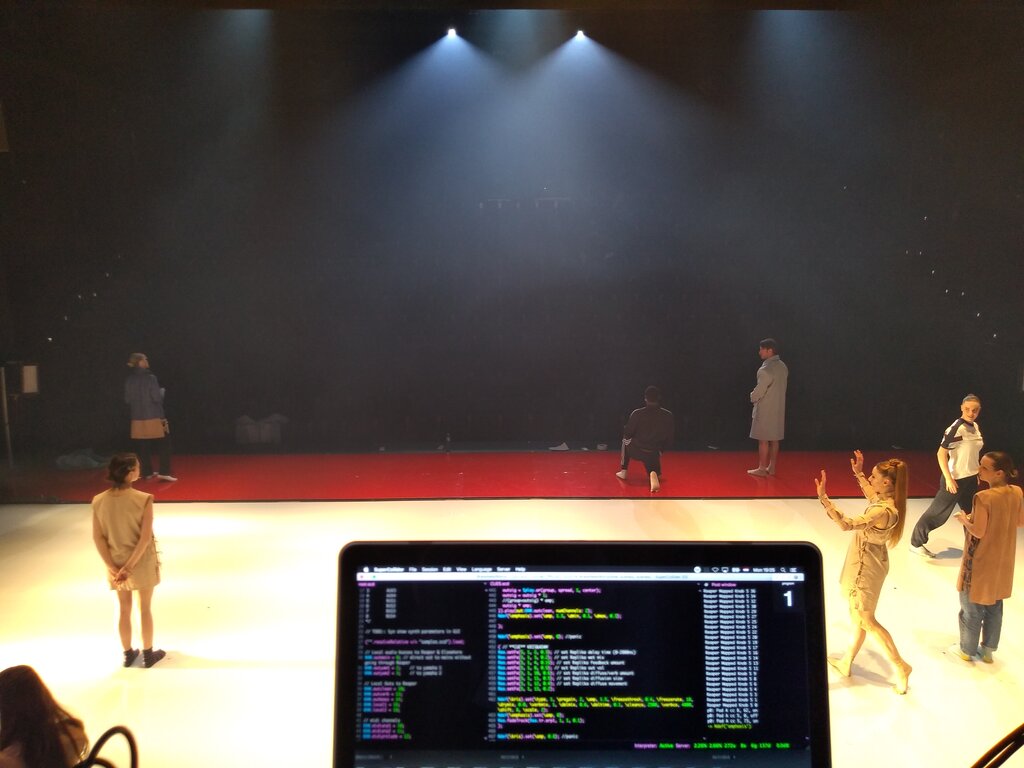
The Client and the Server
SuperCollider has a unique structure split into two main parts. This is often called a client-server architecture. It might sound technical, but the concept is straightforward.
Imagine a composer and an orchestra. The composer writes the musical score, detailing every note, rhythm, and dynamic. The orchestra reads the score and performs the music, producing the actual sound. SuperCollider works the same way.
-
sclang: This is the composer.
sclangstands for SuperCollider language. It's the client application where you write and run your code. It interprets your instructions, but it doesn't make any sound itself. -
scsynth: This is the orchestra.
scsynthstands for SuperCollider server. It's a powerful audio engine that runs quietly in the background. It receives messages fromsclangand turns them into sound waves that you hear through your speakers.
This separation is powerful. It means the language (the creative part) doesn't have to compete for processing power with the audio engine (the heavy-lifting part). This makes SuperCollider very stable and efficient, even for complex audio tasks. You could even run the server on a completely different computer from the one you're coding on.
Installation and First Look
Getting SuperCollider is easy. You can download a single application that includes everything you need: the language client, the audio server, and an integrated development environment (IDE) to write your code.
Visit the official SuperCollider website and grab the installer for your operating system—Windows, macOS, or Linux. The installation is standard for each platform.
Once installed, open the SuperCollider application. This is the IDE. It looks like a simple text editor, but it's much more. The main window is where you'll write your code. The area on the right is the 'post window', which displays messages and feedback from the language. There's also a help browser, which is an invaluable resource for learning.
Before you can make sound, you have to turn on the audio server. Go to the 'Language' menu and select 'Boot Server' or press Ctrl+B (Cmd+B on Mac).
Let's make a sound. Type the following line into the main code window:
{ SinOsc.ar(440, 0, 0.2) }.play;
Make sure your cursor is on that line, then press Ctrl+Enter (or Cmd+Enter on a Mac) to execute it. You should hear a clear, steady sine wave tone. To stop all sounds, press Ctrl+Period (or Cmd+Period).
You've just sent your first command from the client to the server! You told sclang to define a simple synthesizer using a sine wave oscillator (SinOsc) and to send that definition to scsynth to be played.
What is the primary purpose of SuperCollider?
SuperCollider's architecture is split into two main components. What are they called?
That's the basic workflow of SuperCollider. You write code in the IDE, send it to the audio server, and hear the results instantly. In the next steps, we'll start exploring what kind of code we can write.