Introduction to Scratch Programming
Introduction to Scratch
What is Scratch?
Scratch is a creative programming language where you can build your own interactive stories, games, and animations. Instead of typing out complex code, you snap together colorful blocks, a bit like building with digital LEGOs.
Scratch has become one of the best platforms for young learners with its intuitive, visual programming language and its ability to engage kids in creating interactive stories, animations, and games.
Developed by the MIT Media Lab, Scratch is designed to be fun and accessible for everyone, especially beginners. It removes the frustration of typos and syntax errors, letting you focus on bringing your ideas to life. The goal isn't just to learn to code, but to learn to think creatively, reason systematically, and work collaboratively.
A Tour of the Interface
When you open a new Scratch project, the screen is divided into a few key areas. Getting to know them is the first step in creating your own projects.
-
The Stage: This is the main screen where your creation comes to life. Your characters, called sprites, will move, talk, and interact here. By default, you start with the Scratch Cat sprite.
-
Sprite Pane: Below the Stage is where you manage all your sprites and backdrops. You can add new sprites, change their costumes, or adjust properties like their size and direction.
-
Block Palette: On the far left, you'll find your toolbox. It contains all the code blocks, organized by color and category. Blue blocks are for
Motion, purple blocks forLooks, pink forSound, and so on. -
Scripting Area: This large, empty space in the middle is your canvas. You'll drag blocks from the palette and snap them together here to build scripts that control your sprites.
More Than a Tool
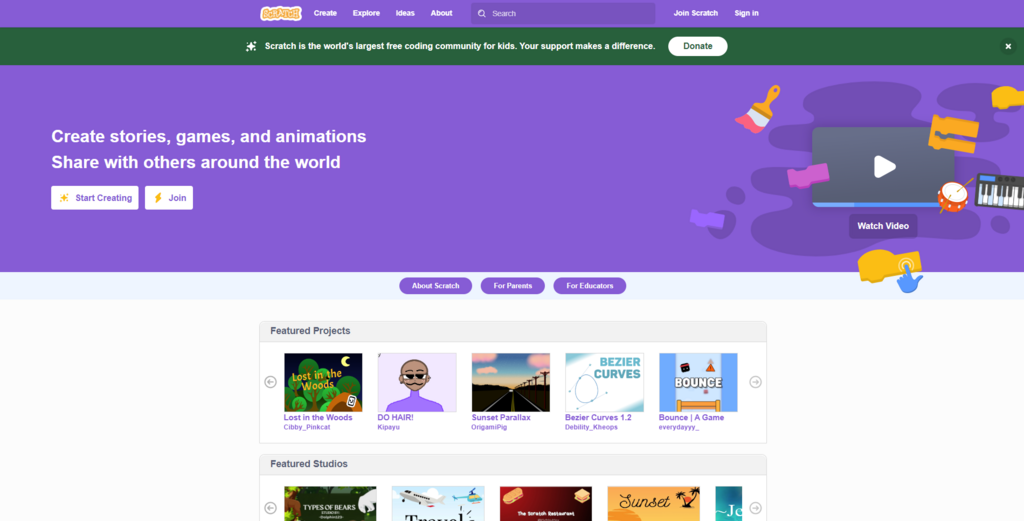
Scratch is also a massive online community where people share their creations. You can play thousands of games, watch animations, and explore interactive art made by other users from around the world.
This is one of the best ways to learn. When you find a project you like, you can look "inside" to see the code blocks that make it work. You can see how someone else built a jumping mechanic or programmed a conversation.
Even better, you can "remix" any project you find. A remix is your own copy of a project that you can modify to add your own characters, change the rules, or give it a completely new story. It's a fantastic way to learn by building on the work of others.
Now that you know your way around, it's time to test your knowledge.
What is the primary way you create programs in Scratch?
In the Scratch interface, what is the main area where your characters and animations come to life called?