Introduction to Python Programming
Python Basics
Getting Started with Python
Before you can write Python code, you need a way for your computer to understand it. This is done with a Python interpreter, which is a program that reads your code line by line and executes the commands. You can download the official interpreter directly from the python.org website.
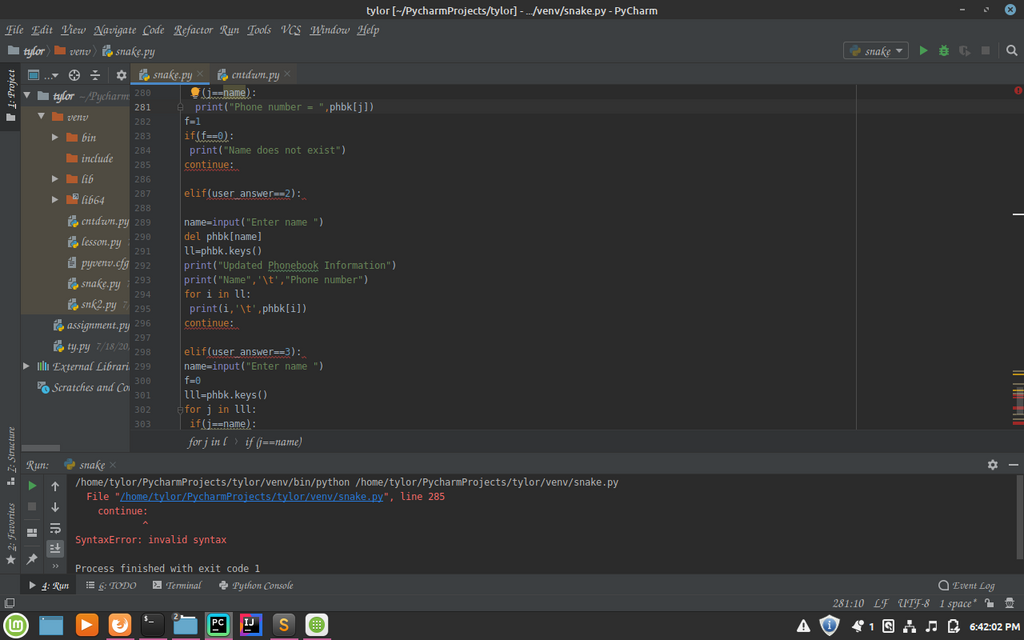
While the interpreter is essential, most programmers write code in an Integrated Development Environment, or IDE. An IDE is like a word processor specifically for code. It helps by highlighting syntax, catching errors, and managing your files. Popular choices include Visual Studio Code, PyCharm, and Thonny. For learning, a simple online editor can also work just fine.
Syntax and Structure
Python's syntax is known for being clean and readable. One of its defining features is the use of indentation to define code blocks, where other languages might use curly braces. This means whitespace isn't just for looks; it's a part of the code's structure. For now, just know that consistent spacing is important.
In Python, how you space your code matters. This design choice pushes developers to write code that's easier to read.
Let's start with a classic: displaying a message on the screen. The print() function is one of the first tools you'll use. It takes whatever you put inside the parentheses and outputs it.
print("Hello, Python!")
In this example, print is the function, and "Hello, Python!" is the text, or string, that we want to display. The quotation marks tell Python that this is a piece of text and not a command.
Variables and Data Types
Imagine you need to store a piece of information, like a name or a number, to use later. You can do this with a variable. A variable is like a labeled box where you can keep a value. To create one, you just give it a name, use the equals sign (=), and provide the value.
# Assigning a value to a variable
user_name = "Alice"
user_age = 30
Here, user_name is a variable holding the text "Alice", and user_age is a variable holding the number 30. Notice the text has quotes but the number doesn't. That's because they are different data types.
Python basics cover fundamental concepts like variables, data types, and basic operations.
Python has several built-in data types to handle different kinds of information. Here are the most common ones you'll encounter at first:
| Data Type | Description | Example |
|---|---|---|
String (str) | A sequence of characters (text) | "Hello", 'Python' |
Integer (int) | A whole number | 10, -5, 1200 |
Float (float) | A number with a decimal point | 98.6, 3.14, -0.5 |
Boolean (bool) | A value that is either True or False | True, False |
Python automatically figures out the data type when you assign a value to a variable. You don't need to declare it beforehand.
Input and Output
We've already seen how to output information using print(). Now, let's see how to get input from a user. For that, we use the input() function. It pauses the program and waits for the user to type something and press Enter.
# Ask the user for their name
name = input("What is your name? ")

# Greet the user
print("Hello, " + name + "!")
In this script, the program first displays the prompt "What is your name? ". Whatever the user types is then stored in the name variable. Finally, it combines the string "Hello, " with the user's name and an exclamation point to print a personalized greeting.
An important note: the
input()function always returns the user's input as a string, even if they type a number. If you need to treat it as a number, you'll have to convert it first.
Time to check your understanding of these core concepts.
What is the primary role of a Python interpreter?
In Python, indentation (whitespace at the beginning of a line) is used only to make code look organized and has no effect on how the program runs.
You've taken the first steps into programming with Python. By understanding how to set up your environment, write basic commands, store information in variables, and interact with a user, you have a solid foundation to build upon.