Introduction to Python Programming
Python Basics
What Is Python?
Python is a programming language, a way to give instructions to a computer. It's known for being one of the easiest languages to learn because its syntax, or its set of rules, is clean and readable. Think of it as writing in a structured form of English.

It was created in the late 1980s by Guido van Rossum, who wanted to make a language that was both powerful and simple to read. Fun fact: he named it after the British comedy group Monty Python, not the snake.
Python is a general-purpose language. This means it's not designed for just one task. You can use it for building websites, analyzing data, creating games, automating repetitive tasks, and much more.
The Zen of Python
Every programming language has a philosophy that guides its design, and Python's is all about simplicity and readability. This philosophy is summed up in a collection of 19 guiding principles known as "The Zen of Python."
Beautiful is better than ugly. Explicit is better than implicit. Simple is better than complex. Readability counts.
These aren't just nice-sounding phrases; they influence how Python code is written. For example, Python uses indentation (whitespace at the beginning of a line) to group blocks of code, rather than using curly braces or keywords like other languages. This forces code to be visually clean and organized, making it easier for anyone to understand at a glance.
Setting Up Your Workspace
To start writing Python, you need two main things: the Python interpreter and a code editor.
- The Interpreter: This is the program that reads your Python code and carries out its instructions. Without it, your computer won't understand what your
.pyfiles are saying. - A Code Editor: This is a text editor designed for writing code. It helps with formatting and often highlights syntax to make your code easier to read and debug.
First, let's get the interpreter. The best place to download Python is from the official website, python.org. It has installers for Windows, macOS, and Linux. Many macOS and Linux systems come with Python pre-installed, but it might be an older version. It's always a good idea to install the latest stable version to have access to new features and security updates.
Once it's installed, you can check that everything is working by opening your computer's command line or terminal and typing one of the following commands.
# Check for Python 3
python3 --version

# On some systems, it might just be 'python'
python --version
If it's installed correctly, you'll see the version number printed back to you, something like Python 3.11.5.
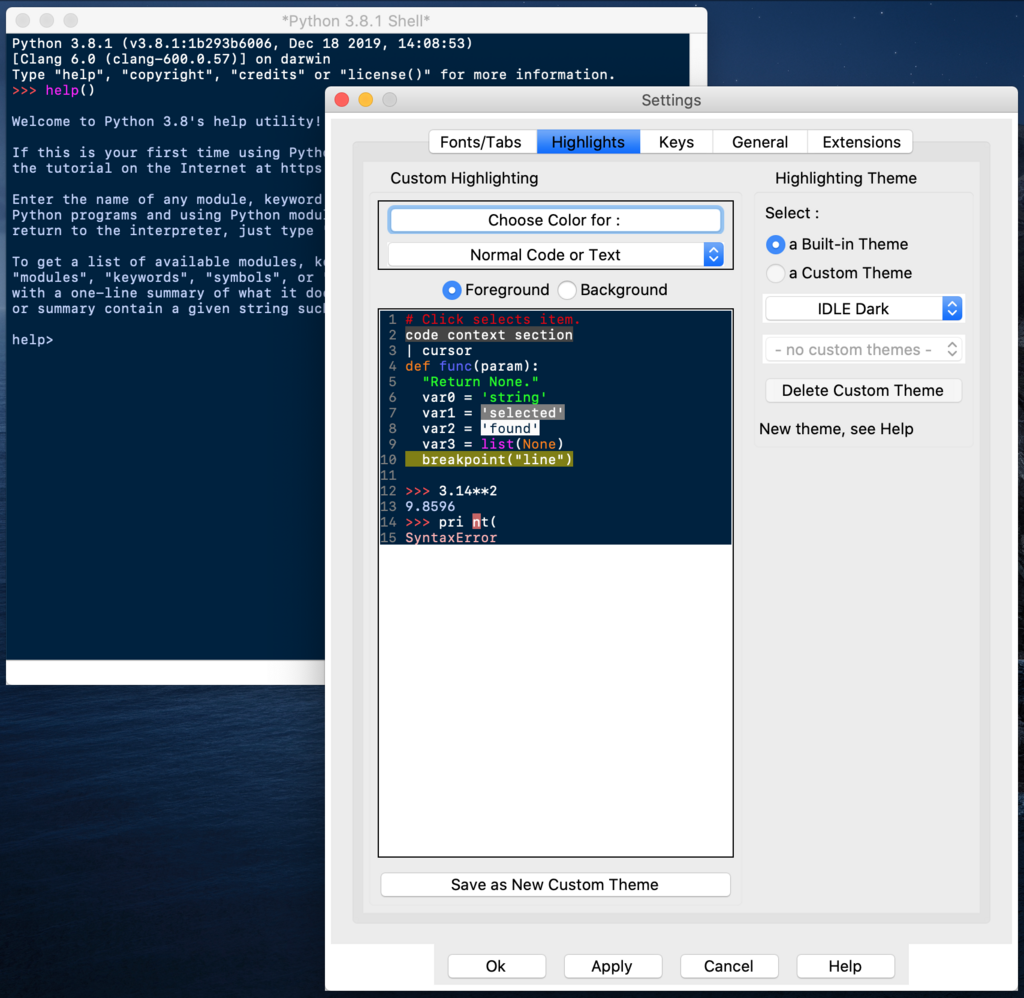
When you install Python, it comes with a simple built-in editor called IDLE (Integrated Development and Learning Environment). It's great for getting started. As you get more experienced, you might want to switch to a more powerful code editor like Visual Studio Code, PyCharm, or Sublime Text. For now, IDLE is all you need.
Now that your environment is set up, you're ready to write your first line of code.