Introduction to Python Programming
Python Setup
Getting Your Tools Ready
Before you can write Python code, you need to install the Python interpreter on your computer. Think of the interpreter as the engine that understands and runs your scripts. The best place to get it is from the official source, python.org.
Head to the downloads section and grab the latest stable version for your operating system, whether it's Windows, macOS, or Linux. The website usually detects your OS and suggests the correct installer.

During installation on Windows, you'll see a checkbox that says "Add Python to PATH." It's very important to check this box. It allows you to run Python from your computer's command line or terminal, which is a powerful tool you'll use often.
Choosing Your Workshop
While you can write Python code in a simple text editor, most programmers use an Integrated Development Environment, or IDE. An IDE is a software application that combines a code editor with other helpful tools for developers. It makes coding faster and easier by highlighting syntax, catching errors as you type, and managing your project files.
Two of the most popular IDEs for Python are Visual Studio Code (often called VS Code) and PyCharm. VS Code is a lightweight, free, and highly customizable editor made by Microsoft. PyCharm is developed by JetBrains and comes in a free Community edition and a paid Professional edition with more advanced features. Both are excellent choices.

To use Python with an IDE, you typically install the IDE and then either install a Python-specific extension (for VS Code) or point the IDE to your Python installation (for PyCharm). This one-time setup connects your editor to the Python interpreter.
An IDE is like a smart workbench for a programmer. It organizes your tools, points out mistakes, and helps you build things more efficiently.
The Interactive Notebook
Another popular tool is the Jupyter Notebook. It's a web-based, interactive environment that lets you write and run code in small, manageable pieces called cells. You can mix code cells with text, images, and charts, making it a fantastic tool for learning, experimenting, and data analysis.
Instead of writing a whole script and running it, you can write a few lines in a cell, run it, and see the output immediately. This instant feedback is incredibly helpful when you're exploring a new idea or trying to understand how a piece of code works.
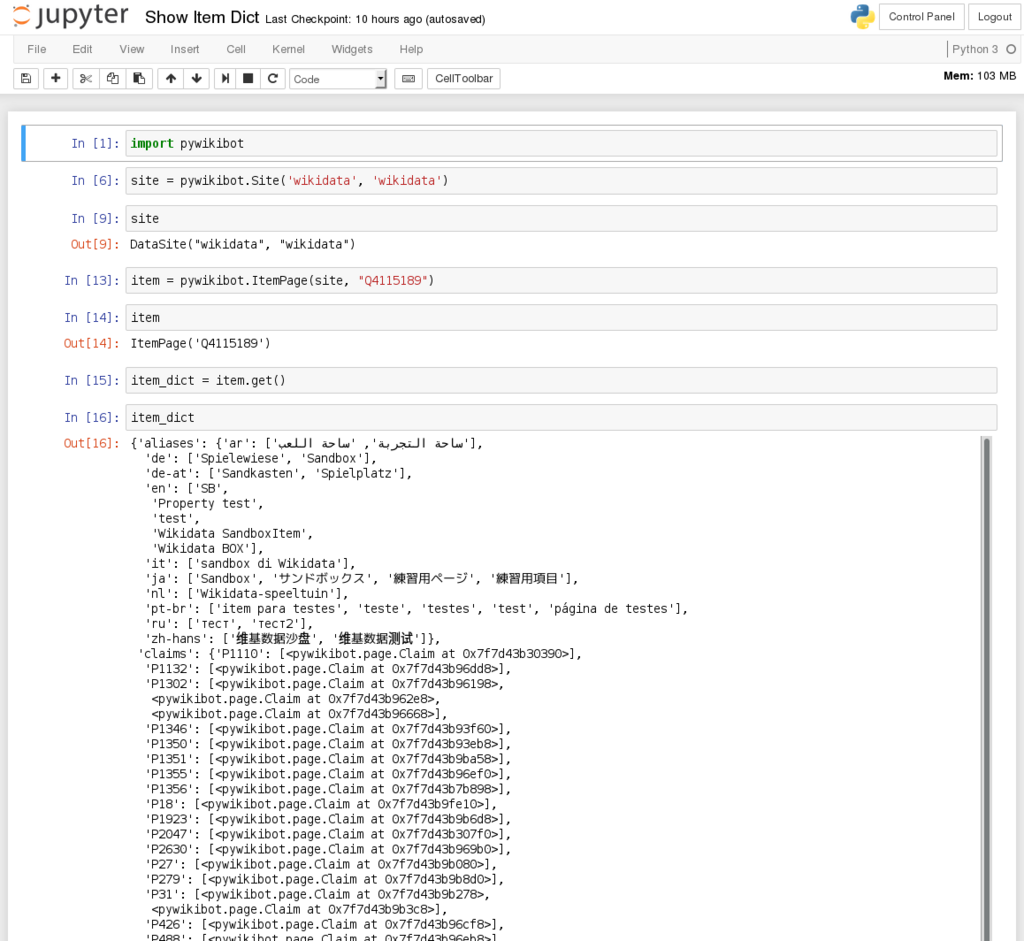
Many data scientists and researchers use Jupyter Notebooks daily. You can get started with them by installing the Jupyter package using Python's package manager, pip, or by installing the Anaconda distribution, which bundles Python and many popular libraries, including Jupyter.
Let's check your understanding of these essential tools.
What is the official and recommended source for downloading the Python interpreter?
During installation on Windows, why is it crucial to check the box for "Add Python to PATH"?
With Python installed and an editor ready, you have everything you need to start writing code.