Introduction to Python Programming
Python Basics
What is Python?
Python is a programming language, which is a way to give instructions to a computer. What makes Python special is its focus on simplicity and readability. Its creator, Guido van Rossum, designed it to be clean and easy to understand, with a syntax that reads almost like plain English. This makes it a great choice for beginners.
Python is a versatile and beginner-friendly programming language that has become immensely popular for its readability and wide range of applications.
One of Python's core philosophies is "batteries included." This means that its standard library comes packed with a huge collection of pre-written code, called modules, that you can use for various tasks, from working with dates and times to sending emails. This lets you build powerful applications without starting from scratch.
Because of its flexibility and strong community support, Python is used everywhere. It powers web applications, automates repetitive tasks, analyzes scientific data, and is a dominant force in the fields of machine learning and artificial intelligence.

Setting Up Your Workspace
Before you can start writing Python code, you need to set up your development environment. This sounds complex, but it just involves two main components: the Python interpreter and a code editor.
The interpreter is a program that reads your Python code line by line and executes the instructions. The code editor is a text editor designed specifically for writing code.
First, you'll need to install Python itself. You can download the latest version from the official website, python.org. The installer will guide you through the process. During installation on Windows, make sure to check the box that says "Add Python to PATH." This allows you to run Python from your computer's command line, also known as the terminal.
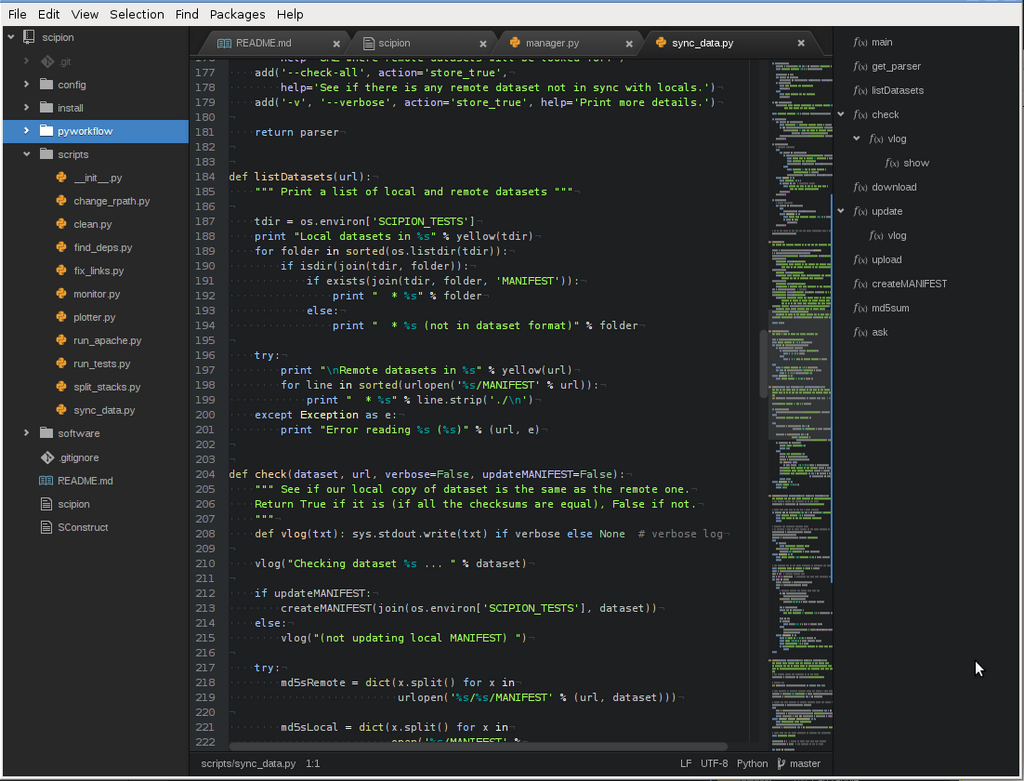
Next, you need a good place to write your code. While you could use a basic text editor like Notepad, a dedicated code editor makes life much easier. Code editors provide features like syntax highlighting, which colors your code to make it more readable, and auto-completion. Popular choices include Visual Studio Code, Sublime Text, and Atom. Pick one and install it on your computer.
Your First Python Program
It's a long-standing tradition in programming to start by making the computer say "Hello, World!". Let's write a simple Python script to do just that.
Open your code editor and create a new file. In this file, type the following line of code:
print("Hello, World!")
This line uses Python's built-in print() function. A function is a named block of code that performs a specific task. The print() function's job is to display whatever you put inside its parentheses on the screen.
Save the file with a meaningful name, like hello.py. The .py extension is important because it tells your computer that this is a Python file.
Now, it's time to run your program. Open your terminal (on Windows, it might be called Command Prompt or PowerShell; on macOS or Linux, it's Terminal). Navigate to the directory where you saved your file. Then, type the following command and press Enter:
python hello.py
If everything is set up correctly, you should see the text Hello, World! appear in the terminal. You've just written and executed your first Python program.
What is the core philosophy of Python that refers to its extensive standard library?
Which of the following is NOT a primary reason Python is considered a good language for beginners?
That's all it takes to get started. You've learned what Python is, set up your environment, and run a simple script. You're now ready to explore more fundamental concepts.