Introduction to Python Programming
Python Syntax
The Rules of Python
Every language has rules, and programming languages are no different. These rules are called syntax. Python's syntax is famous for being clean and readable, almost like plain English. This design isn't just for looks; it helps programmers write code that is easy to understand and maintain.
Python's syntax is meant to be simple and readable, reflecting the structure of natural language, making it a better option for novices.
Indentation is Everything
Imagine writing an outline. You indent sub-points to show they belong under a main heading. Python uses this exact idea to structure code.
Unlike many other languages that use brackets or keywords to group code, Python uses indentation. A block of code is simply a group of lines indented at the same level. This forces a clean, organized layout. The standard is to use four spaces for each level of indentation.
# This is a code block
print("This line is inside the block.")
print("This line is also inside.")

# This is not part of the block above
print("This line is outside the block.")
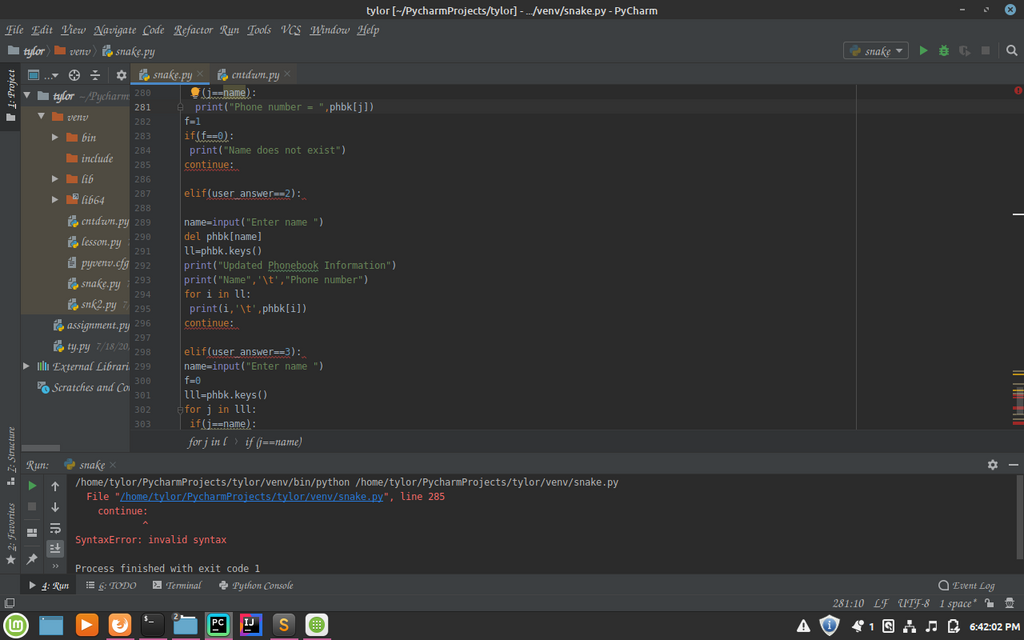
If you get the indentation wrong, your program will not run. Python is very strict about this rule. Consistent indentation isn't just good style; it's a requirement.
Communicating with Your Program
A program isn't very useful if you can't interact with it. The two most basic interactions are telling it to display information and giving it information to work with.
In Python, you use the
print()function to display output and theinput()function to get input from a user.
To show something on the screen, you place it inside the parentheses of print().
# This will display the text Hello, world! on the screen.
print("Hello, world!")
To get information from a user, you use input(). You can also put a message inside the parentheses to prompt the user for what you need. The program will pause and wait for the user to type something and press Enter.
# This will display "What is your name? " and wait for the user to respond.
input("What is your name? ")
Naming and Storing Information
When you get information, you need a place to store it. In programming, we use variables. Think of a variable as a labeled box where you can keep a piece of information. You can give it a name, put something in it, and look inside it later.
Let's combine input() with a variable. We'll ask for the user's name and store it in a variable called user_name.
# The user's input is stored in the user_name variable
user_name = input("What is your name? ")

# Now we can use the variable to print a greeting
print("Hello, " + user_name)
Choosing good variable names is important for writing code that makes sense. Python has a few rules and conventions for this:
- Names must start with a letter or an underscore (
_), not a number. - They can only contain letters, numbers, and underscores.
- Names are case-sensitive, so
nameandNameare different variables.
The common convention in Python is to use snake_case for variable names. This means all letters are lowercase, with words separated by underscores.
| Good Names | Bad Names |
|---|---|
user_name | user name (contains a space) |
first_name | 1st_name (starts with a number) |
total_value | total-value (contains a hyphen) |
Leaving Notes for Yourself
As your programs get more complex, you'll want to leave notes in your code to explain what you're doing. These notes are called comments. The computer ignores them completely; they are just for humans.
In Python, a single-line comment starts with a hash symbol (
#). Anything after the#on that line is ignored.
# This is a comment explaining the next line.
# It reminds us why we are calculating the area.

length = 10 # Store the length of the rectangle.
width = 5   # Store the width.
For longer, multi-line notes, you can use something called a docstring. These are created by wrapping your text in triple quotes (""" or '''). While they have a special purpose for documenting code automatically, they also work well for multi-line comments.
"""
This is a multi-line comment or docstring.
It can span several lines and is useful for explaining
a complex piece of code in more detail.
"""

# The code continues here
print("Comments don't affect the program's execution.")
You now know the basic structure of a Python program. You can write code that displays messages, asks for user input, stores that input in well-named variables, and documents itself with comments.
How does Python use indentation to structure code?
Which of the following is a valid and conventionally styled Python variable name?