Introduction to Python Programming
Introduction to Python
What is Python?
Python is a programming language known for its clear, readable code. Think of it less like a cryptic set of instructions and more like a structured form of English. This design choice makes it one of the most beginner-friendly languages available.
It was created in the late 1980s by a Dutch programmer named Guido van Rossum. Fun fact: he didn't name it after the snake. He was a big fan of the British comedy troupe Monty Python's Flying Circus, and the name stuck.

Python is an interpreted language, which means you can run your code as soon as you write it without a separate compilation step. This makes testing and debugging much faster. It's also a high-level language, handling a lot of complex computer memory management behind the scenes so you can focus on solving problems.
Why Learn Python?
Python's popularity isn't just about its simplicity. It's incredibly versatile. Developers use it for building websites, analyzing data, creating artificial intelligence models, automating tasks, and even making video games. This flexibility is powered by a massive collection of pre-written code, called the Standard Library, and a vast ecosystem of third-party packages.
Essentially, if you have a problem to solve with code, there's a good chance Python can help you do it efficiently.
The community surrounding Python is another huge advantage. Millions of developers use Python, which means if you ever get stuck, help is just a quick search away. This strong community contributes to a rich library of tools and frameworks that make development faster and easier.

Getting Started
To start writing Python, you need two things: the Python interpreter and a code editor.
- The Interpreter: This is the program that reads your Python code and carries out its instructions. You can download it directly from the official website, python.org. It's available for Windows, macOS, and Linux.
- A Code Editor: This is where you'll write your code. While you could use a simple text editor like Notepad, a dedicated code editor offers features like syntax highlighting and debugging tools that make your life much easier. Popular choices include Visual Studio Code, PyCharm, and Sublime Text. For now, any will do.

Your First Program
A long-standing tradition in programming is to make your first program display the text "Hello, World!". It's a simple way to confirm that your setup is working correctly.
In Python, this is remarkably easy. It takes just a single line of code.
print("Hello, World!")
To run this, open your code editor, type that line into a new file, and save it as hello.py. The .py extension is important—it tells your computer this is a Python file.
Next, open your computer's terminal or command prompt. Navigate to the directory where you saved your file, and type the following command, then press Enter:
python hello.py
If you have multiple versions of Python installed, you might need to use python3 instead of python. If everything is set up correctly, you should see Hello, World! printed in your terminal.
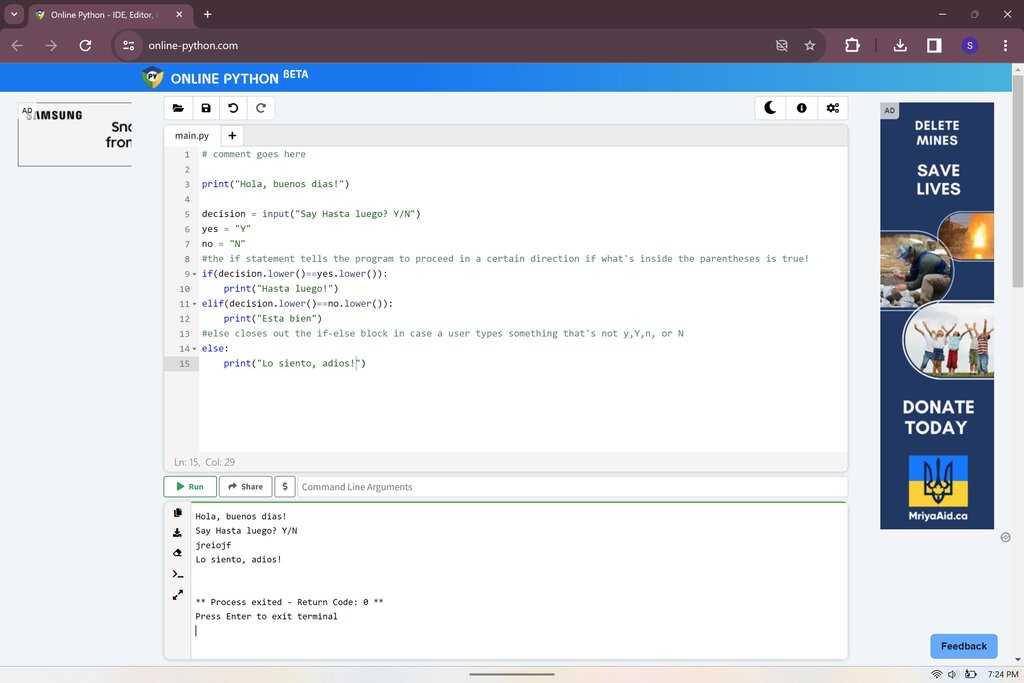
Let's check your understanding of these first steps.
Python was named after...
Python is described as an "interpreted" language. What does this mean?
Congratulations! You've just written and executed your first piece of Python code. This simple program is the foundation for everything you'll learn from here.