Introduction to Programming
Introduction to Programming
Telling Computers What to Do
At its heart, programming is simply the act of giving instructions to a computer. Think of it like writing a recipe. A recipe lists a series of steps you must follow in a specific order to bake a cake. If you miss a step or do it out of order, you probably won't get a cake.
A computer is like a very literal chef. It will follow your instructions exactly as you write them, for better or for worse. It can't guess what you meant to say. This is why programming requires clear and precise thinking.
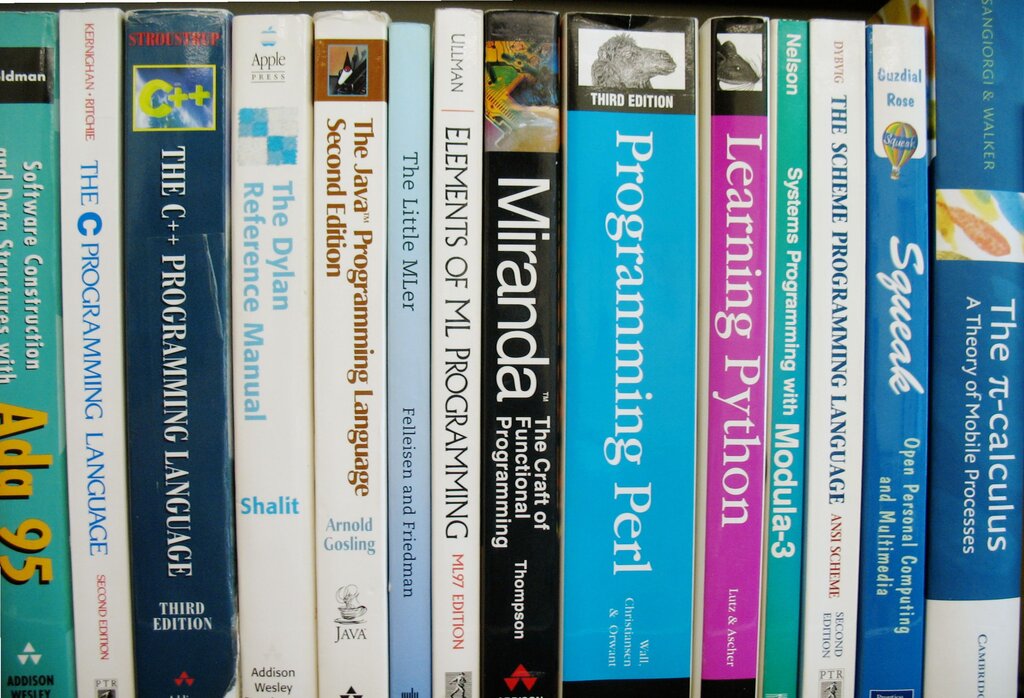
We can't write these instructions in plain English or Spanish. Human languages are full of ambiguity and nuance. Instead, we use special languages called programming languages. These languages are designed to be unambiguous and structured, so a computer can understand them perfectly. There are thousands of programming languages, each with its own strengths, but they all share the same fundamental purpose: to be a bridge between human ideas and computer actions.
Anatomy of a Program
While programs can become incredibly complex, they all follow a basic structure. Most programs take some information, perform actions on it, and then produce a result. This can be broken down into three main parts: input, processing, and output.
- Input: This is the data or information the program receives. It could be a button you click, text you type, or data from a file.
- Processing: This is the core logic of the program. It's the set of instructions that manipulate the input in some way.
- Output: This is the result the program produces after processing the input. It might be text displayed on the screen, a saved file, or even a sound.
Let's look at a simple example. A calculator app takes the numbers and symbols you type (input), performs the calculation (processing), and displays the answer (output).
Even the most basic program demonstrates this flow. The traditional first program for any new programmer is one that simply displays the text "Hello, World!" on the screen. In this case, there's no real input, the processing is just preparing the text, and the output is the visible message.
// This is a generic example of a simple program
// It tells the computer to display a message on the screen

PRINT "Hello, World!"
Every program, no matter how large, is built from small, logical steps that tell the computer exactly what to do.
Understanding this simple structure is the first step. From here, we can start to explore the specific building blocks that make up the "processing" part of a program.