Introduction to Programming
Introduction to Programming
What Is Programming?
At its core, programming is simply giving instructions to a computer. Think of it like writing a recipe. A recipe lists specific steps in a precise order to achieve a goal, like baking a cake. If you miss a step or write it unclearly, you won't get a cake. Computers are similar, but far less forgiving. They can perform amazing tasks at incredible speeds, but they need to be told exactly what to do, how to do it, and when.
This process of writing detailed, step-by-step instructions for a computer to execute is called programming. The instructions themselves are known as code, and the person writing them is a programmer. These instructions can be simple, like adding two numbers, or incredibly complex, like powering a social media network or guiding a spacecraft.
Speaking the Computer's Language
We can't write instructions for a computer in English or Spanish. Computers have their own native tongue: machine code, which is made up entirely of ones and zeros. Trying to write instructions directly in machine code would be incredibly difficult and slow for humans.
This is where programming languages come in. They act as a bridge, allowing us to write instructions in a way that's more understandable for us. These languages have specific rules and structures, much like human languages have grammar and syntax. There are hundreds of programming languages, each with its own strengths. Some popular examples are Python, JavaScript, C++, and Java.
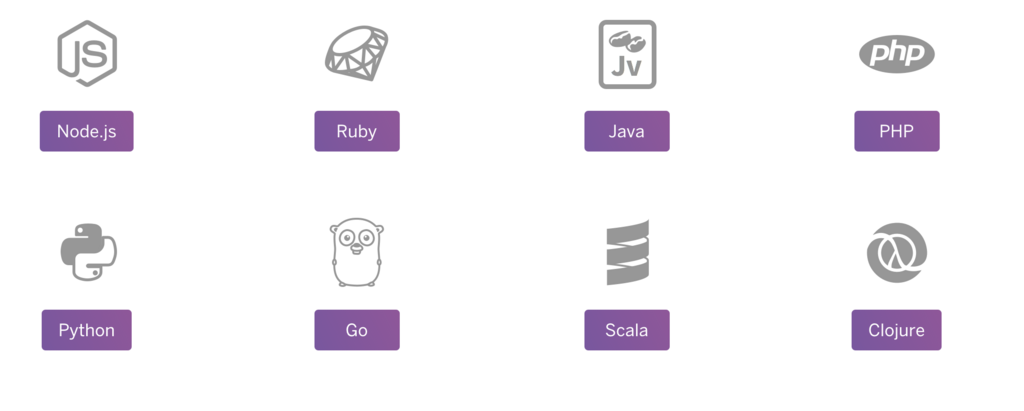
Think of it this way: programming languages let us write the recipe in a special, structured version of English, and then a translator converts it into the ones and zeros the computer's hardware can actually execute.
The Anatomy of a Program
While programs vary wildly in complexity, most perform three basic functions: they take in information (input), manipulate it in some way (processing), and then produce a result (output).
Let's consider a very simple program that adds two numbers:
- Input: The program receives two numbers, say 5 and 10.
- Processing: It performs the addition operation on them ($5 + 10$).
- Output: It displays the result, 15, on the screen.
The first program many people write is called "Hello, World!". Its only job is to display the text "Hello, World!" on the screen. It's a simple way to confirm that your setup is working correctly. Here's what that program looks like in the C programming language:
#include <stdio.h>

int main() {
    // This line prints the text to the screen
    printf("Hello, World!\n");
    return 0;
}
Even in this tiny program, you can see the basic structure. The processing is the printf command, and the output is the text that appears on your monitor.
From Human to Machine
So how does code written in a language like C or Python get turned into the ones and zeros a computer understands? This translation is done by special programs called compilers and interpreters.
compiler
noun
A program that translates an entire block of source code into machine code all at once, creating a separate executable file.
Think of a compiler like a book translator. It takes the entire manuscript (your source code), translates it from start to finish, and gives you a fully translated book (an executable program). You can then run this program anytime you want without needing the translator again. Languages like C, C++, and Java use compilers.
interpreter
noun
A program that translates and executes source code one line at a time, without creating a separate executable file.
An interpreter works more like a live translator for a speech. It takes one line of your code, translates it, the computer executes it, and then the interpreter moves on to the next line. This process happens every time you run the program. Languages like Python and JavaScript are typically interpreted.
| Feature | Compiler | Interpreter |
|---|---|---|
| Translation | Translates the entire program at once | Translates one statement at a time |
| Output | Creates a standalone executable file | Does not create an executable file |
| Execution Speed | Generally faster | Generally slower |
| Error Checking | Reports errors after compiling the whole program | Reports errors as soon as one is found |
| Example Languages | C, C++, Rust | Python, JavaScript, Ruby |
Both approaches have their advantages, but they share the same fundamental goal: to bridge the gap between human language and machine code, allowing us to build the software that powers our world.