Introduction to Microsoft Power Apps
Introduction to Power Apps
What Is Power Apps?
Think of a specific problem at work. Maybe it's tracking inventory on a messy spreadsheet, or managing team requests through a long email chain. What if you could build a simple app to solve that problem, without needing to write complex code? That's the idea behind Microsoft Power Apps.
Power Apps helps you turn ideas into solutions by enabling you to build custom apps that solve a particular challenge.
Power Apps is a low-code platform, which means it uses a visual, drag-and-drop interface to build applications. It's more like assembling a piece of furniture with instructions and pre-made parts than it is like building that furniture from raw lumber. This approach makes app development accessible to everyone, not just professional software developers.
This empowers people called “citizen developers”—employees who create business applications for consumption by themselves or others, using tools that don't require traditional coding.
Power Apps is a key part of the Microsoft Power Platform, a suite of tools that work together to help you analyze data (Power BI), automate workflows (Power Automate), and build applications (Power Apps). They all connect seamlessly, allowing you to create powerful solutions that integrate with tools you already use, like Excel, SharePoint, and Outlook.
Two Kinds of Apps
When you start building in Power Apps, you'll choose between two main types of applications: canvas apps and model-driven apps. The choice depends on what you need your app to do.
Canvas App
noun
Gives you complete control over the app's look and feel, like starting with a blank canvas. You design the user experience from scratch, arranging buttons, text fields, and images exactly where you want them.
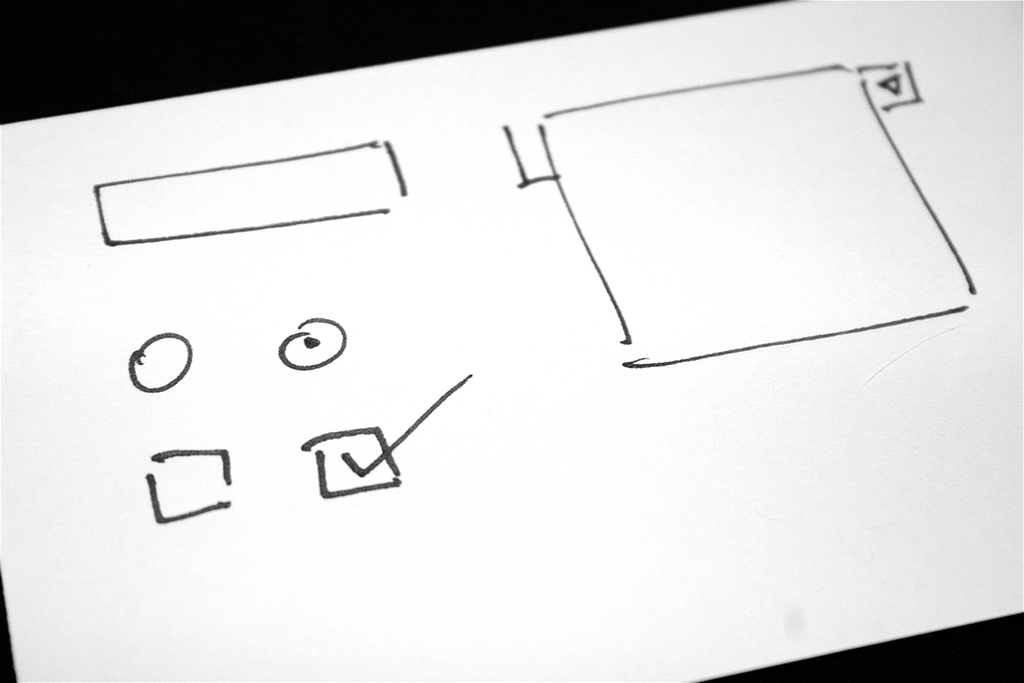
Canvas apps are perfect when the user experience is your top priority. You can tailor every pixel for mobile or tablet devices, creating a highly polished and intuitive interface. You start with your user interface, then connect it to one or more data sources.
Model-Driven App
noun
Builds the app's layout for you based on your underlying data and business processes. The structure is more standardized, ensuring consistency and focusing on function over form.
With model-driven apps, you start with your data model—how your information is organized. Power Apps then generates the screens, forms, and views needed to interact with that data. While you have less control over the exact layout, the development is much faster and the resulting app is automatically responsive, meaning it works well on both web browsers and mobile devices.
| Feature | Canvas App | Model-Driven App |
|---|---|---|
| Starting Point | Blank screen (user interface) | Data model |
| Design Control | High (pixel-perfect layout) | Low (layout is generated) |
| Best For | Task-specific, custom UIs | Data-intensive, process-driven tasks |
| Example | Equipment checkout form | Customer relationship manager |
The Benefits
Using a low-code platform like Power Apps offers several advantages. The most significant is speed. You can go from an idea to a functioning application in hours or days, not months. This allows teams to quickly address business needs and adapt to changes.
It also lowers the barrier to innovation. When anyone in an organization can build a tool to solve a problem, good ideas can come from anywhere. A sales manager can build an app to track client visits, or a warehouse coordinator can create one to manage inventory, all without relying on a dedicated IT department.
Finally, the deep integration with the Microsoft ecosystem is a major benefit. Connecting your app to a SharePoint list, an Excel file in OneDrive, or a Power BI dashboard is straightforward, allowing you to build on the systems your organization already trusts.
What is the core principle behind Microsoft Power Apps?
When building an app in Power Apps, you would choose a model-driven app over a canvas app when your primary focus is on...
Now that you have an overview of Power Apps, you're ready to explore how to put it into action.