Introduction to Linux
Introduction to Linux
What is Linux?
At its heart, Linux is an operating system. It’s the software that manages all of the hardware resources associated with your computer. Just like Windows or macOS, it sits between the physical components and the applications you use, making sure everything works together.
But Linux is different in one fundamental way: it's open source. This means its source code—the very blueprint of the operating system—is freely available for anyone to view, modify, and share. This idea was central to its creation in 1991 by a Finnish student named Linus Torvalds. He wanted to create a free and open version of the powerful Unix operating system, and he shared his work with a community of programmers online. What started as a personal project quickly grew into a global collaboration.
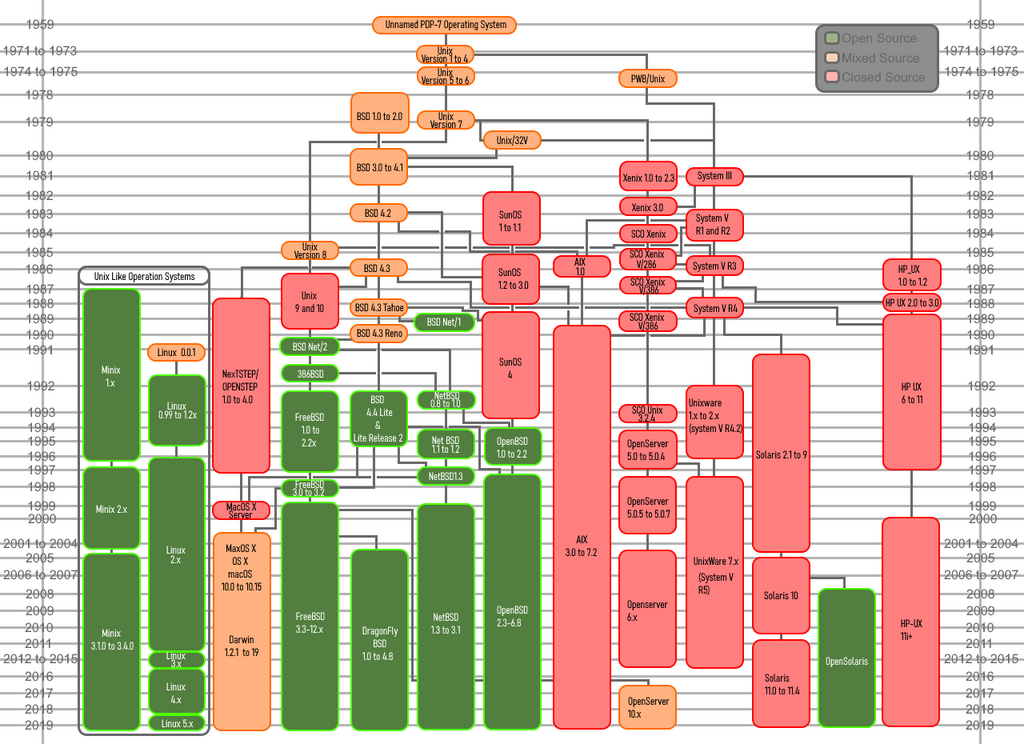
The Open Source Way
The open-source philosophy is what makes Linux so unique. Unlike proprietary operating systems like Windows, which are developed secretly by a single company, Linux is built by a vast, worldwide community. Thousands of developers, from individuals to large corporations like Google and IBM, contribute to its code. This collaborative model leads to rapid innovation, robust security, and incredible flexibility.
Think of it like a community cookbook versus a secret family recipe. Anyone can add a new recipe to the cookbook, suggest improvements to existing ones, or adapt them for their own use. The result is a richer, more diverse collection of dishes that benefits everyone.
This community spirit is also tied to the GNU Project, started by Richard Stallman. The GNU Project created a wealth of free software tools that were essential for making Linux a complete operating system. That's why you'll often hear the name "GNU/Linux"—it acknowledges the combination of the Linux kernel (the core) and the GNU software that runs on top of it.
Linux Architecture
Every operating system has a core structure, and Linux is no exception. Its architecture is generally broken down into a few key layers. Understanding this structure helps explain how it works so efficiently.
At the very bottom is the Hardware, which includes the CPU, memory, and storage devices.
The Linux Kernel is the core of the OS. It's the first program that loads when the computer starts. Its main job is to manage the hardware—it controls the CPU, allocates memory, and handles input and output from devices. The kernel is the bridge between the hardware and the software.
The Shell is a command-line interface (CLI) that allows the user to interact with the kernel. You type commands into the shell to tell the operating system what to do. While modern Linux versions also have graphical user interfaces (GUIs), the shell remains a powerful tool for system administration and automation.
Finally, at the top are the Applications. These are the programs you use every day, like web browsers, text editors, and games. These programs make requests to the kernel to perform tasks, like opening a file or connecting to the internet.
Where Linux Lives
Because it's free, stable, and versatile, Linux runs on a staggering variety of devices. You probably use it every day without even realizing it. The vast majority of web servers that power the internet run on Linux. It's the foundation of cloud computing platforms from Amazon, Google, and Microsoft.
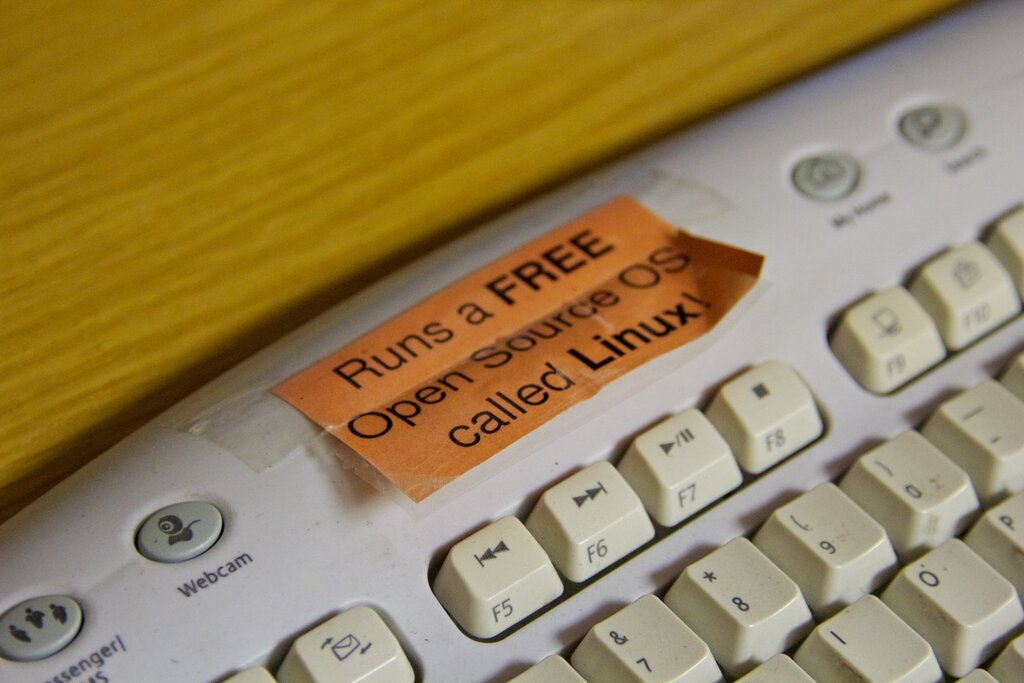
It's also in your pocket. The Android operating system is built on top of a modified Linux kernel, making Linux the most widespread OS on the planet.
Linux also dominates in scientific and high-performance computing. Every single one of the world's top 500 supercomputers runs on Linux. It's also found in countless embedded systems—from your smart TV and home router to in-car entertainment systems and industrial machinery.
And of course, Linux is a popular choice for desktop and laptop computers, especially among software developers and system administrators. Different versions, called distributions (or "distros") like Ubuntu, Fedora, and Debian, package the Linux kernel with other software to create a complete, ready-to-use operating system.
What is the most fundamental difference between Linux and proprietary operating systems like Windows or macOS?
In the architecture of the Linux operating system, which component acts as the bridge between the hardware and the software?
This versatility is the ultimate testament to the power of open-source collaboration. From tiny sensors to the world's fastest computers, Linux provides a stable and flexible foundation for technology.