Introduction to Linux
Introduction to Linux
What is Linux?
At its heart, Linux is an operating system, just like Windows or macOS. It's the software that manages all of the hardware resources on your computer and lets you interact with it.
The story begins in 1991 with a Finnish student named Linus Torvalds. He wanted to create a free, open-source version of the UNIX operating system. What he created was the Linux kernel.
At its core, Linux is a kernel—the core of an operating system that manages hardware resources (CPU, memory, storage) and enables communication between software and hardware.
Think of the kernel as the engine of a car. It's the essential component that makes everything run, but you don't interact with it directly. You need the rest of the car—the steering wheel, seats, and body—to have a complete, usable vehicle. Similarly, the Linux kernel is combined with other software to create a full operating system.
The Power of Open Source
The most important principle behind Linux is that it's open-source. This means its source code, the human-readable instructions that tell the computer what to do, is freely available for anyone to view, use, modify, and share.
This is a major difference from proprietary software like Windows and macOS, where the source code is a closely guarded secret. Open-source software is built on collaboration and community.
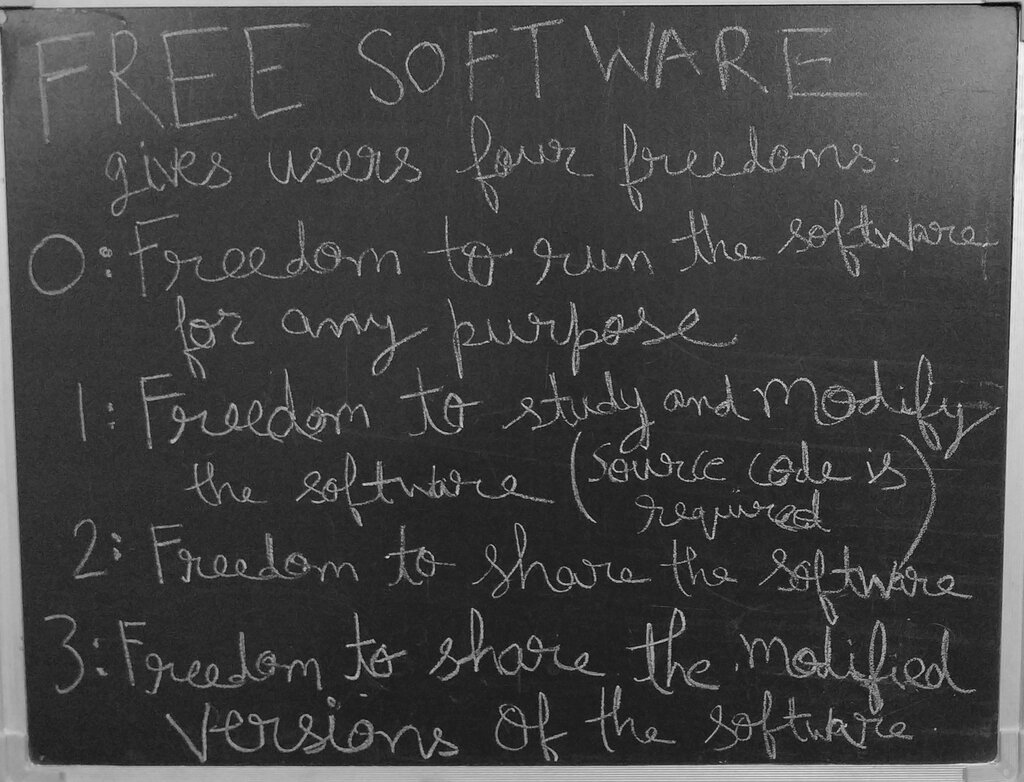
This collaborative approach means that developers from all over the world can contribute to improving the software, fixing bugs, and adding new features. It leads to highly secure, stable, and flexible systems. The philosophy is simple: when many people can examine the code, problems are found and fixed faster.
Distributions Galore
Because the Linux kernel is open-source, anyone can package it with other software to create their own version of the operating system. These packaged versions are called distributions, or "distros."
A Linux distribution (or distro) is an operating system (OS) compiled from components developed by open source projects/programmers.
There are hundreds of Linux distributions, each with its own look, feel, and set of default applications. This variety is one of Linux's greatest strengths, as it allows you to choose an operating system tailored to your specific needs.
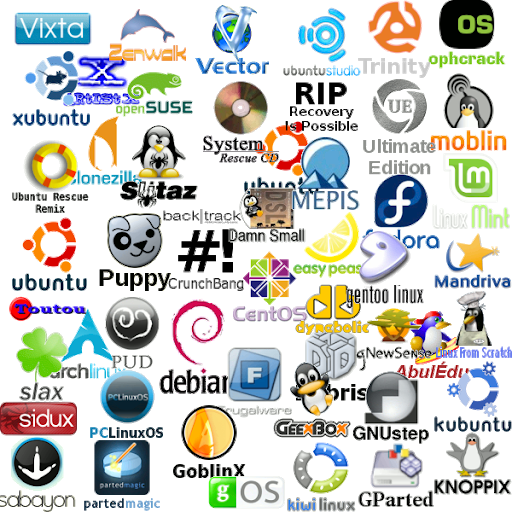
Some distros are designed for beginners, offering a simple and intuitive experience. Others are built for servers, developers, or security experts. Choosing the right one depends on what you want to do with your computer.
| User Type | Recommended Distro | Key Feature |
|---|---|---|
| Beginner | Ubuntu, Linux Mint | Very user-friendly, large community support |
| Developer | Fedora, Arch Linux | Access to the latest software and tools |
| Server Admin | Debian, CentOS | Extreme stability and reliability |
| Privacy Focused | Tails | Anonymity and privacy tools built-in |
Linux vs. The Others
So, how does Linux stack up against Windows and macOS? While all three are operating systems, their philosophies and features differ significantly.
| Feature | Linux | Windows | macOS |
|---|---|---|---|
| Cost | Free | Requires a paid license | Comes with Apple hardware |
| Source Code | Open | Closed (Proprietary) | Closed (Partially open) |
| Customization | Highly customizable | Limited customization | Limited customization |
| Software | Free, open-source software managed by package managers | Mostly paid, proprietary software | Mix of free and paid software via App Store |
| Hardware Support | Supports a very wide range of hardware, old and new | Primarily for PCs | Runs only on Apple hardware |
One of the biggest practical differences is choice. With Linux, you can change almost anything about your system, from the look of your desktop to the core components of the OS. This flexibility makes Linux a favorite among developers, scientists, and anyone who wants more control over their computer.
Now that you have a grasp of what Linux is and what makes it unique, it's time to review the key concepts.
Ready to test your knowledge?
What is the central component of the Linux operating system, responsible for managing the system's resources?
What does it mean for software to be "open-source"?
Understanding these fundamentals is the first step on your journey into the powerful and flexible world of Linux.