Introduction to Kotlin Programming
Introduction to Kotlin
What Is Kotlin?
Kotlin is a modern programming language developed by JetBrains, the company behind many popular developer tools. First released in 2016, it was designed to be a pragmatic and effective tool for building all kinds of software, from web applications to mobile apps.
The creators of Kotlin had a few key goals. They wanted a language that was:
- Concise: It lets you express ideas with less code than older languages like Java. This makes your programs easier to read and maintain.
- Safe: It has features that help prevent common programming errors, like the infamous null pointer exception, right from the start.
- Interoperable: It works seamlessly with Java. You can have both Kotlin and Java code in the same project, and they can call each other without any issues.
Think of Kotlin as a fresh take on programming for the Java Virtual Machine (JVM), built with the lessons learned from decades of software development.
Why It Works So Well with Java
One of Kotlin's biggest strengths is its 100% interoperability with Java. This was a deliberate design choice. Since Kotlin also runs on the JVM, it can understand and use all existing Java libraries and frameworks. This means a company with a large Java codebase doesn't have to rewrite everything to start using Kotlin. They can introduce it gradually, writing new features in Kotlin while leaving their existing Java code untouched.
One of Kotlin
most essential features, which is a big reason why it is so useful, is that it is completely interoperable with Java.
This seamless connection makes adoption much easier. You can call a Java method from a Kotlin file, or a Kotlin function from a Java file, and it just works. It's like having two people who speak different dialects of the same language; they can understand each other perfectly.
Setting Up Your Environment
To start writing Kotlin, you need an Integrated Development Environment, or IDE. An IDE is a software application that provides all the tools you need in one place: a text editor for writing code, tools for running your program, and a debugger for finding mistakes.
The most popular IDE for Kotlin is IntelliJ IDEA, also made by JetBrains. The free Community Edition is all you need to get started. The best part is that IntelliJ IDEA comes with Kotlin support built-in, so you don't need to install anything extra. Just download IntelliJ IDEA from the official JetBrains website, install it, and you're ready to create your first Kotlin project.
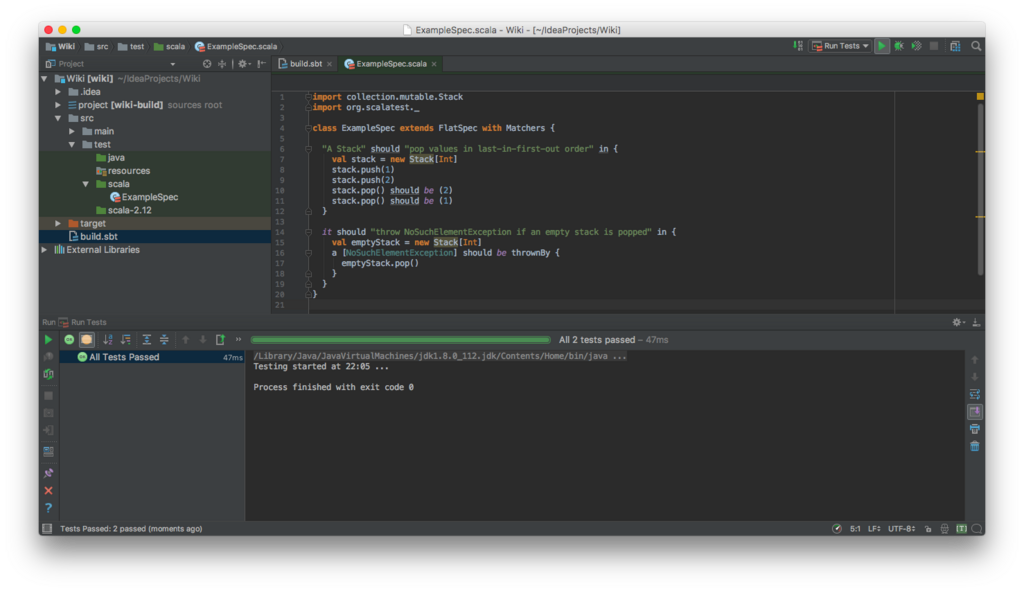
When you create a new project in IntelliJ, you can select Kotlin as the language. The IDE will handle setting up the Kotlin compiler, which is the tool that translates your human-readable Kotlin code into instructions the computer can understand.
Your First Kotlin Program
It's a tradition for a programmer's first program in a new language to simply print "Hello, World!" to the screen. It's a simple way to confirm that your setup is working correctly.
In Kotlin, a function is declared with the fun keyword. The main entry point for any Kotlin application is a function named main. Inside this function, we'll use println() to print a line of text.
// This is the main function, where our program begins.
fun main() {
    // This line prints the text to the console.
    println("Hello, World!")
}
In IntelliJ IDEA, you can run this code by clicking the small green play button that appears next to the fun main() line. When you do, a console window will open at the bottom of the screen and you'll see the output:
Hello, World!
That's it! You've successfully written and run your first Kotlin program.
Which company is the primary developer behind the Kotlin programming language?
One of Kotlin's key design goals is to be "safe." What common programming error does it specifically help prevent?