Introduction to Java Programming
Introduction to Java
What Is Java?
Java is a programming language, a set of rules and tools that lets humans write instructions for computers. It was created in the early 1990s at Sun Microsystems with a specific goal in mind: to work on a wide variety of electronic devices, from TVs to early handheld gadgets.
The original project was codenamed "Oak" after an oak tree that stood outside the lead developer's office. The name was later changed to Java, inspired by a love of coffee.
What made Java special was its philosophy: "write once, run anywhere." Before Java, if you wrote a program for a Windows computer, you had to rewrite it completely to make it work on a Mac. Java was designed to solve this problem. You could write a Java program on one machine, and it would run on any other machine that supported Java, without any changes.
The Magic of the JVM
How does Java achieve this "run anywhere" magic? The secret is something called the Java Virtual Machine, or JVM. Think of the JVM as a universal translator. When you write a program, you're writing for the JVM, not for a specific operating system like Windows or macOS.
Each operating system has its own specific JVM. The JVM takes your compiled Java code, called bytecode, and translates it into the native machine code that the specific computer can understand. This way, the programmer only needs to write one version of the code, and the JVM handles the translation for every platform.
Getting Set Up
To start writing Java, you need two key things: the Java Development Kit (JDK) and an Integrated Development Environment (IDE).
1. The JDK: This is the core toolkit. It contains the compiler (which turns your code into bytecode) and the JVM (which runs it), along with other helpful tools. You can download the official JDK from Oracle or choose an open-source version like OpenJDK. The installation is straightforward, much like any other software.
2. An IDE: An IDE is a software application that makes programming much easier. It's like a specialized text editor with built-in tools for writing, testing, and debugging your code. It helps you catch errors, organize your files, and run your programs with a single click.
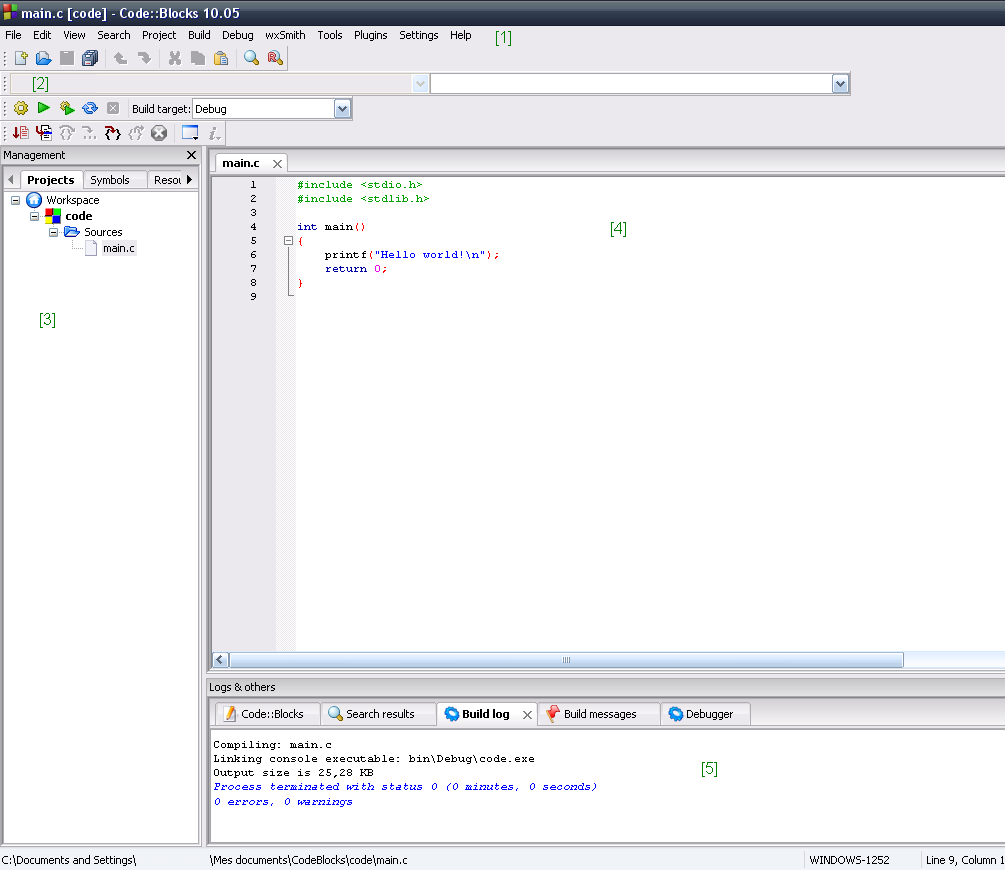
For Java development, some of the most popular IDEs are Eclipse, IntelliJ IDEA, and Visual Studio Code with Java extensions. They all provide features like syntax highlighting, which colors your code to make it more readable, and code completion, which suggests what you might want to type next.
Setting up an IDE usually involves downloading it, installing it, and then pointing it to where you installed the JDK. Most modern IDEs will even help you find and install the JDK automatically.
Now that you understand the basic components, let's review what you've learned.
Ready to check your understanding?
What is the core philosophy that drove the creation of Java?
What component is responsible for translating Java bytecode into native machine code that a specific computer can execute?
With the history and setup covered, you're ready to move on to the building blocks of the language itself.