Introduction to Java Programming
Java Basics
Meet Java
Java is a popular and versatile programming language, first released by Sun Microsystems in 1995. Think of it as a tool used to build all sorts of software, from mobile apps on Android to large-scale enterprise systems.
One of Java's most famous features is its philosophy: "Write Once, Run Anywhere" (WORA). This means you can write your Java code on one type of computer, like a Mac, and it can run on another, like a Windows PC or a Linux server, without any changes. This magic is possible because of the Java Virtual Machine (JVM), a sort of mini-computer that runs inside your actual computer. When you write Java code, it gets compiled into a special format called bytecode. The JVM on any machine can then understand and execute this bytecode.
The JVM acts as a universal translator, allowing the same Java program to work on different operating systems.
Your Programming Toolkit
To start writing Java programs, you need two key things: a Java Development Kit (JDK) and an Integrated Development Environment (IDE).
The JDK is your core set of tools. It includes the Java compiler, which turns your human-readable code into bytecode that the JVM can understand. It also comes with other essential utilities for developing Java applications.
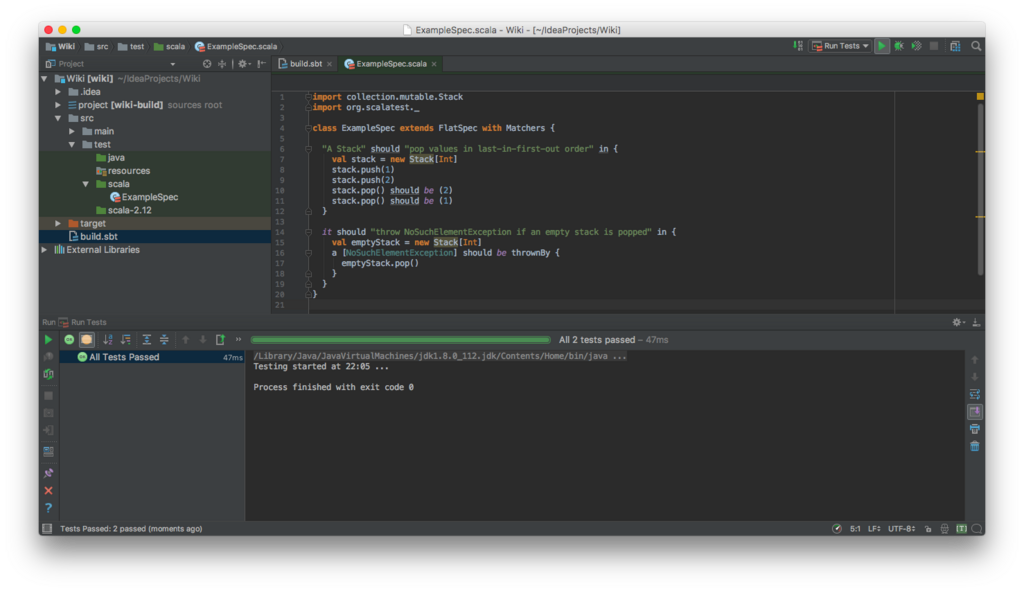
An IDE is a software application that makes programming much easier. It's like a specialized workshop for coders, combining a text editor, the compiler from the JDK, and a debugger (for finding and fixing errors) into one place. Popular IDEs for Java include Eclipse, IntelliJ IDEA, and Visual Studio Code.
Anatomy of a Program
Let's look at the structure of a simple Java program. Every Java application starts with a class, which acts as a container for your code. Inside that class, there's a special method called main that serves as the entry point. When you run a Java program, the JVM looks for this main method and starts executing the code inside it.
Before writing complex programs, it is important to understand the basic syntax of Java.
Here is the classic "Hello, World!" program in Java. It's often the very first program someone writes when learning a new language.
public class HelloWorld {
    public static void main(String[] args) {
        // This line prints text to the console
        System.out.println("Hello, World!");
    }
}
Let's break it down:
-
public class HelloWorld { ... }: This defines a class namedHelloWorld. The curly braces{}mark the beginning and end of the class's code. -
public static void main(String[] args) { ... }: This is the main method. It has a very specific signature that the JVM recognizes as the starting point. For now, just remember this exact line is where your program begins. -
System.out.println("Hello, World!");: This is the instruction that does the work.System.outrefers to the standard output console (the place where program text appears). Theprintln()part is a command that means "print a line of text." The text you want to print goes inside the parentheses and quotes.
When you compile and run this code, the output will be a single line of text on your screen: Hello, World!.
Now that you've seen the basic building blocks, let's test your understanding.
What technology is the key to Java's "Write Once, Run Anywhere" (WORA) philosophy, allowing code compiled on one machine to run on another?
You've just written your first Java program. Which tool is responsible for converting your human-readable source code into bytecode?