Introduction to Haskell
Introduction to Haskell
What Is Haskell?
Haskell is a programming language that works a bit differently from many others you might have encountered, like Python or JavaScript. It's known for being purely functional. This means programs are built by applying and composing functions, and these functions avoid changing data or having side effects. Think of a function in Haskell like a mathematical function: for a given input, it will always produce the same output.
Haskell is a typeful programming language: (Coined by Luca Cardelli.) types are pervasive, and the newcomer is best off becoming well aware of the full power and complexity of Haskell's type system from the outset.
The quote above highlights another key feature: Haskell is statically typed. The compiler checks your code to make sure you're not, for example, trying to add a number to a piece of text. This catches a huge category of bugs before your program even runs. It's like having a very meticulous proofreader for your code.
Getting Set Up
To start writing Haskell, you'll need the Glasgow Haskell Compiler (GHC). The easiest way to install it is with a tool called GHCup. It manages different versions of GHC and other related tools for you.
For macOS or Linux, you can install it by running this command in your terminal:
curl --proto '=https' --tlsv1.2 -sSf https://get-ghcup.haskell.org | sh
For Windows, you can find the installer on the GHCup website. Just follow the on-screen instructions. Once GHCup is installed, you'll have access to GHC and its interactive environment, GHCi.
Your First Program
Let's write the classic "Hello, World!" program. Create a new file named hello.hs. The .hs extension is used for Haskell source files. Inside that file, type the following:
main :: IO ()
main = putStrLn "Hello, World!"
Let's break this down.
main :: IO () is a type signature. It tells the compiler that our main function performs an input/output action (the IO part) and doesn't return any specific value (that's what () means). Every executable Haskell program needs a main function; it's the entry point.
main = putStrLn "Hello, World!" is the function definition. It says that main is equal to the action of printing the string "Hello, World!" to the line.
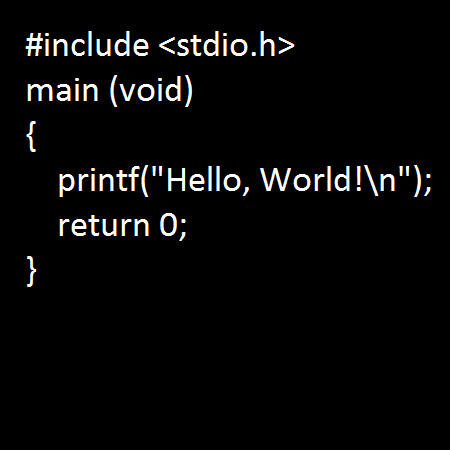
To run this program, open your terminal, navigate to the directory where you saved hello.hs, and compile it using GHC:
ghc hello.hs
This will create an executable file. On macOS or Linux, it will be called hello. On Windows, it will be hello.exe. You can then run it:
./hello
You should see Hello, World! printed to your screen.
Playing with GHCi
Writing and compiling files is great for larger programs, but for quick experiments, the interactive environment GHCi is perfect. Just type ghci in your terminal to start it. You'll see a prompt where you can type Haskell expressions and see them evaluated immediately.
ghci> 5 + 8
13
ghci> "hello" ++ " " ++ "there"
"hello there"
ghci> head [1, 2, 3]
1
Here, we're doing some simple arithmetic, concatenating strings with the ++ operator, and getting the first element of a list using the head function. GHCi is an excellent tool for learning and testing small pieces of code without the overhead of creating a file and compiling it.
You can exit GHCi by typing
:quitor:qand pressing Enter.
Now let's review some core concepts before you try some exercises.
Time to check your understanding.
What does it mean for Haskell to be a "purely functional" language?
What is the purpose of the type signature main :: IO () in a Haskell program?
You've now taken your first steps with Haskell, from understanding its core principles to writing, compiling, and running a program. This foundation will be crucial as we explore more of what the language has to offer.