Introduction to DJing
Introduction to DJ Equipment
Your First DJ Setup
At its core, DJing is about playing music for an audience. But instead of just hitting 'play' on a playlist, a DJ uses specialized gear to blend tracks together, creating a continuous flow of music. Understanding your equipment is the first step. Let's break down the essential components you'll find in most DJ booths.
The Core Components
A typical setup has two sources for music and a way to mix them. Think of it like having two stereos and a control panel to switch and blend between them smoothly. The music sources are usually turntables or digital media players.
Turntable
noun
A device for playing sound recordings, specifically phonograph records. In DJing, they are used to play vinyl records and are often used for techniques like scratching.
Classic turntables play vinyl records. Many modern DJs use digital players (often called CDJs) that can play music from CDs, USB drives, or SD cards. Both serve the same basic purpose: they are the decks that play your tracks. You'll almost always see two of them.
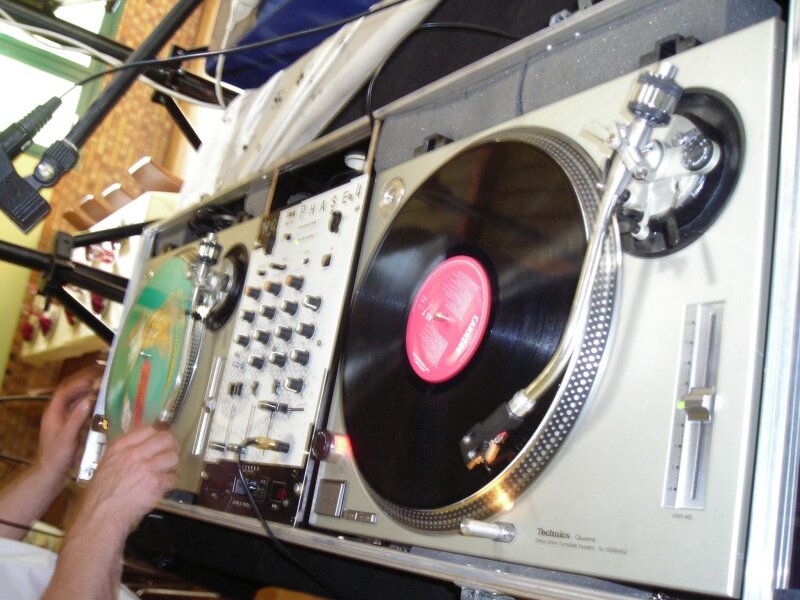
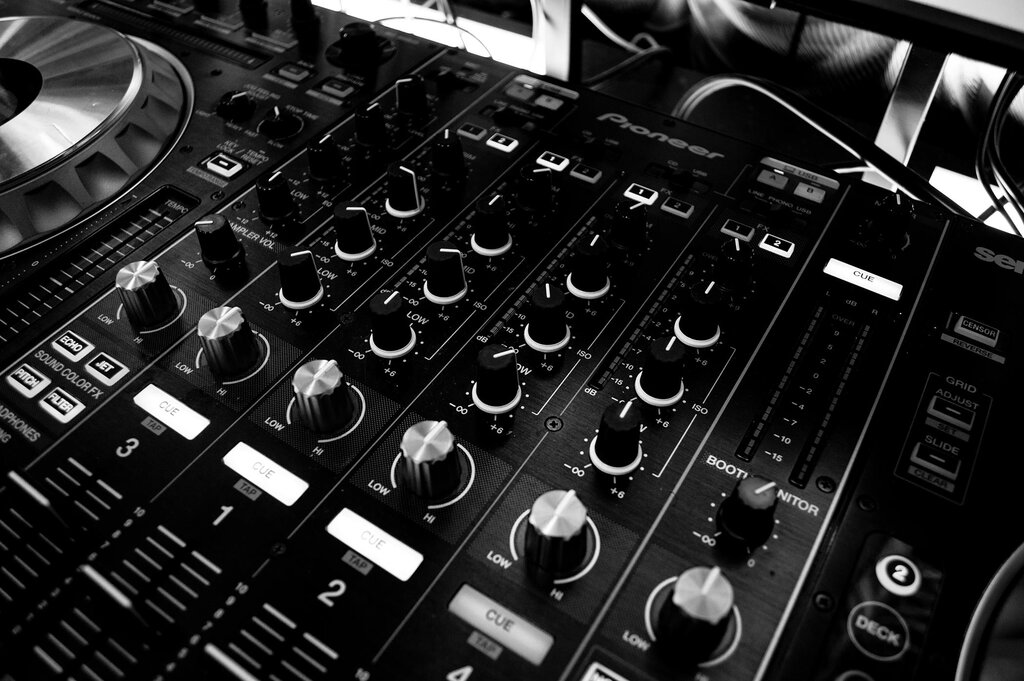
Between your two players sits the mixer. This is the heart of your setup. The mixer takes the audio signals from each player and lets you control the volume, adjust the tone (bass, mids, treble), and blend them together seamlessly. It’s where the magic of mixing happens.
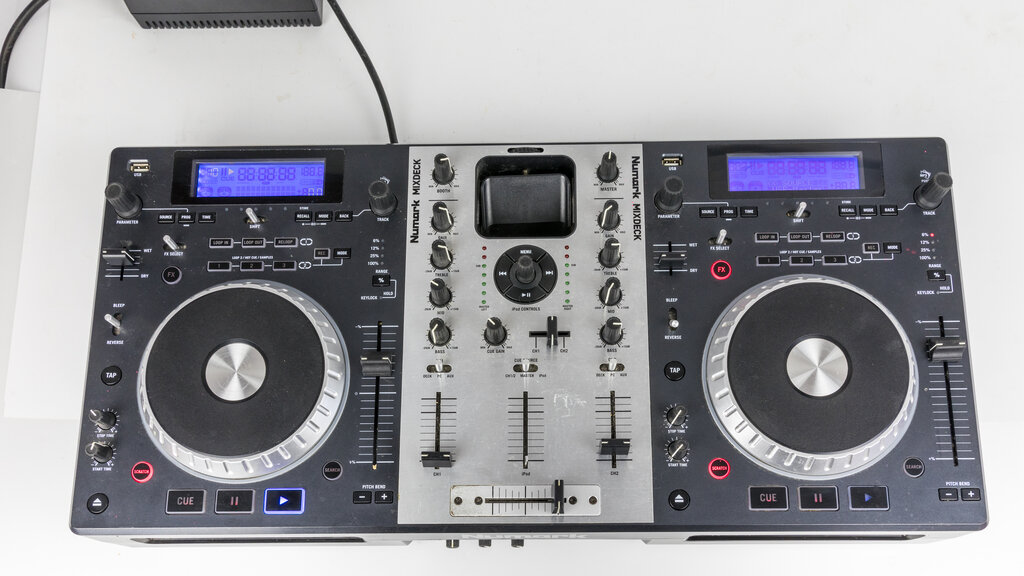
In recent years, DJ controllers have become incredibly popular, especially for beginners. A controller is an all-in-one unit that combines two 'decks' and a mixer into a single piece of hardware. It doesn't play music on its own; instead, it controls DJ software running on a connected laptop. This makes for a more compact and often more affordable setup.
Finally, you need a good pair of headphones. These aren't just for listening; they are a critical tool. Headphones allow you to listen to the next track you want to play before the audience hears it. This process, called cueing, is essential for lining up the beats of two songs so you can create a smooth transition.
Putting It All Together
Connecting your gear follows a logical path called the signal chain. The sound starts at the source, goes through the mixer for processing, and then heads out to the speakers for the audience and to your headphones for cueing.
Here’s a basic connection guide:
-
Players to Mixer: Use RCA cables to connect the audio output of each turntable or player to a channel input on the back of the mixer. Most mixers label these inputs as 'Line' or 'Phono' (for turntables).
-
Mixer to Speakers: Connect the 'Master' or 'Main' output of your mixer to your amplifier or powered speakers. This is the sound your audience will hear.
-
Headphones to Mixer: Plug your headphones into the dedicated headphone jack on the mixer. This is almost always on the front or top panel for easy access.
-
Power: Connect all your devices to a power source. A power strip with surge protection is a good idea to protect your gear.
Troubleshooting Tip: If you don't hear any sound, the most common issue is a loose cable. Double-check every connection from the player to the mixer and from the mixer to the speakers.
Now that you know the gear, you're ready to start exploring how to use it.