Introduction to Coding and Programming
Introduction to Programming
What Is Programming?
At its heart, programming is simply the process of giving a computer a set of instructions to follow. Think of it like writing a very precise recipe for a robot that can't think for itself. The robot will follow your steps exactly as you write them, whether they make sense or not. If you tell it to add salt twice, it will. If you forget to tell it to turn on the oven, the cake will never bake.
Computers are the same. They are powerful tools, but they need humans to tell them what to do. Programming is how we provide those instructions. We write code to solve problems, automate repetitive tasks, create websites, build games, and analyze data. Every app on your phone, every website you visit, and even the operating system running your device is built with code.
Speaking the Computer's Language
You can't just tell a computer what to do in plain English. Computers operate on a fundamental level of electrical signals representing ones and zeros. To bridge this gap, we use programming languages.
A programming language is a formal set of rules that allows us to write instructions a computer can understand. There are thousands of them, each with its own strengths. Some popular ones include Python, JavaScript, and C++. The rules of these languages are broken down into two key concepts: syntax and semantics.
Syntax
noun
The set of rules that defines the combinations of symbols that are considered to be correctly structured statements or expressions in a language.
Syntax is the grammar of a programming language. It dictates how to spell keywords, where to put punctuation, and how to structure commands. If you make a syntax error, the computer won't be able to understand your instructions at all. It’s like writing a sentence in English with the words jumbled up; the meaning is lost.
Semantics
noun
The meaning of a piece of code. It concerns the logical interpretation of statements and what actions they will cause to be performed.
Semantics, on the other hand, is the logic or meaning behind your instructions. You can write code that has perfect syntax but still doesn't do what you want it to. For example, if you write a program to add two numbers but accidentally use the subtraction symbol, the code is syntactically correct, but its semantics are wrong. The computer will happily subtract the numbers, giving you an unexpected result.
Writing Your First Program
A long-standing tradition for new programmers is to write a program that simply displays the message "Hello, World!" on the screen. It's a simple way to confirm that your setup is working and to see your first piece of code in action.
Let's look at how to do this in the C programming language. Writing the program involves typing the code into a file. Executing it means using a special program called a compiler to translate your code into a language the computer's processor can understand and then running the result.
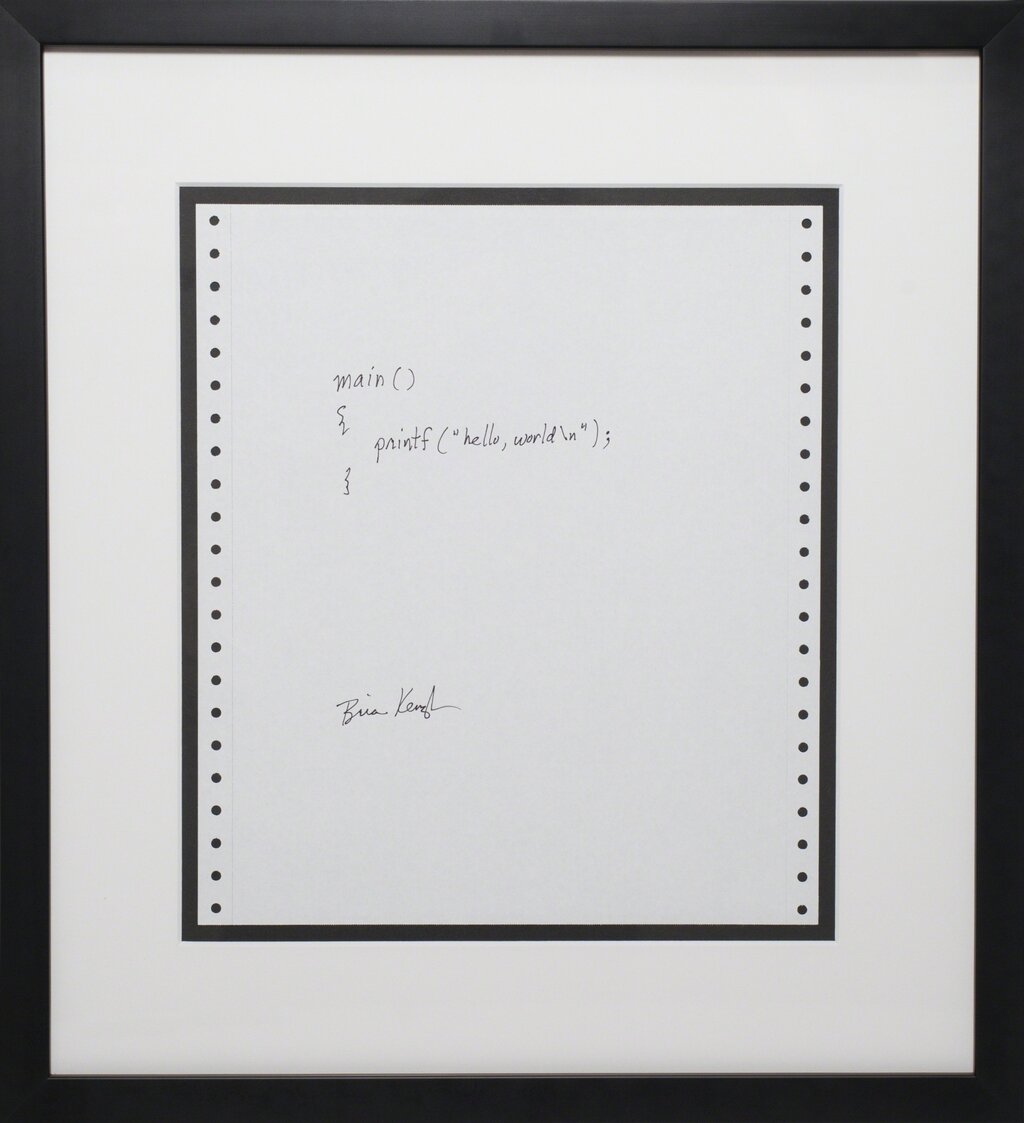
Here is the code itself.
// This program prints "Hello, World!" to the screen.

#include <stdio.h>

int main() {
    printf("Hello, World!\n");
    return 0;
}
Let’s break down what each line does:
#include <stdio.h>: This line tells the compiler to include a standard library of tools for input and output. We need it for theprintffunction.int main(): This is the main function where every C program begins execution.printf("Hello, World!\n");: This is the command that does the work.printfis a function that prints text to the screen. The text inside the quotation marks is what gets printed. The\nis a special character that means "new line."return 0;: This line signals that the program has finished successfully.
When you compile and run this code, the only thing you'll see is the text Hello, World! appear on your screen. It's a small first step, but it's the foundation of all programming.
At its most fundamental level, what is programming?
A developer writes code to add two numbers, but accidentally uses the subtraction symbol. The program runs without crashing but gives the wrong answer. This is an error of ______.