Introduction to Coding and App Development
Computer Science Basics
The Basic Idea
At its core, a computer is a machine that follows instructions. Think of it as a system with a simple, three-step job: take information in, do something with it, and then give you a result. This is often called the input-process-output cycle.
When you type on your keyboard, you're providing input. The computer then processes that information, figuring out which letters you pressed. Finally, it displays those letters on your screen, which is the output.
This simple cycle is the foundation for everything a computer does, from sending an email to playing a complex video game. The parts that make this happen fall into two main categories: hardware and software.
Hardware: The Physical Parts
Hardware refers to all the physical components of a computer system, the parts you can actually touch. These pieces work together to perform the input, process, and output tasks. The main players are the CPU, memory, and various input/output devices.

The Central Processing Unit (CPU) is the brain of the operation. It's a small chip that carries out commands from a computer program. It performs all the calculations and logical operations, essentially doing the 'thinking' for the computer.
Think of the CPU as a chef in a kitchen. It takes ingredients (data), follows a recipe (instructions), and produces a finished dish (output).
Next is memory, often called RAM (Random Access Memory). This is the computer's short-term workspace. When you open a file or run an application, the CPU loads the necessary data into memory to work with it quickly. RAM is volatile, which means its contents are erased when the computer is turned off. It’s like a desk: you put out what you're working on, but you clear it off when you're done.
Input and Output (I/O) devices are how the computer communicates with the outside world. Input devices send data to the computer, while output devices receive data from it. Some devices, like a hard drive or a touchscreen, can do both.
| Device Type | Examples |
|---|---|
| Input | Keyboard, Mouse, Microphone, Scanner |
| Output | Monitor, Printer, Speakers, Headphones |
| Input & Output | Hard Drive, USB Drive, Touchscreen |
Software: The Instructions
Hardware can't do anything on its own. It needs instructions to follow. That's where software comes in. Software is the set of programs and data that tells the hardware what to do. There are two main types of software: operating systems and application software.
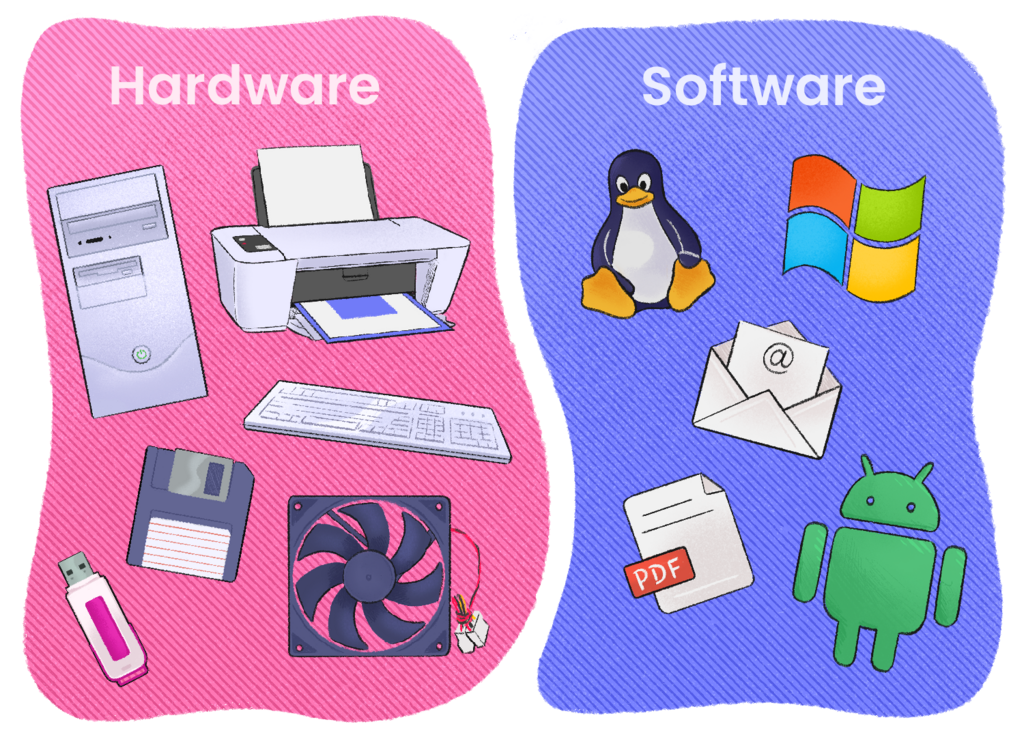
The operating system (OS) is the most important software on a computer. It manages all the hardware and software resources. It's the bridge between you and the computer's hardware, handling tasks like managing files, running applications, and recognizing input from your keyboard. Windows, macOS, and Linux are all examples of operating systems.
Without an operating system, a computer is just a collection of electronics. The OS brings it to life.
Application software, or 'apps,' are programs designed to perform specific tasks for the user. Your web browser, word processor, and video games are all application software. They run 'on top of' the operating system, relying on it to interact with the hardware.
Together, hardware provides the physical foundation, while the operating system manages it and applications use it to get specific jobs done.
What is the fundamental three-step cycle that describes a computer's basic operation?
Which component is often called the 'brain' of the computer, responsible for carrying out commands and performing calculations?
Understanding these fundamental building blocks is the first step in learning how computers work.