Introduction to C Programming
Introduction to C
The Granddaddy of Languages
Many modern programming languages are built on the ideas and syntax of C. Learning C is like studying the roots of a giant tree. It helps you understand how everything else grew from it. Developed in the early 1970s by Dennis Ritchie at Bell Labs, C was designed to be a simple, powerful language for writing operating systems. In fact, the UNIX operating system, which forms the basis for modern macOS and Linux, was rewritten in C.
C gives programmers a lot of control over a computer's hardware, especially its memory. This makes it incredibly fast and efficient, which is why it's still used today for performance-critical tasks like game engines, embedded systems (like the software in your car or microwave), and the core parts of operating systems.
Setting Up Your Workspace
To start writing C, you need two basic tools: a text editor to write your code and a compiler to translate it into a language the computer can understand.
A text editor is a simple program for writing plain text. You might already have one, like Notepad on Windows or TextEdit on Mac. Many programmers prefer specialized code editors like Visual Studio Code, Sublime Text, or Atom because they offer helpful features like syntax highlighting.
A compiler takes your C code (the source code) and converts it into an executable file (machine code). A very common and free C compiler is part of the GNU Compiler Collection, often just called GCC. Many developers use an Integrated Development Environment (IDE) like Code::Blocks or Visual Studio, which bundles a text editor, compiler, and other useful tools into a single application.
Your First Program
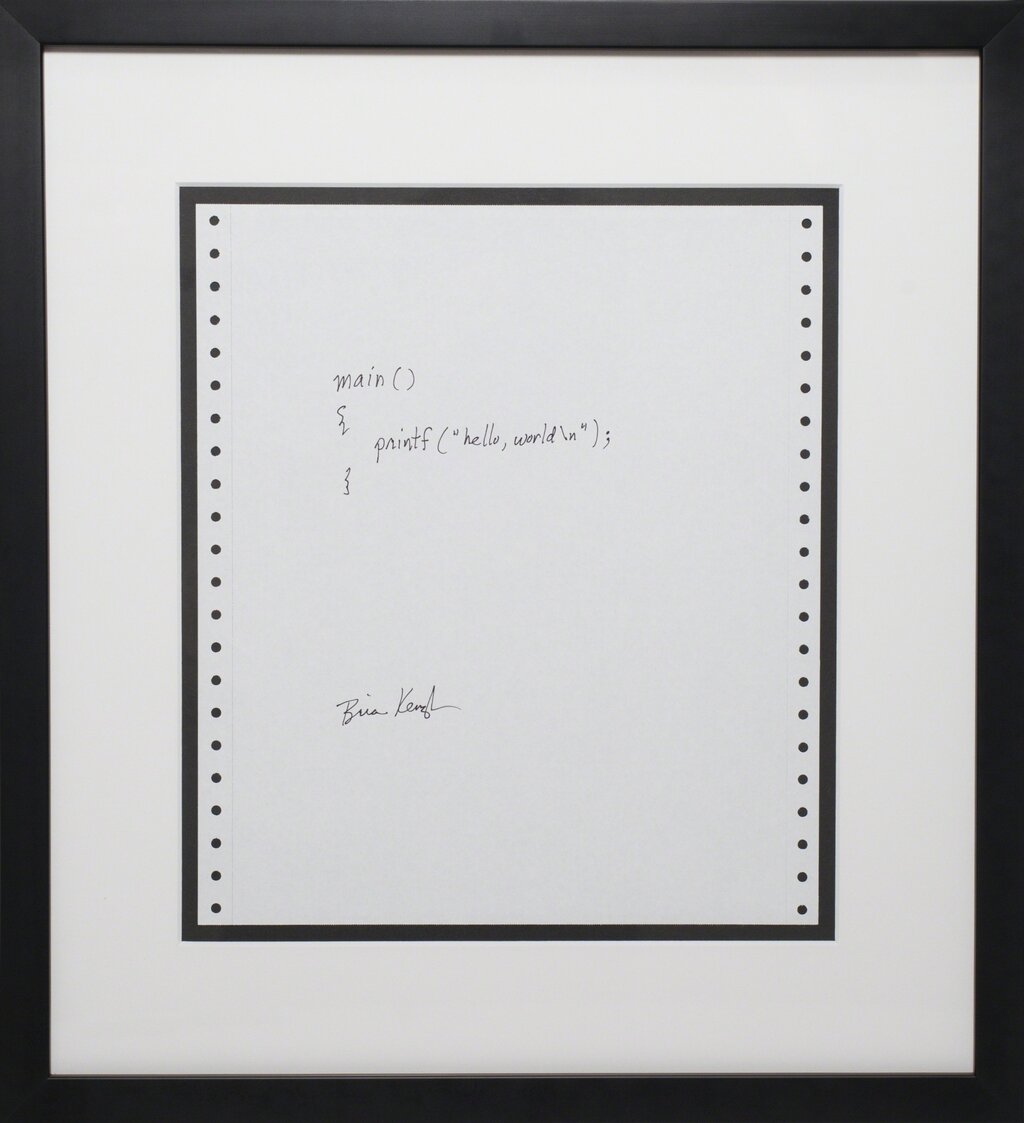
It's a tradition for a programmer's first program in a new language to be one that simply displays "Hello, World!" on the screen. Let's write ours. Open your text editor and type the following code exactly as you see it. Save the file as hello.c.
#include <stdio.h>

int main() {
    // This line prints the message to the screen
    printf("Hello, World!\n");
    return 0;
}
To compile this code with GCC, you would open a terminal or command prompt, navigate to the directory where you saved your file, and type:
gcc hello.c -o hello
This command tells the GCC compiler to take the hello.c file and create an executable program named hello. To run it, you'd then type:
./hello
You should see Hello, World! printed in your terminal.
Anatomy of a C Program
That small program contains the essential structure of every C program. Let's break it down piece by piece.
#include <stdio.h>This is a preprocessor directive. It tells the compiler to include the contents of the "Standard Input/Output" header file. This file contains declarations for functions that let your program interact with the system, likeprintf()for printing text.
int main() { ... }
This is the main function. Every C program must have a main function; it's the starting point where the program's execution begins. The int means the function will return an integer value when it's done. The parentheses () are for function arguments, which we'll cover later. The curly braces {} define the scope of the function—all the code inside them belongs to main.
printf("Hello, World!\n");This line calls theprintffunction, which prints text to the console. The text we want to print is inside the double quotes. The\nis a special escape character that represents a newline. It moves the cursor to the next line after the text is printed. Every statement in C must end with a semicolon;.
return 0;
This line ends the main function and returns a value of 0 to the operating system. By convention, returning 0 means the program executed successfully without any errors.
And that's it. You've written, compiled, and understood your first C program. This basic structure is the foundation you'll build upon as you learn more.