Introduction to C Programming
Introduction to C
The Original Language
In the early 1970s, a programmer at Bell Labs named Dennis Ritchie created a new programming language. He called it C. It wasn't the first programming language, but it was a game-changer. C was simple, powerful, and fast. It gave programmers a level of control over the computer's hardware that was previously only possible with more difficult, low-level languages.
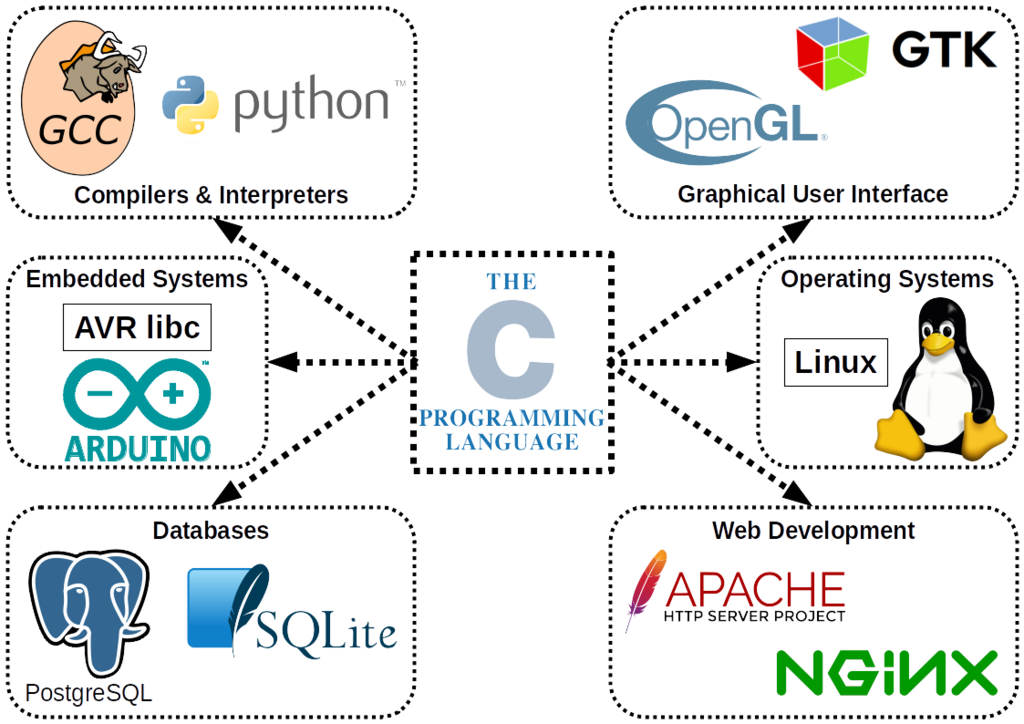
This combination of power and simplicity was revolutionary. The Unix operating system, which is the ancestor of modern macOS and Linux, was rewritten in C. Soon, C was being used to build everything: operating systems, databases, and applications. Its influence is hard to overstate. Most popular programming languages today, including Python, Java, C++, and JavaScript, borrow ideas and syntax directly from C. Learning C is like studying the blueprint for modern programming.
Your Programming Toolkit
To start writing C programs, you need two essential tools: a text editor and a compiler.
A text editor is where you write your code. It's like a word processor, but for programming. You can use a simple one like Notepad or a more advanced one like Visual Studio Code, which offers features like syntax highlighting and autocompletion.
A compiler is a special program that translates your human-readable C code into machine code—the raw binary instructions that a computer's processor can execute. Computers don't understand C directly, so this translation step is crucial. The most common C compiler is called GCC (GNU Compiler Collection), and it's freely available for most operating systems.
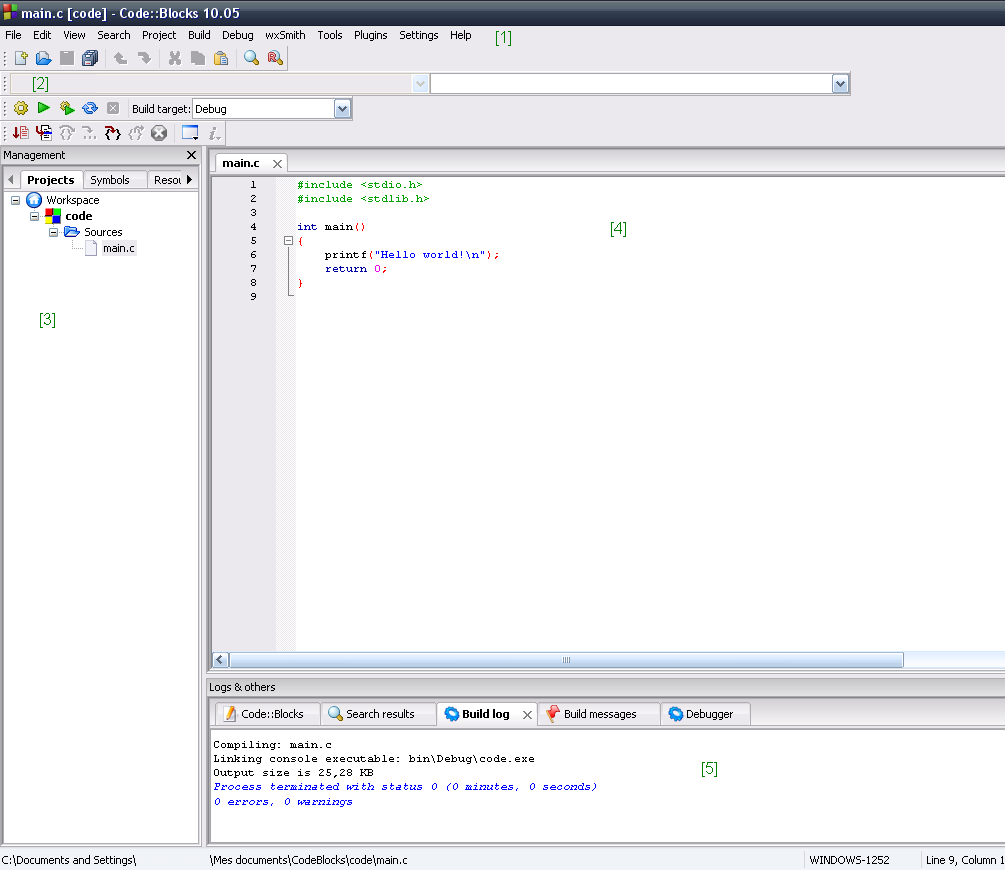
The easiest way to get started is by installing an Integrated Development Environment (IDE). An IDE bundles a text editor, a compiler, and other helpful tools into one application. For C, popular choices include Code::Blocks, Visual Studio (on Windows), and Xcode (on macOS).
Anatomy of a C Program
Let's start with the traditional first program for any new language: "Hello, World!". This simple program just prints the phrase "Hello, World!" to the screen. It's a great way to make sure your compiler is set up correctly and to see the basic structure of a C program.
// This is a comment, the compiler ignores it.

#include <stdio.h>

// Every C program starts execution here
int main() {

    // Print text to the screen
    printf("Hello, World!\n");

    // Tell the OS the program ran successfully
    return 0;
}
Let's break it down line by line.
#include <stdio.h>: This is a preprocessor directive. It tells the compiler to include the contents of a file namedstdio.hbefore compiling. This file contains declarations for standard input and output functions, includingprintf().
int main(): This is the main function. Every C program must have amainfunction, as it's the starting point of execution. Theintmeans the function will return an integer value when it finishes. The empty parentheses()mean it takes no arguments.
{ ... }: These curly braces define the beginning and end of the function. All the code inside the braces belongs to themainfunction.
printf("Hello, World!\n");: This is a statement that calls theprintffunction, which prints text to the console. The text to be printed is inside the double quotes. The\nis a special escape sequence that represents a newline character, moving the cursor to the next line after printing. The semicolon;at the end marks the end of the statement.
return 0;: This statement ends themainfunction and returns the value 0 to the operating system. By convention, returning 0 means the program executed successfully.
From Code to Execution
Once you've written your code in a text editor, you need to compile and run it. This process turns your source code file (usually with a .c extension, like hello.c) into an executable program.
If you're using an IDE, there's usually a single button labeled "Build and Run" or something similar that handles these steps for you. If you're using the command line, the process involves two distinct steps.
- Compile: You run the compiler, telling it which source file to translate. For example:
gcc hello.c -o helloThis command tells thegcccompiler to takehello.cas input and create an executable file namedhelloas output (-ostands for output).
- Execute: After a successful compilation, you run the newly created program. On Linux or macOS, you would type:
./helloOn Windows, you would just type:hello
If all goes well, you'll see Hello, World! printed in your terminal. You've just written, compiled, and executed your first C program.
Now let's check your understanding of these core concepts.
Who is credited with creating the C programming language in the early 1970s at Bell Labs?
What is the primary function of a compiler like GCC?
This is just the beginning. With these fundamentals, you're ready to explore variables, data types, and the logic that makes C such a powerful and enduring language.