Introduction to C Programming
Introduction to C
Meet C
The C programming language is a bit of a legend. Developed in the early 1970s by Dennis Ritchie at Bell Labs, it quickly became the backbone for much of the software we still rely on today. Think of it as the Latin of programming languages; it's the ancestor of many others, including C++, Java, and Python.
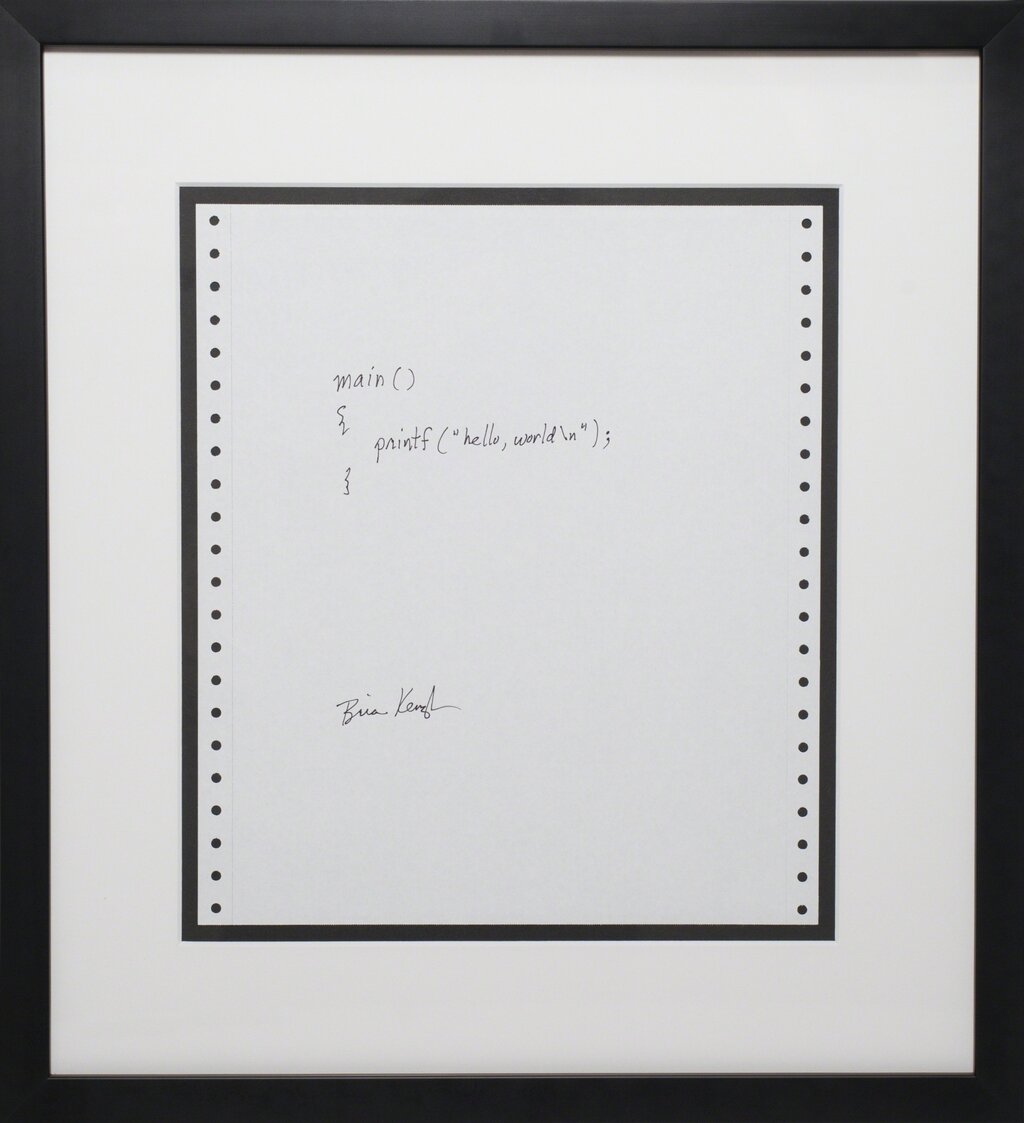
What makes C special? It’s powerful because it's close to the hardware, giving programmers a high degree of control over the computer's memory. It's also a procedural language, which means programs are written as a series of steps or procedures to be followed. This straightforward, step-by-step logic makes it efficient and fast.
The Anatomy of a C Program
Every C program, no matter how complex, follows a basic structure. Let's look at the classic first program anyone writes: "Hello, World!"
// This is the simplest C program

#include <stdio.h>

int main() {
    printf("Hello, World!\n");
    return 0;
}
It might look a little strange, but each piece has a specific job. Let's break it down.
Think of a C program like a recipe. You have your list of required tools (header files), a starting point (the main function), and a set of instructions to follow.
The first line, #include <stdio.h>, is a preprocessor directive. It tells the computer to include the "standard input/output" library before doing anything else. This library contains pre-written code for common tasks, like printing text to the screen. You're essentially borrowing tools from a shared workshop.
Next comes int main(). This is the most important part of any C program. It's a special function that acts as the entry point. When you run your program, the computer looks for main() and starts executing the instructions inside its curly braces {}. Every C program must have exactly one main() function.
Input and Output
Inside main(), we find the line printf("Hello, World!\n");. This is our first encounter with a C function. printf, which stands for "print formatted," is a function from the stdio.h library we included earlier. Its job is to display text on the screen.
Function
noun
A named block of code that performs a specific task. You can "call" a function to execute its code.
The text you want to print goes inside the parentheses and is enclosed in double quotes. But what about that \n at the end? This is a special sequence called an escape character, and \n specifically means "new line." It tells the computer to move the cursor down to the next line after printing the text, just like pressing the Enter key.
| Character | Meaning |
|---|---|
\n | New line |
\t | Tab |
\\ | Backslash |
Finally, we have return 0;. This line signals the end of the main() function. It tells the operating system that the program finished successfully. A return value of 0 is the universal sign for "everything went okay."
Notice that both the printf line and the return line end with a semicolon ;. In C, semicolons are used to terminate statements. They're like the period at the end of a sentence, telling the compiler where one instruction ends and the next begins.
Now let's test your understanding of these core concepts.
What is the primary purpose of the int main() function in a C program?
In a C program, the line #include <stdio.h> is a preprocessor directive.
That covers the fundamental building blocks. You now know what C is, how a program is structured, and how to print a basic message.