Introduction to C++ Programming
Introduction to C++
Meet C++
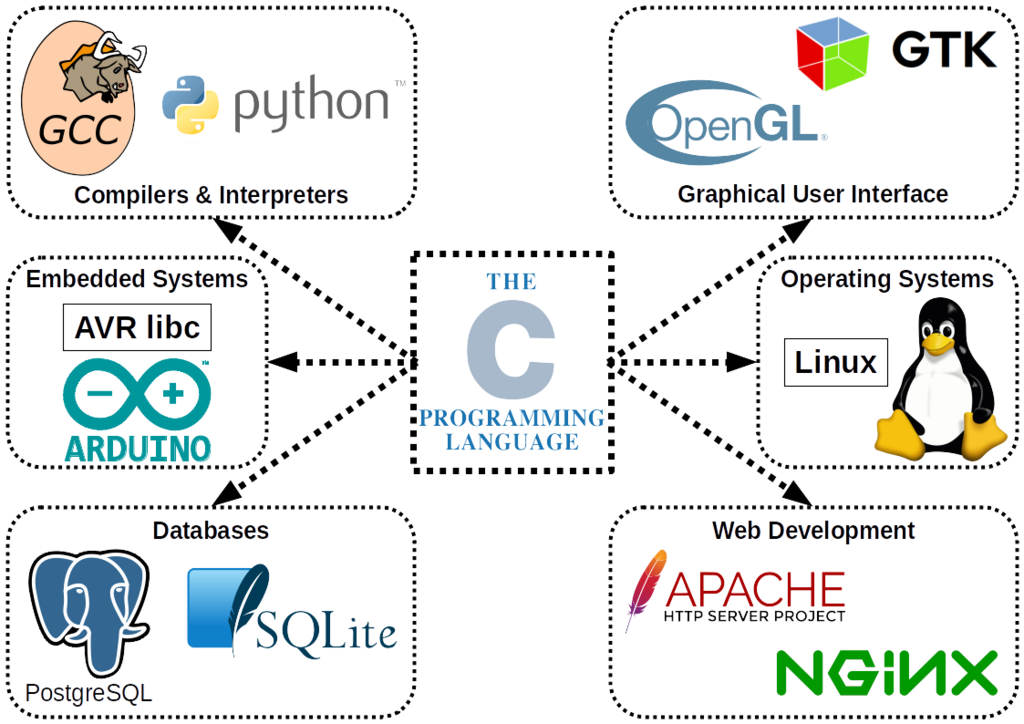
C++ is a powerful and popular programming language, but where did it come from? Its story begins with an older, influential language called C. In the late 1970s and early 1980s, a computer scientist named Bjarne Stroustrup wanted to add new features to C, particularly concepts from object-oriented programming. The goal was to manage the complexity of large software projects more effectively.
His project, initially called "C with Classes," evolved into what we now know as C++. It kept the speed and low-level control of C but added powerful tools for organizing code, like classes and objects. This made it possible to build massive, complex systems—from operating systems and video games to financial trading platforms—more reliably.
Why Choose C++?
So what makes C++ stand out? It's a multi-paradigm language, which means you can write code in different styles, including procedural, object-oriented, and functional. This flexibility is a huge advantage.
Here are some of its core strengths:
- Performance: C++ is compiled directly into machine code, making it incredibly fast. This is why it's the language of choice for applications where speed is critical, like high-performance computing and game engines.
- Memory Control: It gives programmers direct control over memory management. While this adds responsibility, it allows for highly optimized programs that use resources efficiently.
- Scalability: C++ is built to handle large-scale applications. Its features for organizing code help teams manage millions of lines of code without getting lost.
- Compatibility with C: Since C++ is an extension of C, it can easily use existing C libraries. This gives developers access to a massive amount of well-tested code.
Setting Up Your Workspace
Before you can write C++ code, you need a couple of tools: a text editor and a compiler.
compiler
noun
A special program that translates the human-readable code you write into machine code that a computer's processor can execute.
You can install these separately, but it's much easier to use an Integrated Development Environment (IDE). An IDE bundles a text editor, a compiler, and a debugger (a tool for finding errors) into one application.
Here are some popular, free IDEs for C++:
- Visual Studio Code: A lightweight but powerful editor with extensions for C++ development (often paired with the MinGW compiler on Windows).
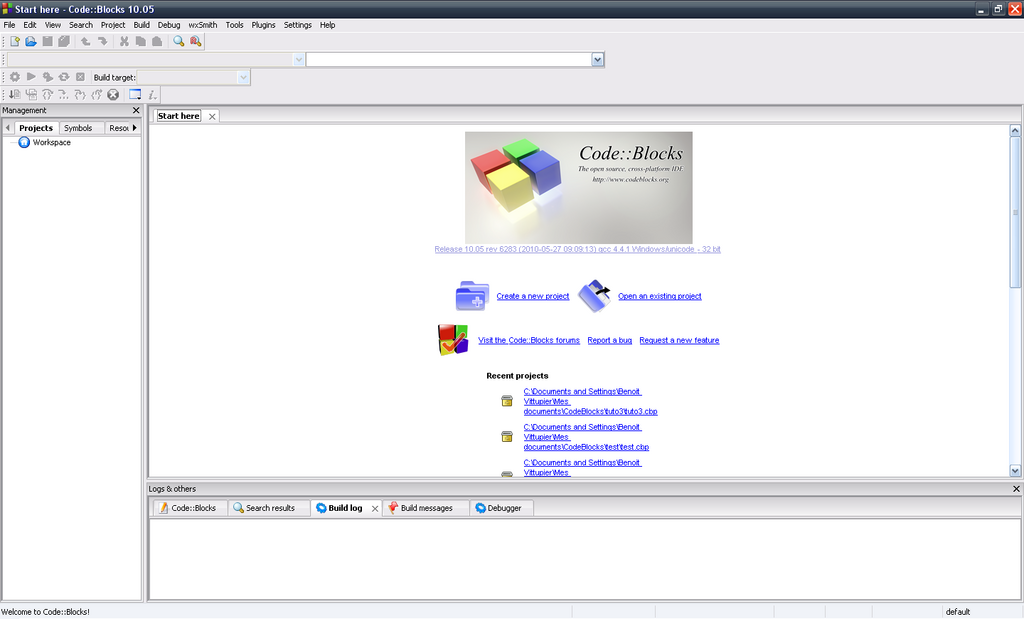
- Code::Blocks: A free, open-source IDE that works across Windows, macOS, and Linux.
- Visual Studio Community: A full-featured IDE for Windows development.
For beginners, Code::Blocks is a great starting point because it's straightforward to set up. Just download the version that includes the mingw-setup file, which bundles the compiler you'll need.
Your First Program
It's a tradition in programming to start with a program that simply prints "Hello, World!" to the screen. It's a simple way to confirm that your development environment is set up correctly.
Let's walk through the code. Open your IDE, create a new file (often called a source file), and type or paste the following:
// Your First C++ Program

#include <iostream>

int main() {
    std::cout << "Hello, World!";
    return 0;
}
Let's break this down line by line:
#include <iostream>: This line tells the compiler to include theiostreamheader file. This file contains code that allows us to get input from the user and display output to the screen.int main(): This is the main function. Every C++ program must have amain()function. It's the starting point where the program execution begins.std::cout << "Hello, World!";: This is the statement that does the work.std::coutis the 'character output stream', which usually means the console or terminal window. The<<operator sends the text "Hello, World!" to that stream to be displayed.return 0;: This line signals that the program has finished successfully. A return value of 0 conventionally means everything went okay.
After typing the code, you'll need to compile and run it. In most IDEs, there's a single button labeled "Build and Run" or something similar. When you click it, the IDE will first use the compiler to turn your source code into an executable file. Then, it will run that file.
If all goes well, a new terminal window will pop up and display:
Hello, World!
Congratulations! You've just written and run your first C++ program.
Ready to check your understanding?
C++ was developed as an extension of which existing programming language?
What is the name for a bundled application that includes a text editor, compiler, and debugger for writing code?
You've taken the first step into a larger world. You now know where C++ comes from, what it's used for, and how to get a basic program running.