Introduction to C Programming
Introduction to C
A Language That Lasts
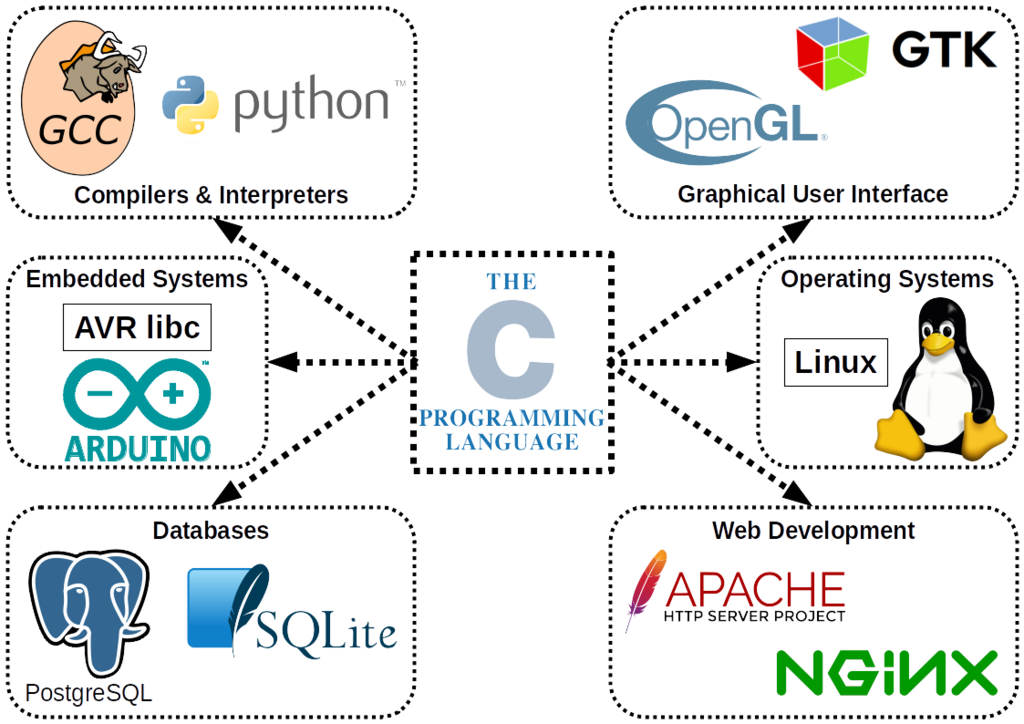
C is one of the oldest and most influential programming languages. Created in the early 1970s by Dennis Ritchie at Bell Labs, it was originally designed to build the Unix operating system. Its power and efficiency quickly made it a favorite for all sorts of software development, from operating systems and databases to applications and games.
Unlike many modern languages that hide the computer's inner workings, C gives you direct access to memory and hardware. This makes it incredibly fast and flexible. It’s a procedural language, which means programs are built as a series of steps or procedures. This straightforward, logical approach is one reason why C has remained so relevant.
Many popular languages, including C++, Java, C#, and Python, borrow heavily from C's syntax and concepts. Learning C is like learning the foundation of modern programming.
The Compilation Process
Computers don't understand C or any other human-readable programming language directly. They only understand machine code, which is a series of binary ones and zeros. To run a C program, you first need a special program called a compiler to translate your C code into machine code.
This process involves a few steps. First, you write your program in a text file, usually with a .c extension. This is your source code. Then, you run the compiler, which reads your source code, checks it for errors, and translates it into an executable file containing machine code. Finally, you can run this executable file.
To get started, you'll need a text editor to write your code and a C compiler. For Linux and macOS, the GNU Compiler Collection (GCC) is usually pre-installed or easily available. For Windows, you can install a development environment like Code::Blocks or use a modern text editor like Visual Studio Code and install the C/C++ extension and a compiler like MinGW-w64.
Your First C Program
It's a tradition in programming to start with a program that prints "Hello, World!" to the screen. It's a simple way to confirm that your development environment is set up correctly and to see the basic structure of a program.
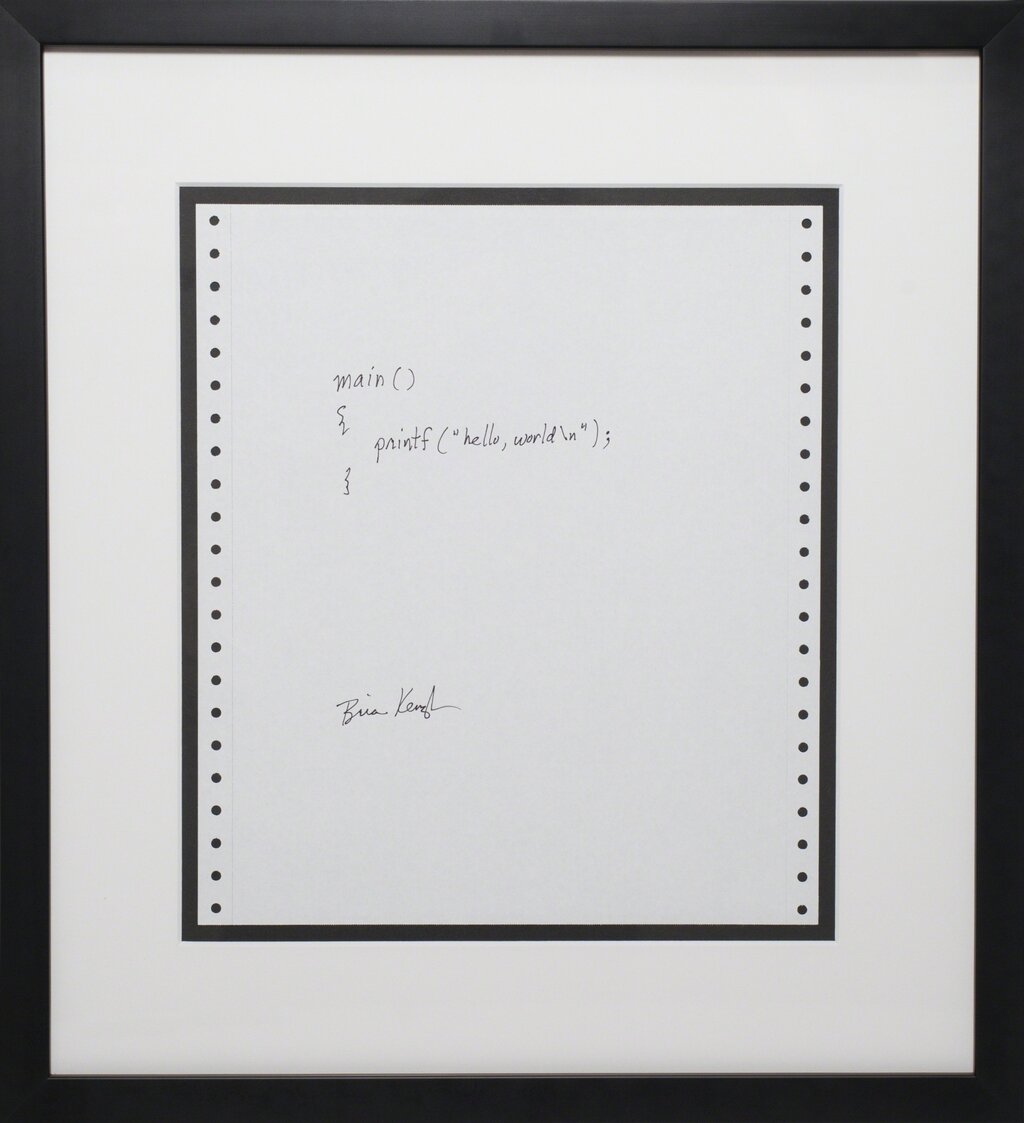
Here’s what the code looks like. Open your text editor, type this in, and save it as hello.c.
#include <stdio.h>

int main() {
    // Print the message to the console
    printf("Hello, World!\n");
    return 0;
}
Let's break it down:
#include <stdio.h>: This line includes the "standard input/output" header file. This file contains the declaration for theprintffunction, which we need to print text.int main(): This is the main function. Every C program must have amainfunction, as it's the starting point for execution.printf("Hello, World!\n");: This line calls theprintffunction to display the text inside the quotation marks. The\nis a special character that represents a newline, moving the cursor to the next line after the text is printed.return 0;: This line ends themainfunction and returns the value 0. A return value of 0 tells the operating system that the program executed successfully.
To compile and run your program from the command line, you would navigate to the directory where you saved hello.c and type:
gcc hello.c -o hello
This command tells the GCC compiler to take the hello.c file and create an executable output file named hello. To run it, you would then type:
./hello
You should see Hello, World! printed in your terminal.
What is the primary role of a compiler in the C programming process?
Every C program must have a function named main, as it's the starting point for execution.
You've just written and compiled your first C program. This is the first step into a powerful world of programming.