Introduction to C++ Programming
Introduction to C++
What Is C++?
C++ is a powerful and versatile programming language. Think of it as an enhanced version of the C language, which was created in the early 1970s. In the early 1980s, a computer scientist named Bjarne Stroustrup wanted to add more advanced features to C, making it more flexible for large-scale projects. The result was C++.
The name C++ is a bit of a programmer's joke. In C, the
++operator means "increment by one," so C++ literally means "one step up from C."
This new language kept the speed and low-level control of C but added features that make it easier to organize and manage complex code. This combination of performance and organization has made C++ a go-to language for decades.
Why Learn C++?
The main strengths of C++ are performance and control. Because C++ allows you to manage computer memory and hardware directly, programs written in it can be incredibly fast and efficient. This makes it the perfect choice for tasks that need every ounce of processing power.
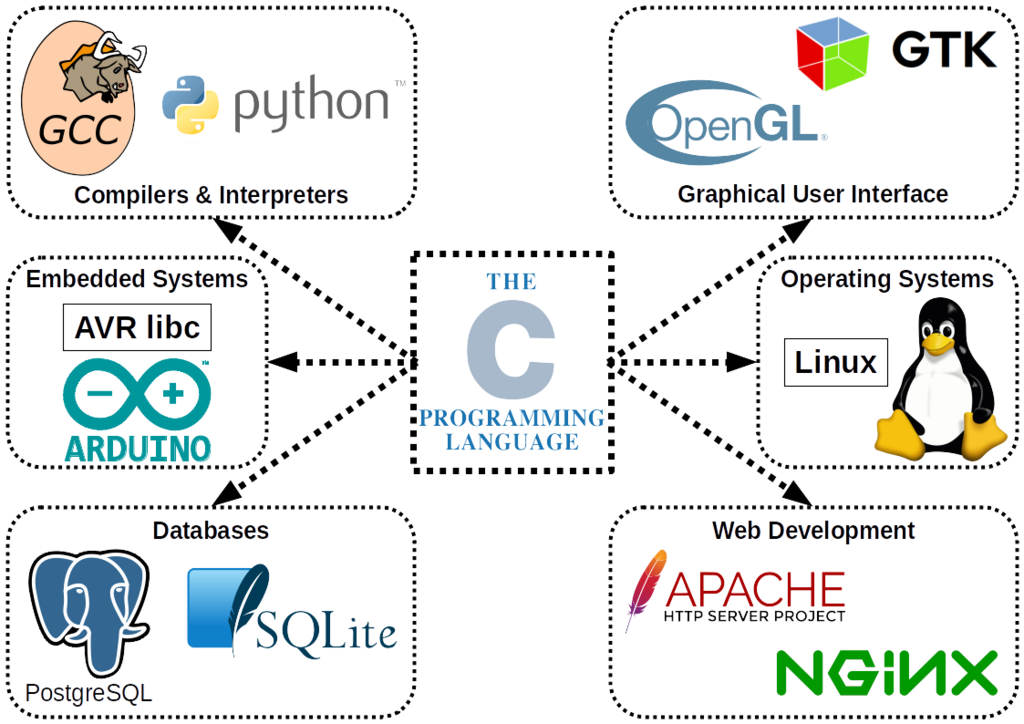
You can find C++ running in all sorts of places:
- Game Engines: Major game engines like Unreal Engine and Unity rely on C++ for their performance-critical components.
- Operating Systems: Parts of Windows, macOS, and Linux are built with C++.
- Web Browsers: The rendering engines in browsers like Chrome and Firefox use C++ to quickly draw web pages on your screen.
- Financial Trading: High-frequency trading systems use C++ to execute millions of transactions in seconds.
- Embedded Systems: From medical devices to the software in your car, C++ is used where efficiency and reliability are critical.
Setting Up Your Workspace
To start writing C++ code, you need two key tools: a text editor and a compiler.
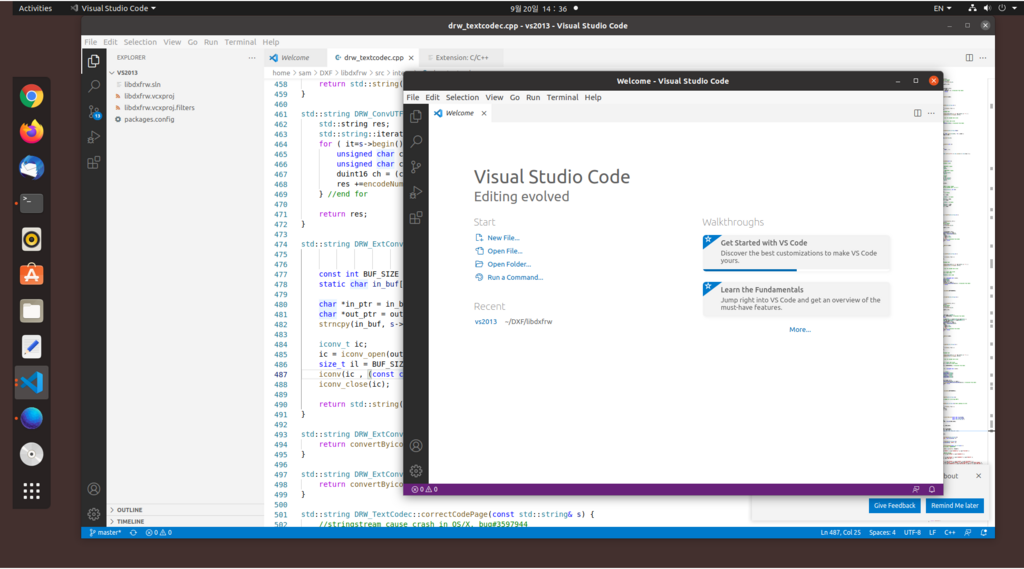
- Text Editor: This is where you write your code. It can be a simple program like Notepad, but most developers use a specialized code editor or an Integrated Development Environment (IDE).
- Compiler: A compiler is a program that translates your human-readable C++ code into machine code that the computer's processor can execute. A popular C++ compiler is called G++.
An IDE bundles a code editor, a compiler, and other helpful tools into a single application. For beginners, using an IDE simplifies the process of writing, compiling, and running code. Some popular choices are Visual Studio, Code::Blocks, and Visual Studio Code with C++ extensions.
Your First Program
It's a tradition in programming to start by making the computer say "Hello, World!". Let's write a simple C++ program to do just that.
// This is a comment. The compiler ignores it.

// Include the input/output stream library
#include <iostream>

// The main function where program execution begins
int main() {
    // Print "Hello, World!" to the console
    std::cout << "Hello, World!" << std::endl;

    // Return 0 to indicate the program ran successfully
    return 0;
}
Let’s break down what's happening here.
| Code Snippet | Explanation |
|---|---|
#include <iostream> | This is a preprocessor directive. It tells the compiler to include the iostream file, which contains code for handling input and output (like printing text to the screen). |
int main() { ... } | This is the main function. Every C++ program must have a main function, as it's the starting point for execution. The code inside the curly braces {} is what the function does. |
std::cout | This is the standard character output stream. In simple terms, it's an object used to print text to your console or terminal. The std:: part means it belongs to the standard library. |
<< | This is the stream insertion operator. It "inserts" the text on its right into the std::cout stream on its left, causing it to be displayed. |
"Hello, World!" | This is a string literal. Any text enclosed in double quotes is treated as a piece of text to be used as-is. |
std::endl | This stands for "end line." It inserts a newline character, moving the cursor to the start of the next line in the console. It also ensures that any buffered output is written to the screen immediately. |
return 0; | This line ends the main function. Returning a value of 0 is a standard way of telling the operating system that the program completed without any errors. |
To run this, you would save the code in a file named something like hello.cpp. Then, you'd use your compiler to turn it into an executable file. If you're using an IDE, you can usually just click a "Run" button.
Who is credited with creating the C++ programming language?
What is the primary function of a compiler in the C++ development process?