Introduction to C++ Programming
Introduction to C++
What is C++?
C++ is a powerful, general-purpose programming language. Think of it as a supercharged version of the C programming language. It was created in the early 1980s by Bjarne Stroustrup at Bell Labs. His goal was to add modern programming features to C without sacrificing the speed and low-level control that made C so popular.
Originally called "C with Classes," the name was changed to C++ in 1983. The "++" is a clever nod to a common programming operator that means "increment the value." It perfectly captures the idea that C++ is an incremental improvement upon C. It takes everything from C and adds more capabilities on top.
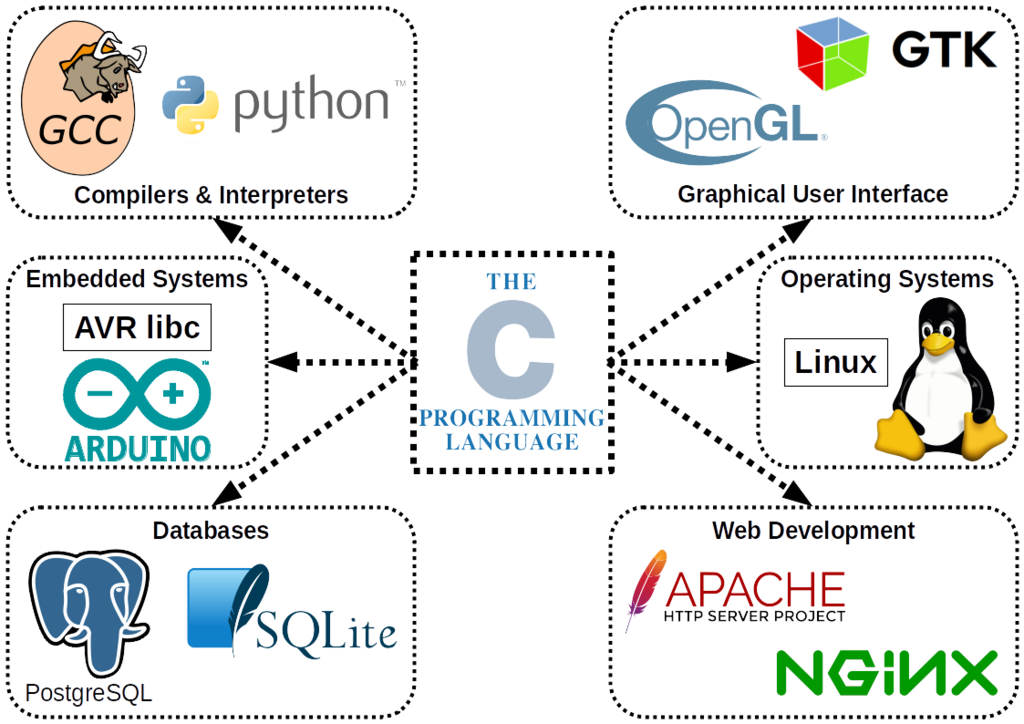
C++ allows programmers to write highly efficient code, making it a go-to choice for software that needs to run fast, like video games, web browsers, and operating systems.
Setting Up Your Workspace
To start writing C++, you need two basic tools: a text editor to write your code and a compiler to translate it into a language the computer can understand.
A compiler takes your human-readable source code and converts it into machine code, which is a set of instructions the computer's processor can execute directly. A popular C++ compiler is g++ (the GNU C++ Compiler), which is free and available for many operating systems.
While you can use a simple text editor and a command-line compiler, many developers prefer an Integrated Development Environment (IDE). An IDE bundles a code editor, a compiler, and a debugger (a tool for finding errors) into a single application. This makes writing, compiling, and testing code much easier.
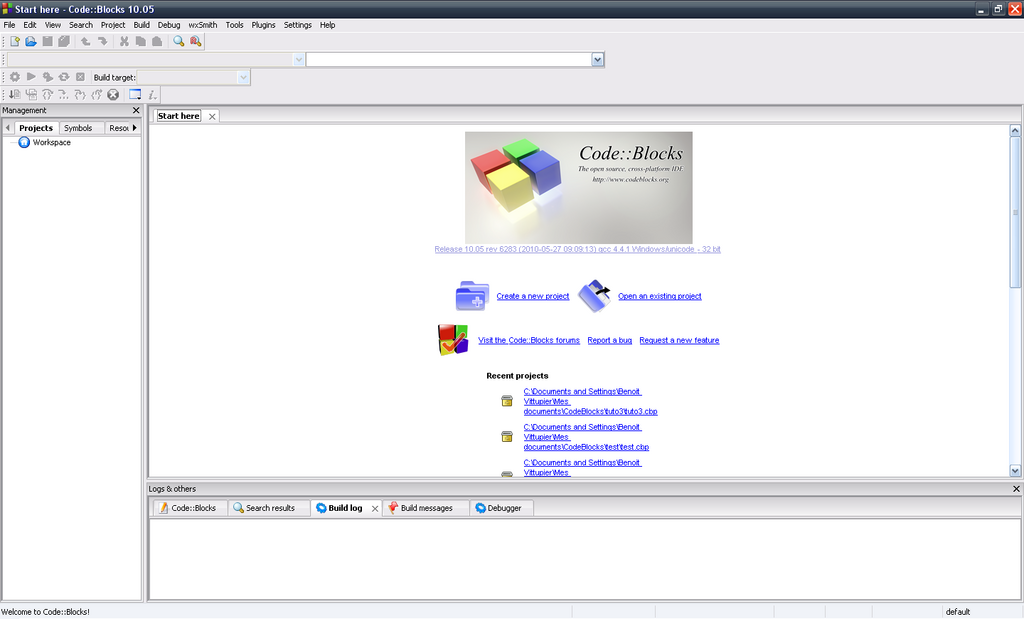
For beginners, an IDE is highly recommended. Popular free options include Visual Studio Code (with the C/C++ extension), Code::Blocks, and Dev-C++.
Your First Program
A long-standing tradition in programming is to make your first program display the text "Hello, World!" on the screen. Let's see how to do that in C++.
// This is a simple C++ program

// Include the input/output stream library
#include <iostream>

// The main function is the entry point of the program
int main() {
    // Print "Hello, World!" to the console
    std::cout << "Hello, World!\n";

    // Return 0 to indicate successful execution
    return 0;
}
Let's break that down:
#include <iostream>: This line tells the compiler to include theiostreamlibrary, which handles input and output operations, like printing text to the screen.int main(): This is the main function. Every C++ program must have one. Execution of the program starts here.std::cout << "Hello, World!\n";: This is the statement that does the work.std::coutis the standard output stream (usually your screen), and<<is an operator used to send the text "Hello, World!" to it. The\nis a special character that represents a new line.return 0;: This line signals that the program has finished successfully. A return value of 0 is the standard for success.
To run this program, you would save it in a file (e.g., hello.cpp), compile it using your chosen compiler, and then run the resulting executable file. If you use an IDE, there's typically a "Run" button that handles both steps for you.
Who is credited with creating the C++ programming language?
What is the primary role of a compiler in C++ development?
That's a quick look at what C++ is and how to get started. You've learned about its origins, its core advantages, and the steps to write and run a basic program.