Introduction to C Programming
Introduction to C
Getting Started with C
The C programming language is one of the most influential ever created. It’s been around for over 50 years, and it's the foundation for many other languages you might have heard of, including C++, Java, and Python. Learning C is like learning the blueprint for how modern software works.
C gives programmers incredible control over the computer's hardware. It’s known for being fast and efficient, which is why it’s used to build operating systems, game engines, and other software where performance is critical. Let’s dive into where it came from and how you can write your first program.
A Brief History
C was born in the early 1970s at Bell Labs, created by a computer scientist named Dennis Ritchie. It was developed alongside the Unix operating system. In fact, most of the Unix kernel was eventually rewritten in C. This was a revolutionary idea at the time. Before C, operating systems were usually written in assembly language, which is tied to a specific type of computer. By using C, Unix became portable, meaning it could be adapted to run on different machines much more easily.
For years, different organizations had their own slightly different versions of C. To fix this, the American National Standards Institute (ANSI) created a standard version in 1989, known as ANSI C or C89. This standard has been updated several times since then, ensuring that C code remains consistent and portable across different systems.
Your First C Program
To write C, you need two things: a text editor to write your code and a compiler to translate it into a language the computer can understand. Setting up a local development environment can be tricky, so for now, using an online C compiler is the easiest way to get started. Just open one in your web browser, and you can start coding immediately.
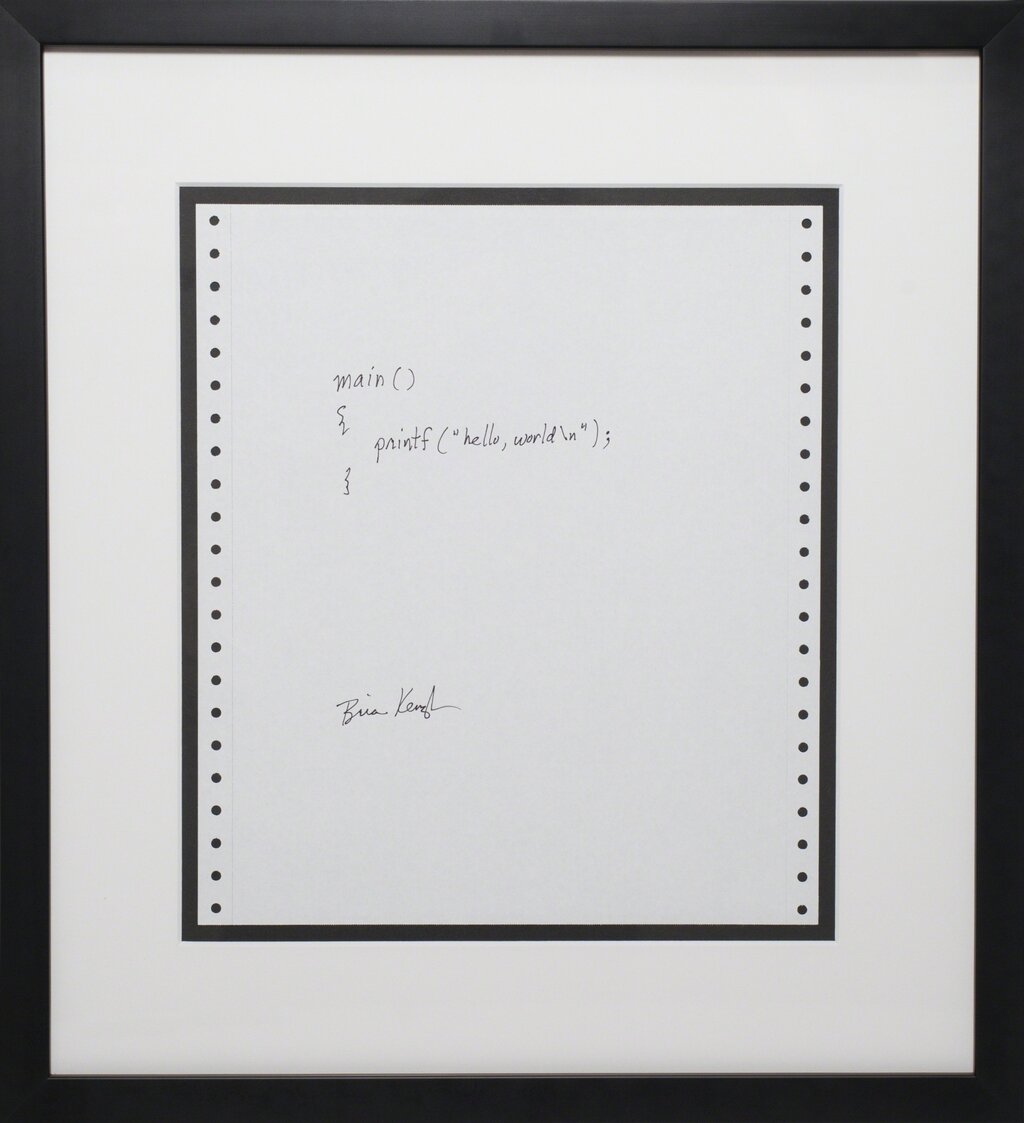
Let's write a program that prints "Hello, World!" to the screen. It's a classic tradition for a reason: it’s a simple way to confirm your setup is working and to see the basic structure of a program.
// This line includes the standard input/output library.
#include <stdio.h>

// The main function is where every C program begins execution.
int main() {
    // printf() is a function that prints text to the screen.
    // \n creates a new line.
    printf("Hello, World!\n");

    // This tells the operating system that the program finished successfully.
    return 0;
}
Type or paste this code into your compiler and run it. You should see Hello, World! appear as the output.
Basic Syntax Rules
Even in that simple program, you can see some of C's core syntax rules. C is a bit particular about how you write things, but the rules are consistent.
The
#include <stdio.h>line is a preprocessor directive. It tells the compiler to include the "standard input/output" library file before compiling. This file contains the code for functions likeprintf().
Every C program has a main() function. This is the starting point. The computer begins running the code inside the curly braces {} of the main() function.
Semicolons are also critical. Notice the semicolon ; at the end of the printf and return lines. In C, semicolons act like periods in a sentence; they mark the end of a statement. Forgetting one is a very common error for beginners.
Finally, any text that starts with
//is a comment. The compiler ignores comments, but they are essential for humans to explain what the code is doing.
Now you've seen the basic building blocks of a C program. Let's test what you've learned.
Who is credited with creating the C programming language?
What was the revolutionary advantage of rewriting the Unix operating system in C?
That covers the absolute basics. You now know where C came from and how to write, compile, and understand a simple program.