Introduction to 3D Rendering
Introduction to 3D Rendering
Taking Photos of Virtual Worlds
Think about taking a photograph. You have a subject, you arrange the lighting just right, and you click a button to capture a 2D image of a 3D scene. 3D rendering is a lot like that, but everything happens inside a computer. It’s the process of turning a 3D model, which is just a collection of digital data, into a final 2D image you can actually see.
Without rendering, a 3D model of a car is just a wireframe mesh of points and polygons floating in a digital void. The rendering process calculates how light would interact with that car's surfaces, what its paint would look like, and how its shadow would fall on the ground. The final output is an image that can look incredibly realistic, highly stylized, or anything in between. This is the magic that brings video games, animated movies, and architectural visualizations to life.
The Rendering Pipeline
Creating a final image doesn't happen all at once. It's a step-by-step process, often called the rendering pipeline. Each stage builds on the one before it, moving from a rough concept to a finished picture. Think of it like an assembly line for creating digital images.
The core stages are Modeling, Texturing, Lighting, and finally, Rendering.
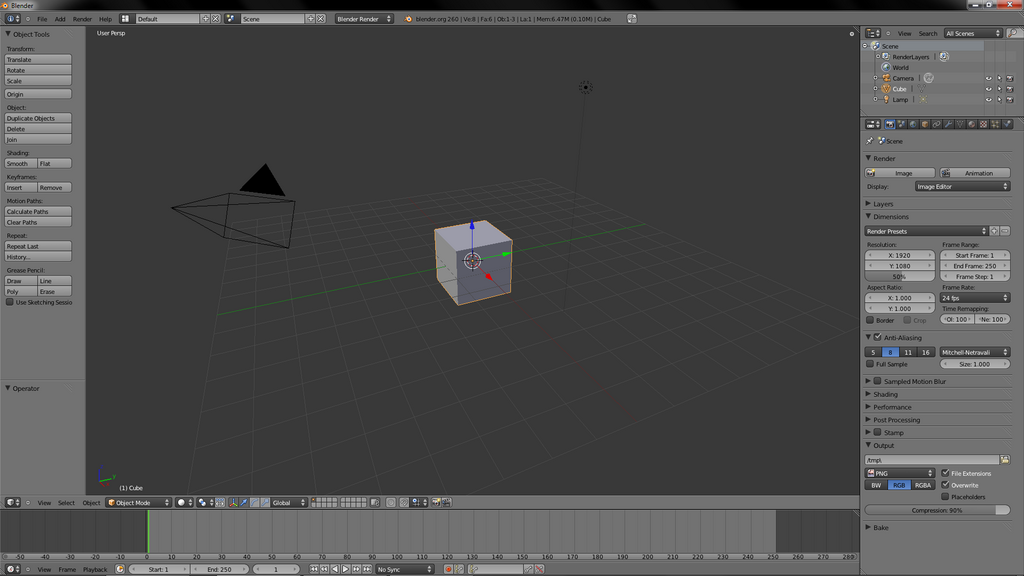
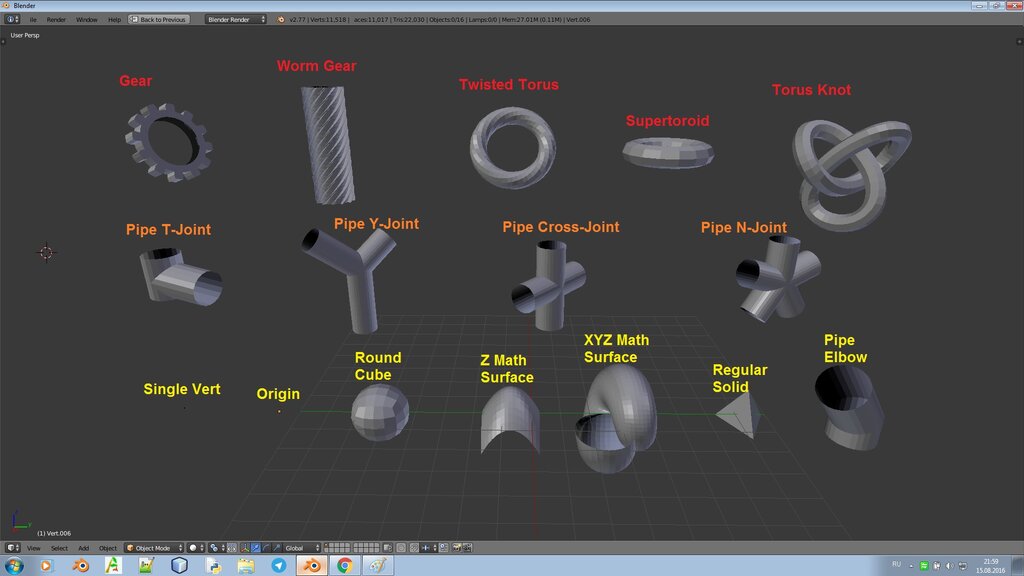
First, you need something to take a picture of. Modeling is the act of sculpting your 3D object. Artists use specialized software to create everything from simple shapes like cubes and spheres to complex characters and environments. This stage defines the object's form.
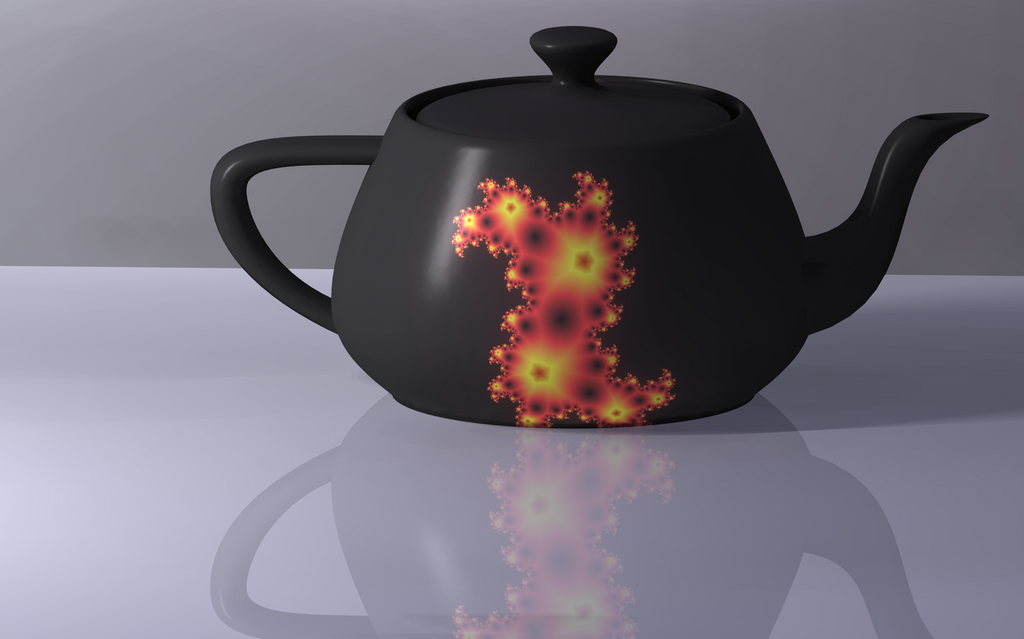
A plain gray model isn't very interesting. The next step is Texturing, which is like painting the model or wrapping it in a detailed decal. This is where surfaces get their color, patterns, and material properties. Is the object made of shiny metal, rough wood, or clear glass? Texturing defines the model's appearance.
Next comes Lighting. Just like in photography, lighting sets the mood and reveals the form of the objects. Artists place virtual lights in the 3D scene. They can control the color, brightness, and position of each light to create dramatic shadows, soft glows, or the harsh light of a sunny day. Without light, you wouldn't be able to see anything.
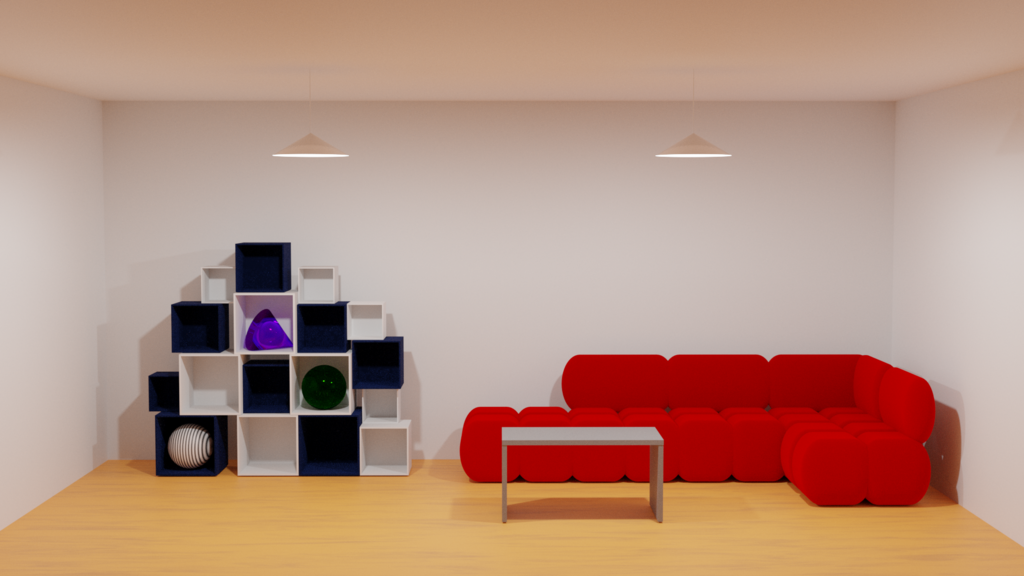
Finally, with the model built, textured, and lit, it's time for the Rendering stage. This is when the computer takes over. It looks at the scene from the perspective of a virtual camera and calculates the color of every single pixel in the final image. It figures out how light rays from the virtual lights bounce off the textured surfaces and into the camera's lens. This is the most computationally intensive part of the process, and it can take anywhere from a fraction of a second to many hours to produce a single image.
Where We See Rendering
Once you know what rendering is, you start seeing it everywhere. The most obvious applications are in entertainment. Every animated movie from Pixar and every stunning visual effect in a blockbuster film relies on rendering. Video games render scenes in real-time, calculating dozens of images every second to create an interactive world.
But it goes far beyond that. Architects and interior designers use rendering to create photorealistic images of buildings before they're built, allowing clients to see exactly what a space will look like. Medical professionals use it to visualize complex data from CT and MRI scans, creating 3D models of organs and bones. Engineers render models of new products to test their design and function without needing to build a physical prototype.

This whole process is made possible by a wide array of software. Some tools, like Blender and Autodesk Maya, are all-in-one packages for modeling, texturing, and rendering. Others are specialized engines, like V-Ray, Octane, and Redshift, that focus solely on producing the final image with incredible realism and speed. Each tool has its strengths, but they all follow the same fundamental principles of the rendering pipeline to turn an idea into a compelling image.
What is the primary goal of the 3D rendering process?
Which of the following lists the main stages of the rendering pipeline in the correct order?