Interpreting PubMed Research Studies
PubMed Clinical Queries
Beyond the Search Bar
You know how to run a basic search in PubMed. Now it's time to level up. When you need high-quality clinical evidence, and you need it fast, a simple keyword search won't always cut it. You might get thousands of irrelevant results, including lab studies, opinion pieces, or low-quality research.
This is where PubMed's Clinical Queries tool comes in. It’s designed specifically for clinicians and researchers who need to find targeted, evidence-based answers. Instead of just matching keywords, Clinical Queries uses powerful, pre-validated search filters called to sift through the literature.
These filters automatically sort your search results into categories relevant to clinical practice. The main categories are:
| Category | Use Case |
|---|---|
| Therapy | Finding articles about the effectiveness of treatments. |
| Diagnosis | Finding studies on the accuracy and reliability of diagnostic tests. |
| Etiology | Looking for research on the causes or risk factors of diseases. |
| Prognosis | Finding articles about the likely outcome or course of a disease. |
This structure immediately refines your results, letting you focus on the type of evidence that directly addresses your question.
Broad vs. Narrow Scope
For each clinical category, you have a crucial choice: Broad or Narrow. This setting controls the trade-off between sensitivity and specificity.
Broad Scope (High Sensitivity): This is your wide net. It's designed to catch as many relevant articles as possible, even if it means pulling in a few irrelevant ones. Use this when you're conducting a thorough literature review and can't afford to miss any key studies.
Narrow Scope (High Specificity): This is your precision tool. It aims for the most relevant articles, filtering out the noise. This is perfect for the busy clinician who needs a quick, reliable answer at the point of care.
Putting It into Practice
Let's walk through a scenario. A physician wants to know the best evidence for using the drug semaglutide to treat type 2 diabetes. They aren't looking for every single paper ever published; they want high-level, synthesized evidence.
Instead of just typing "semaglutide type 2 diabetes" into the main search bar, they navigate to Clinical Queries. They enter the same search terms. Now, they have options. Since they want the highest level of evidence, they look at the sidebar on the results page. There, they see a filter for .
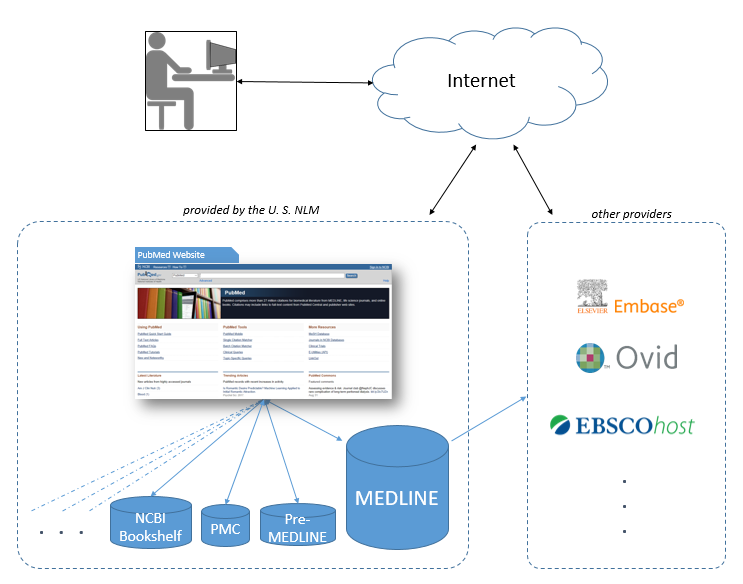
Clicking this filter instantly narrows the results to only systematic reviews, which summarize the findings of multiple studies. This is far more efficient than manually sifting through hundreds of primary research articles. The physician can then use the 'Therapy' category with a 'Narrow' scope to further pinpoint the most clinically relevant treatment reviews.
For even greater precision, you can leverage [{"Diabetes Mellitus, Type 2". Using these official terms in your search can eliminate ambiguity and yield more accurate results.
Tip: To see how PubMed interpreted your search, click "Advanced" under the search bar, and in your search history, click on the arrow icon in the "Details" column.
By combining the power of Clinical Queries, its Broad and Narrow filters, and the precision of MeSH terms, you can transform your literature searches from a frustrating chore into an efficient, professional-grade skill.