Instagram Strategy and Content Creation
Professional Account Optimization
Switching to a Professional Account
If you're serious about using Instagram for your brand or business, your personal account won't cut it. Switching to a Professional Account unlocks a suite of tools designed for growth, including performance analytics, contact buttons, and the ability to run ads.
There are two types of Professional Accounts: Creator and Business. The one you choose depends on your goals.
| Feature | Creator Account | Business Account |
|---|---|---|
| Best For | Public figures, content producers, artists, influencers | Retailers, local businesses, brands, organisations, service providers |
| Contact Info | Optional | Required (email, phone, or physical address) |
| Category Label | Flexible (e.g., 'Blogger', 'Artist') | More formal (e.g., 'Restaurant', 'Shopping & Retail') |
| Direct Messages | Filtered inbox (Primary, General) | Standard inbox |
| Call-to-Action Buttons | Limited options | More options (e.g., 'Book Now', 'Reserve') |
| Access to Creator Studio | Yes | Yes |
Think of it this way: a Creator account is for building a personal brand, while a Business account is for managing a company's presence. The good news is you can switch between them if your needs change.
Making the Switch
Converting your existing personal profile to a professional one is straightforward and preserves your followers and content. Your account must be public to make the switch.
- Go to your profile and tap the menu icon (three horizontal lines) in the top-right corner.
- Tap Settings and privacy, then Account type and tools.
- Select Switch to professional account.
- Choose a category that best describes you or your business.
- Select either Creator or Business. Instagram will recommend one based on your chosen category, but you can override it.
Once complete, you'll be prompted to set up your professional profile.
Remember, you can't have a private professional account. Switching will automatically make your profile public.
Setting Up for Success
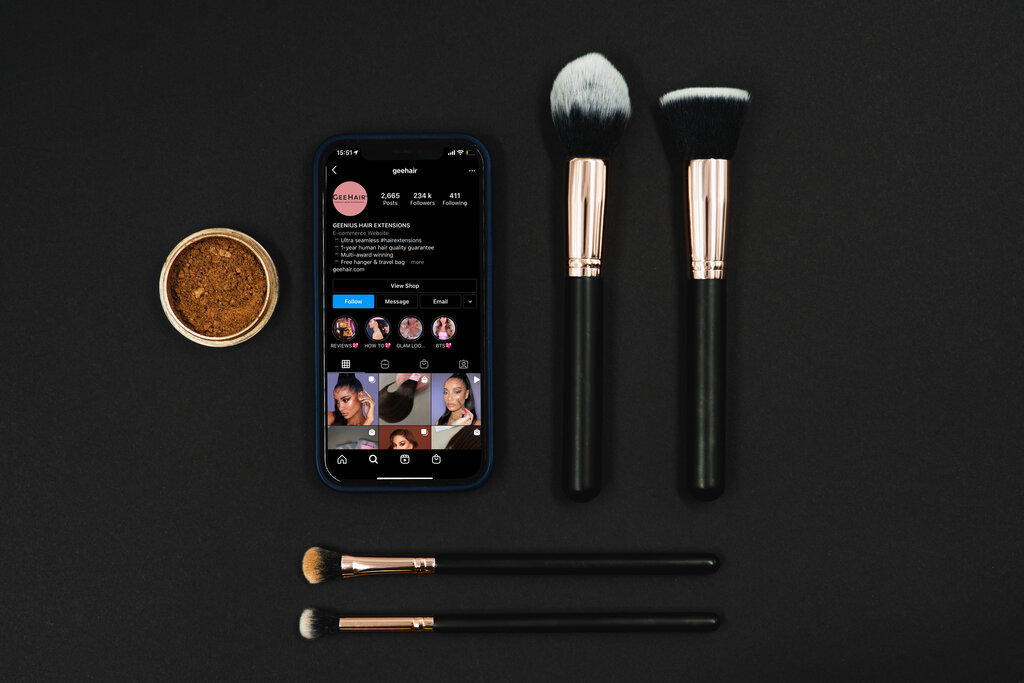
After switching, you'll want to configure the new features available on your profile. The most important step is connecting a Facebook Page. This is mandatory for Business accounts and highly recommended for Creator accounts, as it unlocks the full range of advertising and analytics tools within the Meta Business Suite .
Next, complete your professional profile information:
- Category Label: This appears under your name and tells visitors what you do at a glance. You can choose to display or hide it.
- Contact Options: Add buttons to your profile that allow people to call, email, or find your physical address. This makes it incredibly easy for potential customers to get in touch.
All of these settings can be managed by tapping 'Edit Profile' on your page.
Understanding the Professional Dashboard
Your professional account gives you access to a new section called the 'Professional Dashboard'. Think of this as your mission control for business on Instagram. You can access it directly from the top of your profile page.
Here, you'll find key performance metrics, access to promotional tools, and educational resources. The main feature is Account Insights, which gives you detailed data about your account's performance. You can track metrics like Reach (the number of unique accounts that saw your content) and Engagement Rate to understand what's working and what isn't.
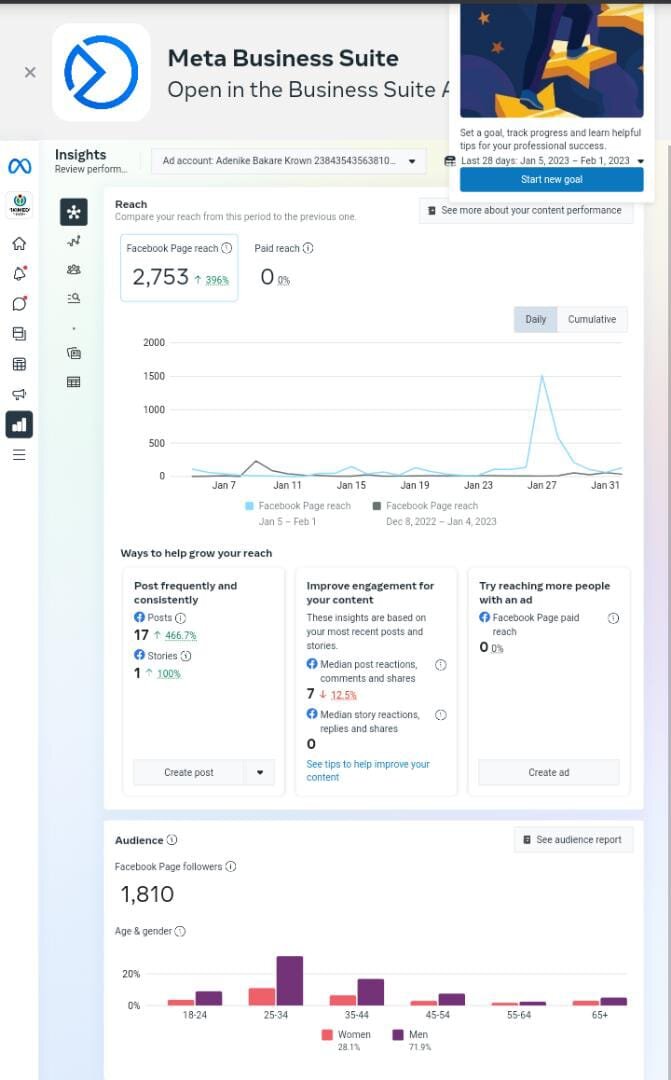
Getting familiar with this dashboard is the first step toward making data-driven decisions. Instead of guessing what your audience likes, you can see it clearly in the numbers. This allows you to refine your content strategy, run targeted promotions, and ultimately grow your presence more effectively.
Ready to test your knowledge on setting up a professional Instagram account?
What is the primary benefit of switching to an Instagram Professional Account?
Which type of Professional Account is primarily designed for managing a company's presence?
With your professional account set up and optimised, you're now ready to start using Instagram's powerful business tools to grow your audience and achieve your goals.