Instagram Essentials for New Users
Account Setup
First Things First
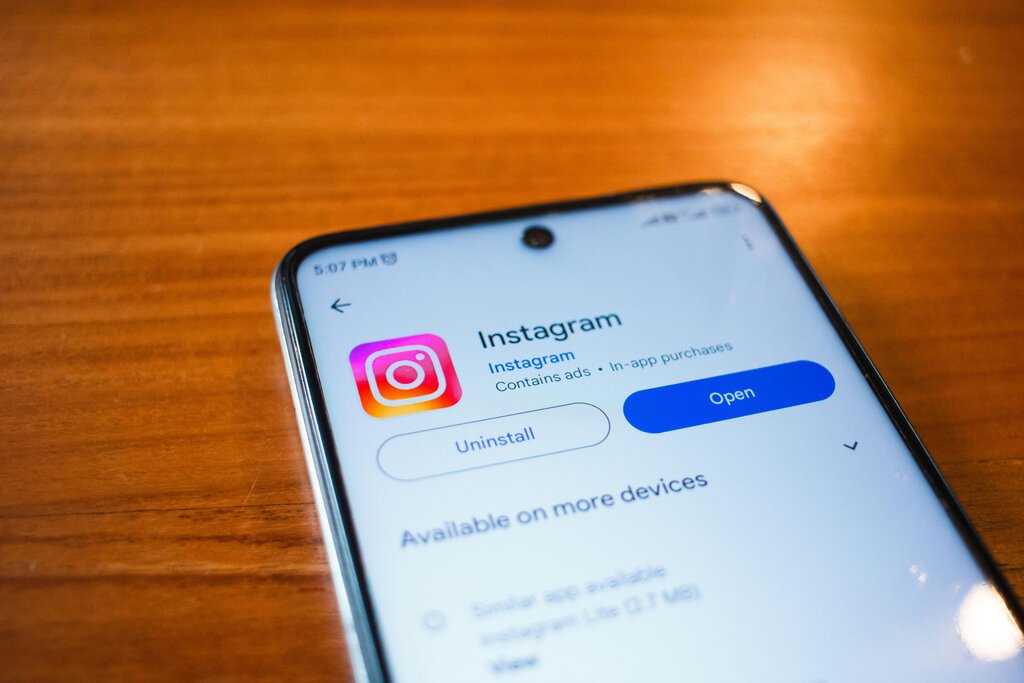
Before you can start sharing photos, you need to get the Instagram app. Head over to the Apple App Store if you have an iPhone or the Google Play Store for an Android device. Search for "Instagram" and tap to download and install it on your phone.
Creating Your Account
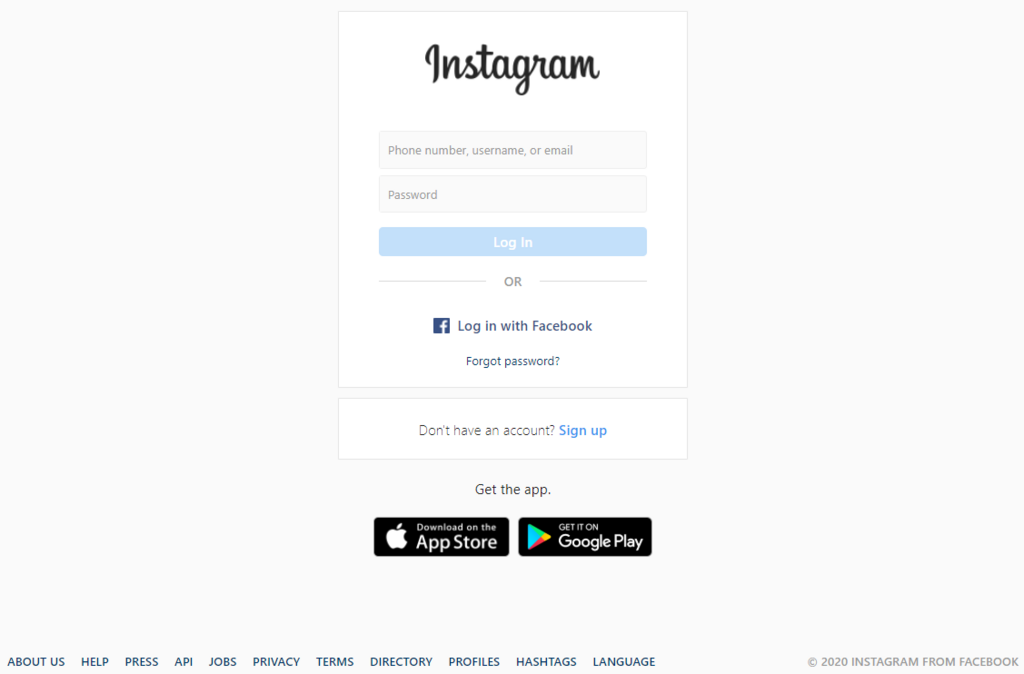
Once the app is installed, open it up. You’ll be greeted with a screen that gives you the option to log in or create a new account. You can sign up using an email address or a phone number. Choose whichever you prefer and follow the on-screen instructions. Instagram will send a confirmation code to your email or phone to verify that it’s really you.
Next, you’ll choose a username. This is the unique name that identifies your account, often preceded by an @ symbol. It’s how other people will find and tag you. If your first choice is taken, Instagram will let you know and suggest alternatives. Try to pick something memorable and easy to spell that reflects you or your brand.
After setting your username, you’ll need to create a password. Make it a strong one. A good password uses a mix of letters (both uppercase and lowercase), numbers, and symbols. Avoid using easily guessable information like your birthday or name.
Your password is the key to your account. A strong, unique password helps protect your personal information from unauthorized access.
Building Your Profile
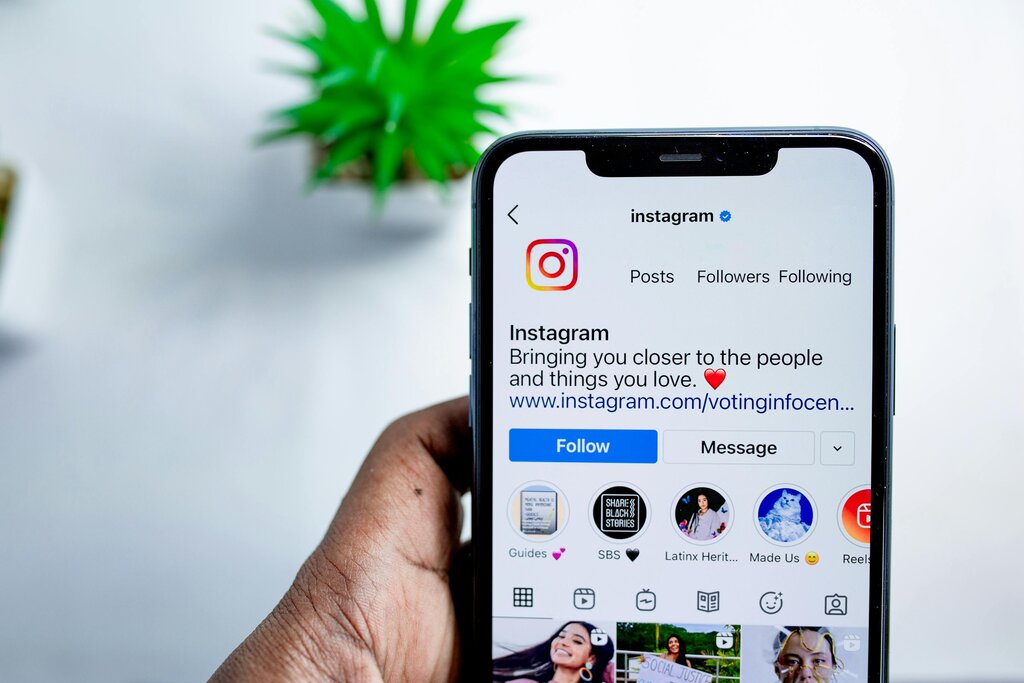
With your account created, it's time to personalize your profile. This is the first thing people see when they visit your page, so you want to make a good impression. Your profile consists of three main parts: your profile picture, your bio, and a website link.
Your profile picture should be a clear, recognizable image. For a personal account, a good headshot works well. If you’re setting up an account for a business or brand, using your logo is a great choice.
Next is your bio. You have 150 characters to tell people who you are and what your account is about. Keep it concise and engaging. You can include a brief description, list your interests, or even add an emoji or two to show some personality.
Finally, Instagram allows you to add one clickable link to your profile. This is the perfect place to direct people to your personal website, blog, online store, or another social media profile.
Now that your account is set up, you're ready to start exploring. You can begin by finding friends and family to follow or searching for accounts that match your interests.
Where can you download the official Instagram app for your phone?
What is the unique name that identifies your account and is used by others to find and tag you?