Instagram Digital Marketing for Newcomers
Instagram Basics
Set Up Your Instagram Profile
Your Instagram profile is the first thing potential followers see. Think of it as your digital storefront. It needs to be clear, inviting, and representative of your brand. Let's start with the basics.
First, you need a business account. If you already have a personal Instagram account, you can convert it. If not, you can create one from scratch. A business account gives you access to analytics, contact buttons, and advertising options that a personal account doesn't have.
To switch to a business account:
- Go to your profile and tap the three lines in the top-right corner.
- Tap Settings and privacy.
- Scroll down to For professionals and tap Account type and tools.
- Tap Switch to professional account and follow the prompts. You'll choose a category that best describes your business, like 'Product/Service', 'Artist', or 'Blogger'.
Building Your Profile
Once your business account is ready, it's time to fill out your profile. Every element is a chance to tell people who you are and what you do.
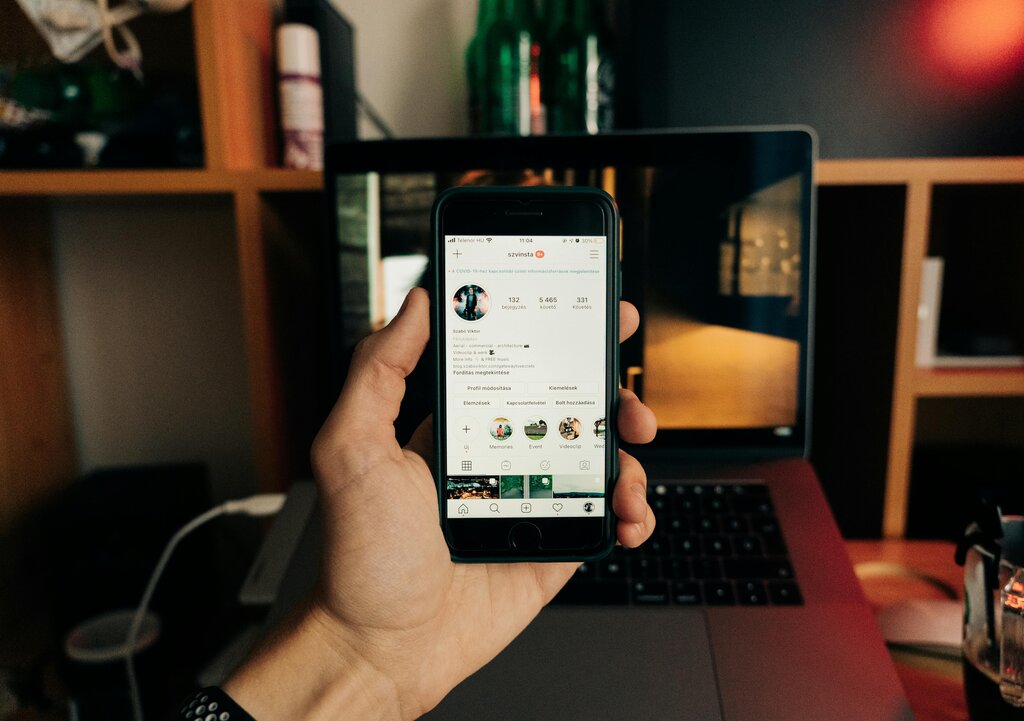
Profile Picture: Use a clear, high-quality image. For a business, your logo is usually the best choice. For a personal brand, a professional headshot works well. Remember, this picture appears as a small circle throughout the app, so it should be easily recognizable.
Username and Name: Your username (or handle) is your unique identifier, starting with an "@". Make it simple and easy to remember. Your name appears in bold below your profile picture and is searchable. You can include keywords here to help people find you, like "Jane Smith | Health Coach."
Your bio is the last thing you want to neglect on your Instagram.
Your bio is your 150-character elevator pitch. It should quickly tell visitors:
- Who you are and what you do.
- Who you help.
- How you help them.
- A call to action (CTA). This tells people what to do next, like "Shop our new collection" or "Book a consultation."
You get one clickable link on your profile, so use it wisely. This is the perfect place to direct traffic to your website, a specific product, or a sign-up form. Many people use link-in-bio services to share multiple links from this single spot.
Create a Cohesive Look
Instagram is a visual platform, so your brand's aesthetic matters. This is the overall look and feel of your profile, created by the photos, colors, and fonts you use. A consistent aesthetic makes your brand look professional and memorable.
Think about your brand's personality. Is it playful and bright, or minimalist and serious? Your visuals should reflect that.
To create a cohesive aesthetic, consider these elements:
- Color Palette: Stick to a few specific colors that appear in most of your posts. This creates a visually pleasing grid when someone visits your profile.
- Filters and Editing: Use the same or similar filters and editing style on all your photos. This gives your feed a unified look.
- Content Mix: Plan the types of content you'll post. This could be a mix of product shots, behind-the-scenes content, customer testimonials, and educational graphics. Alternating between different content types can make your feed more dynamic.
By planning your profile and aesthetic, you create a strong foundation for growing your audience on Instagram.
Ready to test your knowledge?
What is a primary advantage of an Instagram business account compared to a personal account?
Which of these is NOT a key component of an effective Instagram bio?