Indian Wedding Video Editing Mastery
Video Editing Basics
What Is Video Editing?
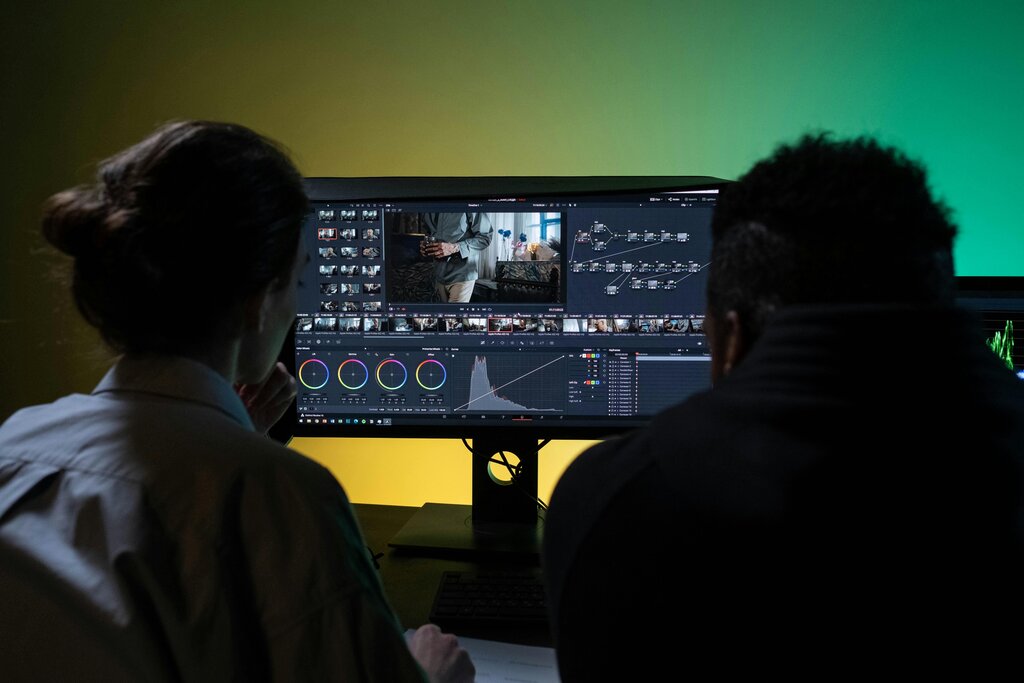
Video editing is the art of storytelling. Think of all the raw video you capture at an event—the laughter, the dancing, the quiet emotional moments. Editing is how you take those separate pieces and weave them into a beautiful, coherent story that captures the feeling of the day.
It’s not just about cutting out mistakes. It's about choosing the best shots, arranging them in a way that builds emotion, and polishing the final product so it looks and sounds amazing.
For an Indian wedding, this is essential. With so many ceremonies, guests, and vibrant details, a raw recording can feel chaotic. Editing brings order to that beautiful chaos. It allows you to create a cinematic film that highlights the key rituals of the pheras, the energy of the sangeet, and the tearful moments of the vidaai. You become the director of memories.
The Language of Editing
Before you can start, you need to know the basic vocabulary. These are the building blocks of any video project.
Footage
noun
All the raw, unedited video you've recorded with your camera. It's the entire collection of video files you'll work with.
Once you have your footage, you'll start cutting it into smaller, usable pieces.
Clip
noun
A small segment of your footage. For example, a 5-second shot of the bride smiling would be one clip.
You'll arrange these clips in a specific workspace.
Timeline
noun
The main workspace in your editing software where you arrange your video and audio clips in order from beginning to end.
The arrangement of clips on the timeline creates your story.
Sequence
noun
The complete, edited arrangement of clips on your timeline. It is your project's master edit, which will become your final video.
Finally, when your sequence is perfect, you need to turn it into a playable video file. This is where rendering comes in.
Render
verb
The process where the computer combines all your clips, effects, transitions, and audio into a single, final video file (like an MP4).
Choosing Your Tools
Selecting the right software is your first big decision. There are many options, but for beginners focusing on wedding videos, two stand out: Adobe Premiere Pro and CapCut. They serve different needs but are both powerful in their own right.
First, let's look at the industry heavyweight, Adobe Premiere Pro . This is a professional-grade tool used to edit everything from YouTube videos to feature films. For weddings, its strength lies in its precision and power. You can manage footage from multiple cameras (a must for big events), perform detailed colour correction to make those lehengas pop, and fine-tune audio for crystal-clear vows. It has a steeper learning curve but offers complete creative control for a cinematic final product.
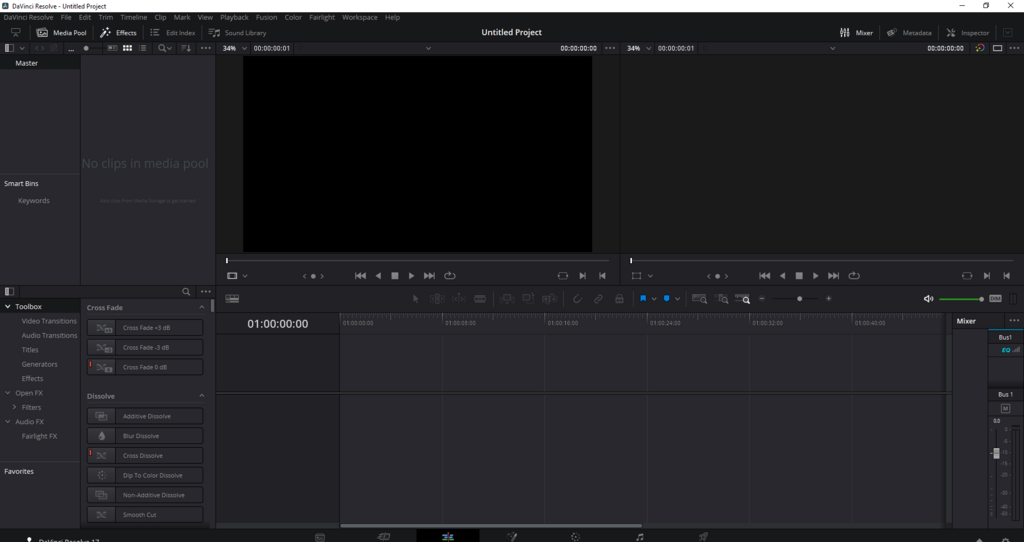
On the other end of the spectrum is . Originally a mobile app, its desktop version is incredibly user-friendly and perfect for beginners. CapCut excels at making editing fast and fun. It's packed with trendy effects, filters, and easy-to-add text and music. For wedding projects, it's brilliant for creating quick, engaging highlight reels for social media, like an Instagram Reel of the sangeet performances or a short, sweet video of the haldi ceremony.
| Feature | Adobe Premiere Pro | CapCut |
|---|---|---|
| Cost | Subscription-based (monthly/yearly) | Free (with optional Pro features) |
| Learning Curve | Steep | Very gentle |
| Platform | Desktop (Windows/macOS) | Desktop & Mobile (iOS/Android) |
| Best For | Full-length cinematic wedding films, detailed colour correction, multi-camera edits. | Quick social media highlights, Reels, easy-to-use templates and effects. |
So, which should you choose? If your goal is to become a professional wedding videographer and create epic, movie-like wedding films, investing time in learning Premiere Pro is the way to go. If you're starting out and want to create fun, stylish, and shareable videos quickly without getting overwhelmed, CapCut is the perfect starting point.
What is the primary purpose of editing footage from a multi-ceremony Indian wedding?
A client wants a highly polished, cinematic wedding film with footage from multiple cameras and detailed colour correction to make the traditional outfits vibrant. Which software is better suited for this task?